Download the HelloRoam eSIM App for Global Travel
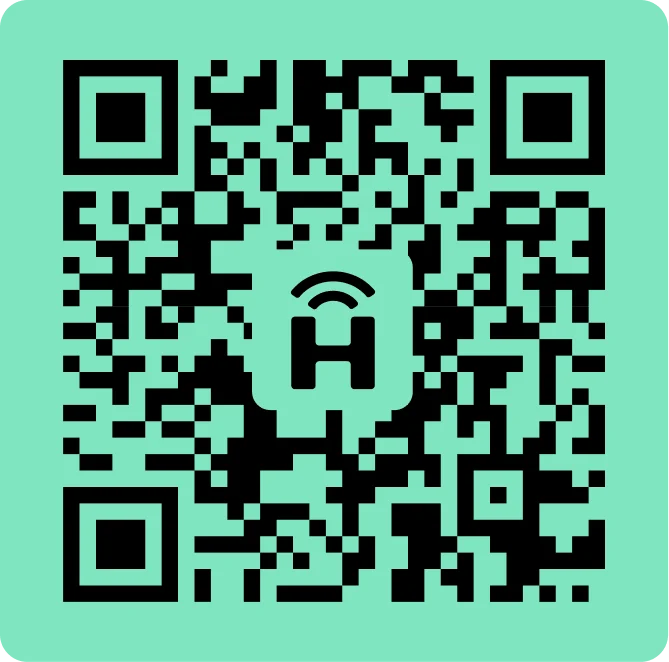
Get the HelloRoam app on Google Play or the App Store, or scan the QR code to download instantly. Connect to 212+ networks across 185+ destinations, with plans from S$1.32.

 App Store



eSIM activated
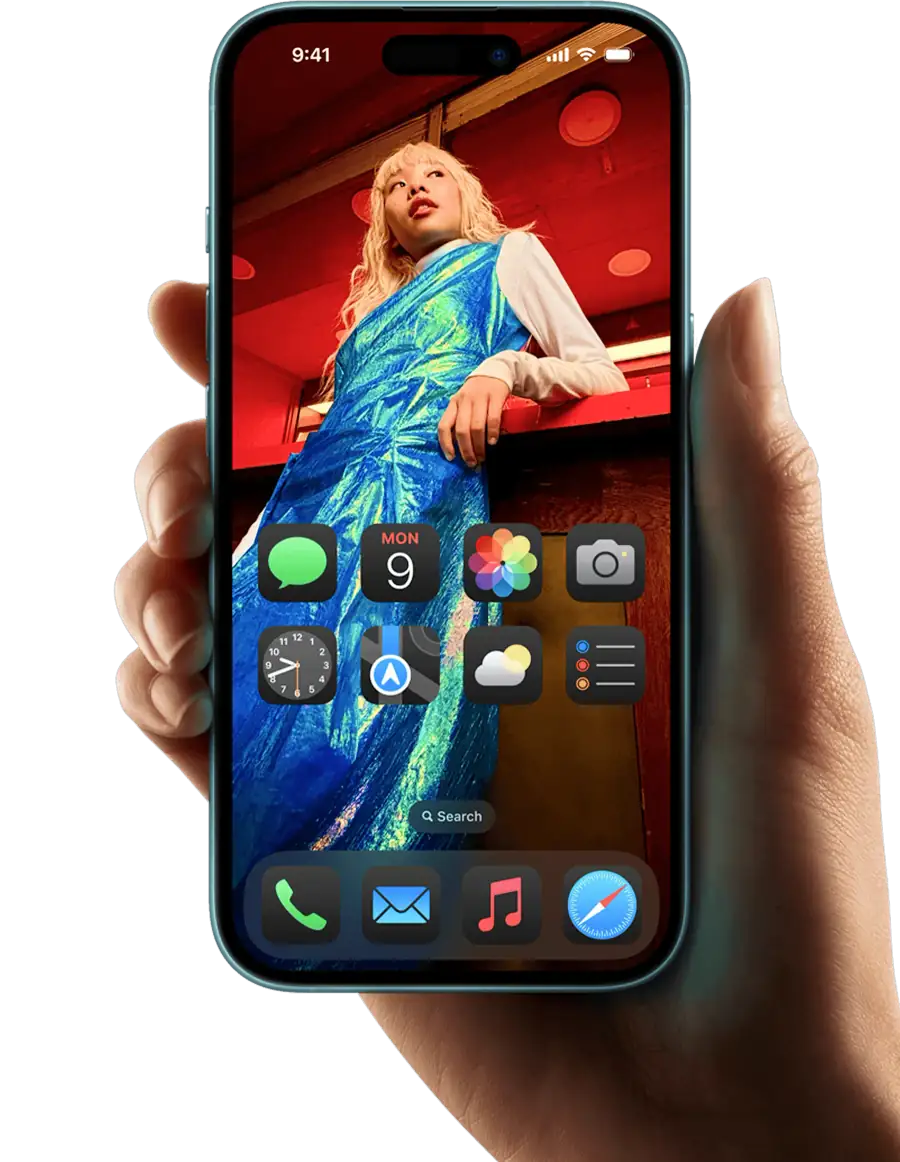
Download the HelloRoam eSIM app on iOS or Android to buy and activate an eSIM in minutes. Works across 185+ countries on 212+ mobile networks, so you get local data the moment you land at your destination. No physical SIM card, no Singtel or StarHub roaming fees, no surprise bill at the end of your trip. After checkout, your eSIM QR code usually arrives by email within a few minutes of payment. Scan it in Settings and you are done. Plans start at S$1.32 with no contracts. The app gives you instant access to data plans for Japan, Korea, Thailand, the UK, Australia and more, across 185+ countries.
- eSIM data plans in 185+ countries
- Available on iOS and Android
- 24/7 customer support
- Works on all eSIM compatible smartphones


Choose Your eSIM Data Plan
HelloRoam offers flexible eSIM plans in 185+ countries. Pick your destination and find a plan that suits your trip. No physical SIM, instant data the moment you land.
Choose your destinationHow to Set Up the HelloRoam eSIM App
iPhone Setup
Android Setup
- 1
Choose an eSIM data plan for your trip
Select your destination and choose a data plan that suits your trip length and budget. HelloRoam covers 185+ destinations, from Japan and Korea to the UK and Australia.
- 2
Download the HelloRoam eSIM app
Download the app, tap Install eSIM, and follow the on-screen steps. Setup takes about 5 minutes.
- 3
Your plan activates automatically
Set up before your trip. Your plan activates automatically the moment you arrive at your destination.

- 1
Choose an eSIM data plan for your trip
Browse plans for your destination and pick the one that suits your trip length and data needs. HelloRoam covers 185+ destinations, including Japan, Korea, Thailand, and Australia.
- 2
Download the HelloRoam eSIM app
Download the app, tap Install eSIM, and follow the on-screen steps. The whole process takes about 5 minutes.
- 3
Your plan activates automatically
Connect to the internet as soon as you arrive. Your HelloRoam plan activates automatically on landing.
How to Activate Your HelloRoam eSIM Plan
Your HelloRoam eSIM plan activates automatically. Install the eSIM on your device before you travel, and if you depart within 30 days, the data plan switches on the moment you land. Perfect for travellers departing from Changi Airport.
Why Download the HelloRoam eSIM App
HelloRoam gives you prepaid eSIM plans with no contracts, covering 185+ countries. The app keeps it fuss-free: no physical SIM and no bill surprises.
Quick, Fuss-Free Setup
Install and activate your eSIM in minutes using our guided app. No store visit, no paperwork, no SIM swap needed.

Real savings on every trip
Pay a flat prepaid rate instead of surprise charges from Singtel, StarHub, or M1 international plans. HelloRoam plans are transparent with no hidden fees.

Flexible eSIM for every trip
Buy plans for more destinations from the same app and account. Each new destination comes with its own eSIM QR code. Top-ups, on plans that offer them, go onto the eSIM you already have. One app, one account, 185+ countries covered.
Need help? We have you covered.
Questions before take-off or after you land? Reach our support team 24/7 on WhatsApp or by email, in your own language.
Let's Talk!


FAQs
Is the HelloRoam app free to download?
Yes, the HelloRoam app is completely free to download on both iOS and Android devices.
How do I install an eSIM using the app?
Simply open the app, choose your destination, select a plan, and scan the QR code to install your eSIM.
Can I manage multiple eSIMs in the app?
Yes, you can store and manage multiple eSIMs for different destinations in the HelloRoam app.
What devices are compatible with HelloRoam?
HelloRoam works with most eSIM-compatible devices including iPhone XS and later, and various Android phones.
How do I check my data usage?
You can view your data usage directly in the app on the 'My eSIM' tab. It shows data used and data left. The network reports usage with a delay, so the figures can be up to 3 hours behind.
Can I top up my data through the app?
Yes, if your plan supports top-ups. You can buy extra data in the app before your plan expires. If your plan cannot take a top-up, buy a new plan for the same destination.
Is customer support available in the app?
Yes. You can contact support from the HelloRoam app wherever you are. Reach our support team 24/7 on WhatsApp or by email, in your own language.
Do I need WiFi to install an eSIM?
Yes, you need an internet connection to download and activate your eSIM profile.
Can I use the app offline?
Once your eSIM is installed, you can view your eSIM details offline, but you need internet for purchases.
What happens to my eSIM if I switch phones?
An installed HelloRoam eSIM cannot move to another phone. If it has not connected in your destination yet, email help@helloroam.com with your order number and we can issue a new eSIM for the new phone. After it connects, we do not issue a new one for a change of phone.
Is my payment information secure?
Yes, all payments are processed securely using industry-standard encryption.
Can I get a refund through the app?
Yes. Request a refund in the app or by contacting support. You get a full refund within 180 days if your eSIM has not connected to a network. Installing it does not count.
Invite a friend and earn HelloRoam credits!
For every friend who places a first qualifying order with your link, you earn US$5 in HelloRoam credits, and your friend gets US$5 in credits too.
Earn rewards with referrals