Last ned HelloRoam eSIM-appen
Hold deg tilkoblet på alle reiser med HelloRoams eSIM-løsninger. Fungerer med 212+ nettverk i 185+ land.

 App Store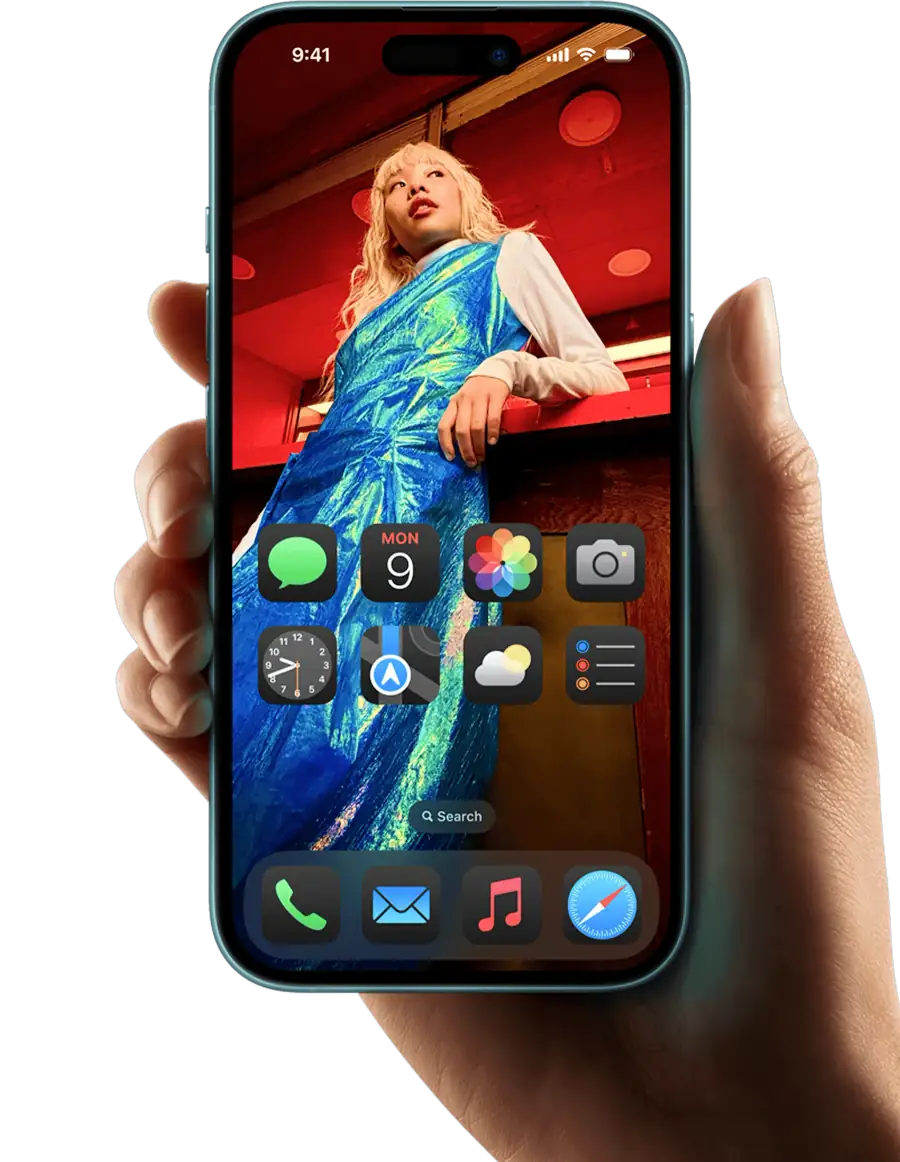



eSIM aktivert
Download the HelloRoam eSIM app on iOS or Android to buy and activate an eSIM card in minutes. Works across 185+ countries on 212+ mobile networks, so you get local data the moment you land. No physical SIM card, no store visit, no surprise fees. The best eSIM app for iPhone and Android travelers, HelloRoam replaces your international roaming plan with a prepaid eSIM card from 9,78 kr. After checkout, you get your e SIM QR code by email in under 5 minutes. Scan it in Settings and you are done. The app gives you instant access to eSIM for international travel across 185+ countries, including eSIM USA plans on AT&T eSIM, Verizon eSIM, and T-Mobile eSIM compatible devices.


Velg eSIM-planen din
HelloRoam tilbyr fleksible datapakker i 185+ land. Velg reisemålet ditt og finn pakken som passer reiselengden og budsjettet ditt.
Velg reisemålet dittSlik setter du opp HelloRoam eSIM-appen

Velg reisemållandet ditt og velg en plan.
Last ned appen, trykk på «Installer eSIM» og følg trinnene på skjermen.
Gjør deg klar for reisen. Planen aktiveres ved ankomst.

Slik aktiverer du HelloRoam eSIM-planen din
HelloRoam eSIM-planen din aktiveres automatisk. Etter at du har installert eSIM på enheten din og reiser til reisemålet ditt innen 30 dager, aktiveres dataplanen automatisk ved ankomst.
Hvorfor velge HelloRoam eSIM-appen
Oppdag de viktigste fordelene med HelloRoams eSIM-app for enkel global tilkobling.
Raskt oppsett
Installer og aktiver eSIM-en på noen minutter ved hjelp av den guidede appen.

Unngå roamingkostnader
Det er den enkleste måten å unngå uventede roamingkostnader på.

Fleksibel eSIM for hver reise
Legg til nye reisemål i appen uten ny eSIM. Én app, én konto, 185+ land.
Ikke bekymre deg, vi har deg.



Vanlige spørsmål
Is the HelloRoam app free to download?
Yes, the HelloRoam app is completely free to download on both iOS and Android devices.
How do I install an eSIM using the app?
Simply open the app, choose your destination, select a plan, and scan the QR code to install your eSIM.
Can I manage multiple eSIMs in the app?
Yes, you can store and manage multiple eSIMs for different destinations in the HelloRoam app.
What devices are compatible with HelloRoam?
HelloRoam works with most eSIM-compatible devices including iPhone XS and later, and various Android phones.
How do I check my data usage?
You can view your real-time data usage directly in the app under the 'My eSIMs' section.
Can I top up my data through the app?
Yes, you can easily purchase additional data directly through the app at any time.
Is customer support available in the app?
Yes, you can access 24/7 customer support directly through the app via live chat.
Do I need WiFi to install an eSIM?
Yes, you need an internet connection to download and activate your eSIM profile.
Can I use the app offline?
Once your eSIM is installed, you can view your eSIM details offline, but you need internet for purchases.
What happens to my eSIM if I switch phones?
An installed HelloRoam eSIM cannot move to another phone. If it has not connected in your destination yet, email help@helloroam.com with your order number and we can issue a new eSIM for the new phone. After it connects, we do not issue a new one for a change of phone.
Is my payment information secure?
Yes, all payments are processed securely using industry-standard encryption.
Can I get a refund through the app?
Yes, you can request refunds for unused eSIM data through the app or by contacting support.
Populære eSIM-destinasjoner








Inviter en venn og tjen HelloRoam-kreditter!
For hver vellykket invitasjon tjener du US$5 i HelloRoam-kreditter, og vennene dine får US$5 rabatt på den første planen sin.
Se verveprogrammet