Download the HelloRoam eSIM app for your next trip abroad
HelloRoam connects you to 212+ mobile networks worldwide. Get the eSIM app, pick your plan, and stay online the moment your flight lands.

 App Store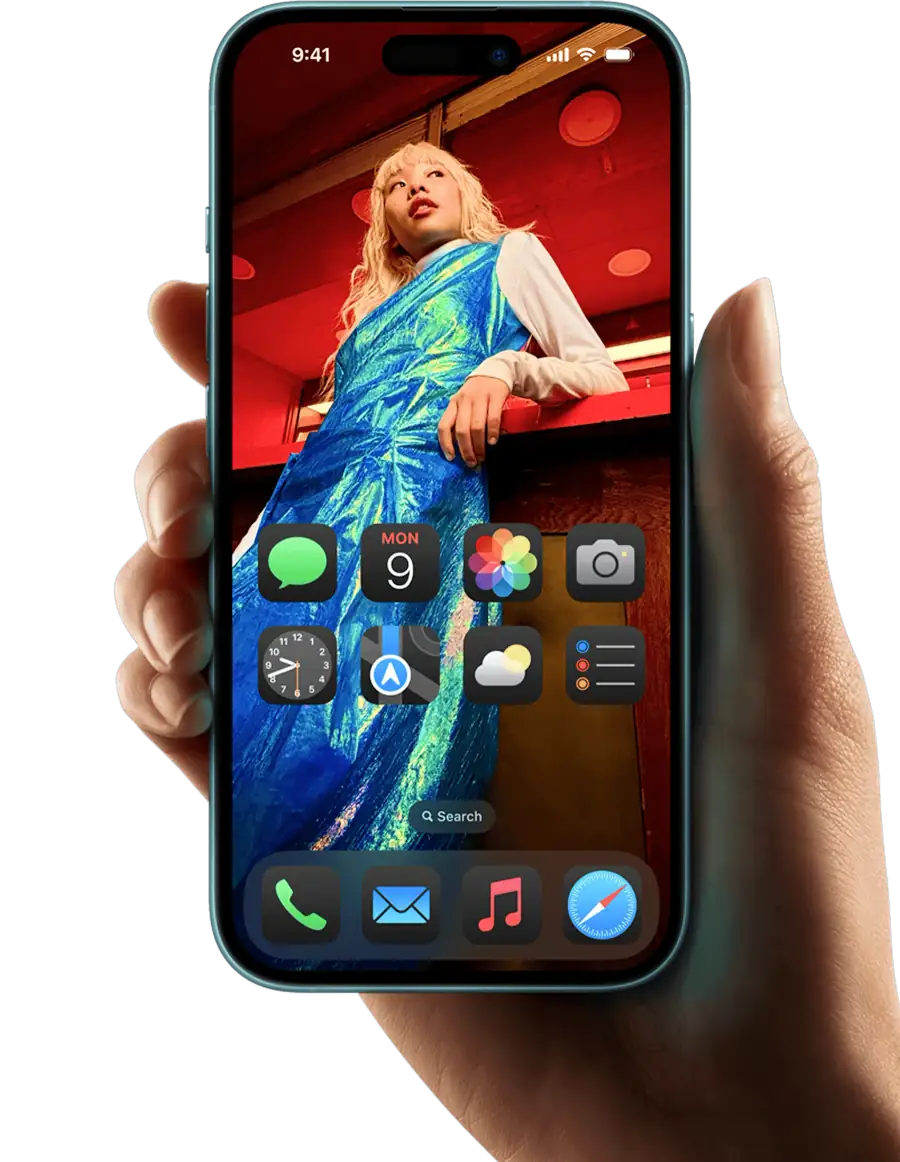



eSIM activated
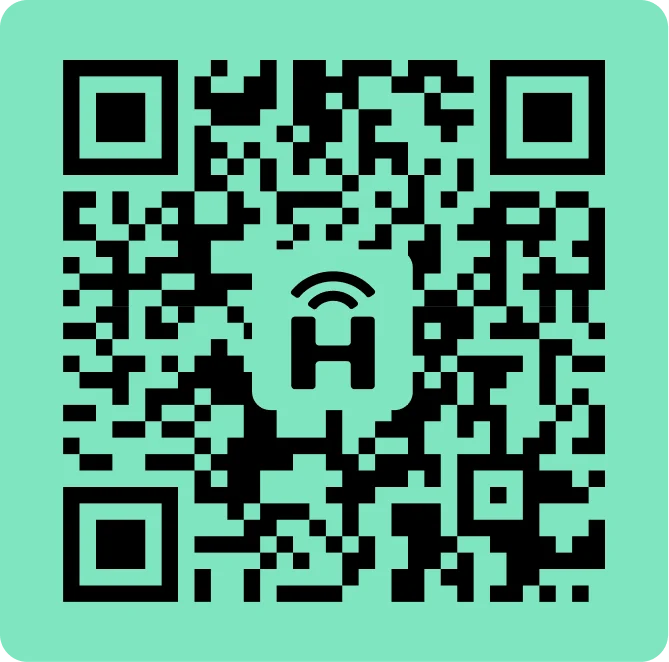
Download the HelloRoam eSIM app on iOS or Android to buy and activate an eSIM card in minutes. Works across 185+ countries on 212+ mobile networks, so you get local data the moment you land. No physical SIM card, no store visit, no surprise fees. After checkout, you get your e SIM QR code by email in under 5 minutes. Scan it in Settings and you're sorted. Plans start at NZ$1.77 with no contracts. Popular with Kiwi travellers heading to Australia, the UK, Japan, Thailand, and Bali. The app gives you instant access to HelloRoam eSIM cards for 185+ countries, including esim uk and esim for japan plans on local networks.


Choose your eSIM data plan
HelloRoam offers flexible data plans in 185+ countries. Pick where you're headed and find the plan that fits your trip length and budget.
Choose your destinationHow to set up the HelloRoam eSIM app

Select your destination country and choose a data plan that suits your trip.
Download the app, tap "Install eSIM" and follow the on-screen steps.
Get sorted before your trip: your plan will activate when you arrive.
How to activate your HelloRoam eSIM plan
Your HelloRoam eSIM plan activates automatically. Install the eSIM on your device before you travel, and if you depart for your destination within 30 days, the data plan turns on the moment you land.
Why choose the HelloRoam eSIM app
Here's why Kiwi travellers choose the HelloRoam eSIM app for their holidays and OE trips abroad.
Quick Setup
Install and activate your eSIM in minutes using our guided app. No store visit, no paperwork, no fuss.

Skip carrier markups
Skip the roaming bill shock. HelloRoam plans are prepaid and transparent with no surprise charges.

Flexible eSIM for every trip
Add destinations in the app with no new eSIM needed. One app, one account, 185+ countries.
Need help? We've got you covered.



FAQs
Is the HelloRoam app free to download?
Yes, the HelloRoam app is completely free to download on both iOS and Android devices.
How do I install an eSIM using the app?
Simply open the app, choose your destination, select a plan, and scan the QR code to install your eSIM.
Can I manage multiple eSIMs in the app?
Yes, you can store and manage multiple eSIMs for different destinations in the HelloRoam app.
What devices are compatible with HelloRoam?
HelloRoam works with most eSIM-compatible devices including iPhone XS and later, and various Android phones.
How do I check my data usage?
You can view your real-time data usage directly in the app under the 'My eSIMs' section.
Can I top up my data through the app?
Yes, you can easily purchase additional data directly through the app at any time.
Is customer support available in the app?
Yes, you can access 24/7 customer support directly through the app via live chat.
Do I need WiFi to install an eSIM?
Yes, you need an internet connection to download and activate your eSIM profile.
Can I use the app offline?
Once your eSIM is installed, you can view your eSIM details offline, but you need internet for purchases.
What happens to my eSIM if I switch phones?
An installed HelloRoam eSIM cannot move to another phone. If it has not connected in your destination yet, email help@helloroam.com with your order number and we can issue a new eSIM for the new phone. After it connects, we do not issue a new one for a change of phone.
Is my payment information secure?
Yes, all payments are processed securely using industry-standard encryption.
Can I get a refund through the app?
Yes, you can request refunds for unused eSIM data through the app or by contacting support.
Popular eSIM Destinations








Invite a mate and earn HelloRoam credits!
For every successful invite, you earn US$5 in HelloRoam credits, while your friends receive a US$5 discount on their first plan!
Earn rewards with referrals