下載 HelloRoam eSIM 應用程式,輕鬆連接全球網絡
使用 HelloRoam eSIM,全程保持網絡連線。覆蓋全球212+個以上網絡,香港、日本、台灣及 170 多個國家均可使用。

 App Store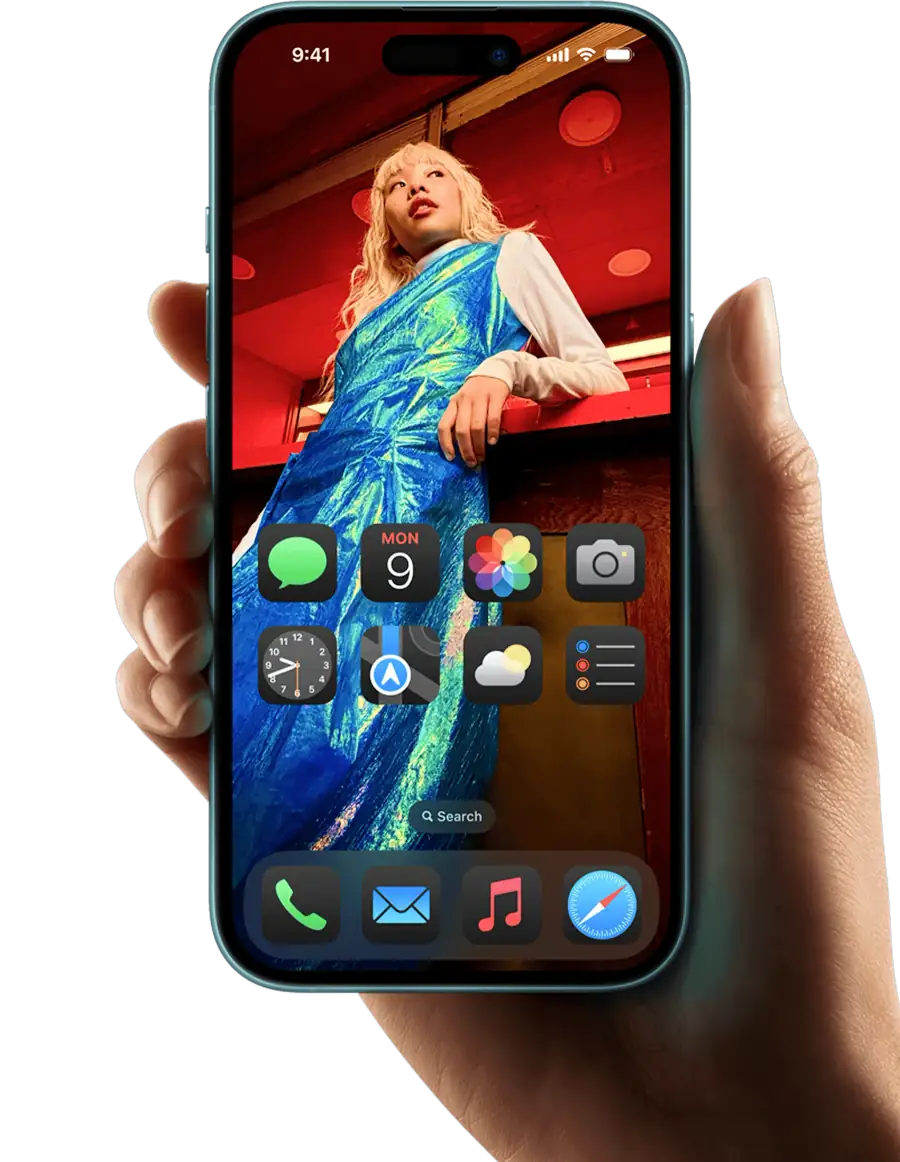



eSIM 已啟用
Download the HelloRoam eSIM app on iOS or Android to buy and activate an eSIM card in minutes. Works across 185+ countries on 212+ mobile networks, so you get local data the moment you land. No physical SIM card, no store visit, no surprise fees. The best eSIM app for iPhone and Android travelers, HelloRoam replaces your international roaming plan with a prepaid eSIM card from HK$8.07. After checkout, you get your e SIM QR code by email in under 5 minutes. Scan it in Settings and you are done. The app gives you instant access to eSIM for international travel across 185+ countries, including eSIM USA plans on AT&T eSIM, Verizon eSIM, and T-Mobile eSIM compatible devices.


如何設定 HelloRoam eSIM 應用程式

選擇您的目的地國家,挑選適合您行程的數據方案。
下載應用程式,點選「安裝 eSIM」,按照畫面指示完成設定。
為您的旅程做好準備,方案將在您抵達目的地時自動啟用。

如何啟用您的 HelloRoam eSIM 方案
您的 HelloRoam eSIM 方案會自動啟用。出發前請先將 eSIM 安裝至您的裝置,在 30 天內抵達目的地後,數據方案將即時開通。
為何選擇 HelloRoam eSIM 應用程式
了解使用 HelloRoam eSIM 應用程式的主要優勢,輕鬆實現全球連線。
快速設定
透過應用程式的引導設定,數分鐘內即可完成 eSIM 安裝及啟用,無需前往門市,無需填寫表格。

透明定價
告別電訊商的意外收費。HelloRoam 方案採預付形式,定價清晰透明,沒有隱藏費用。

靈活 eSIM,行行無阻
在應用程式內直接添加目的地,無需重新購買 eSIM。一個應用程式、一個帳戶,覆蓋185+個國家。



常見問題
Is the HelloRoam app free to download?
Yes, the HelloRoam app is completely free to download on both iOS and Android devices.
How do I install an eSIM using the app?
Simply open the app, choose your destination, select a plan, and scan the QR code to install your eSIM.
Can I manage multiple eSIMs in the app?
Yes, you can store and manage multiple eSIMs for different destinations in the HelloRoam app.
What devices are compatible with HelloRoam?
HelloRoam works with most eSIM-compatible devices including iPhone XS and later, and various Android phones.
How do I check my data usage?
You can view your real-time data usage directly in the app under the 'My eSIMs' section.
Can I top up my data through the app?
Yes, you can easily purchase additional data directly through the app at any time.
Is customer support available in the app?
Yes, you can access 24/7 customer support directly through the app via live chat.
Do I need WiFi to install an eSIM?
Yes, you need an internet connection to download and activate your eSIM profile.
Can I use the app offline?
Once your eSIM is installed, you can view your eSIM details offline, but you need internet for purchases.
What happens to my eSIM if I switch phones?
An installed HelloRoam eSIM cannot move to another phone. If it has not connected in your destination yet, email help@helloroam.com with your order number and we can issue a new eSIM for the new phone. After it connects, we do not issue a new one for a change of phone.
Is my payment information secure?
Yes, all payments are processed securely using industry-standard encryption.
Can I get a refund through the app?
Yes, you can request refunds for unused eSIM data through the app or by contacting support.







