Download eSIM App for iPhone and Android
HelloRoam connects you to 212+ mobile networks worldwide. Get the eSIM app, pick your plan, and stay online the moment your flight lands.

 App Store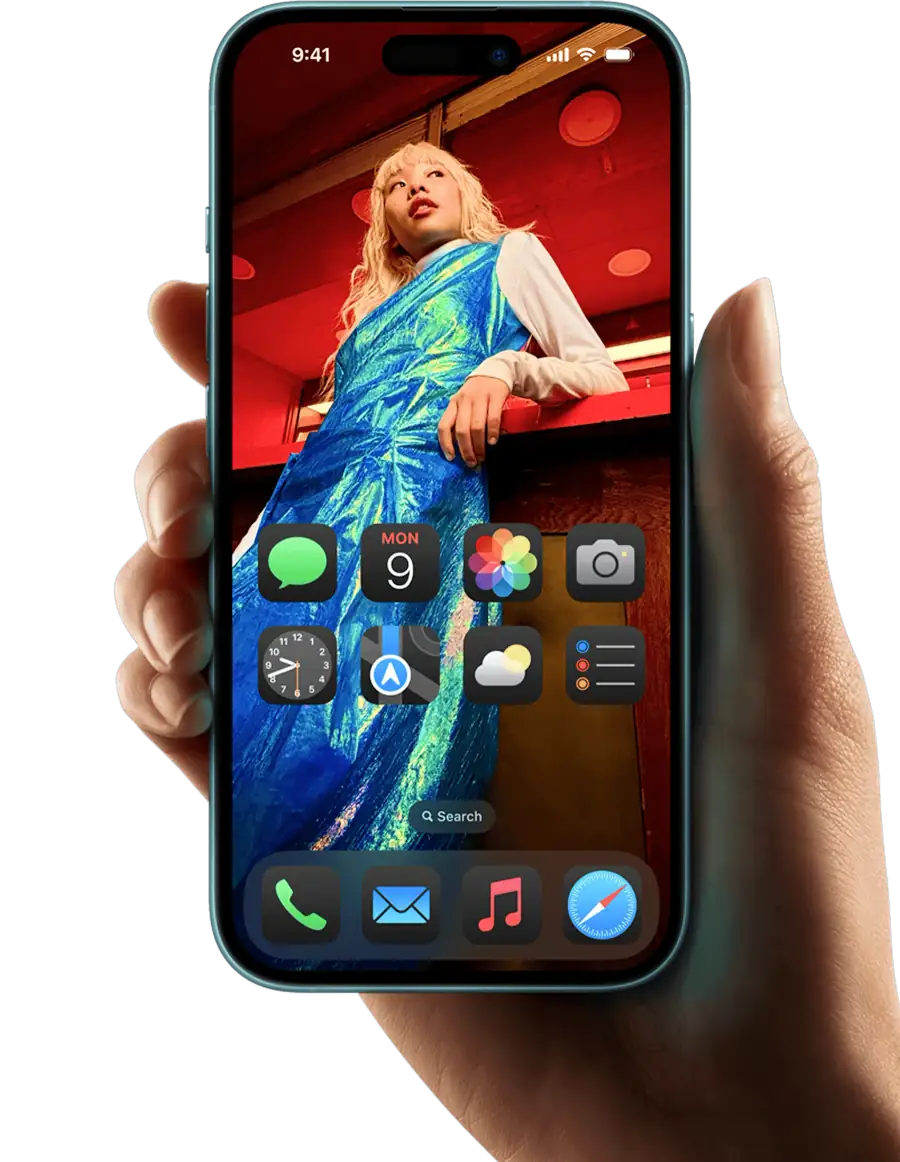



eSIM activated
Download the HelloRoam eSIM app on iOS or Android to buy and activate an eSIM card in minutes. Works across 185+ countries on 212+ mobile networks, so you get local data the moment you land. No physical SIM card, no store visit, no surprise fees. The best eSIM app for iPhone and Android travelers, HelloRoam replaces your international roaming plan with a prepaid eSIM card from $1.03. After checkout, your eSIM QR code usually arrives by email within a few minutes of payment. Scan it in Settings and you are done. The app gives you instant access to eSIM for international travel across 185+ countries, including eSIM USA plans, and it works on carrier-unlocked AT&T, Verizon, and T-Mobile phones with eSIM.
- eSIM data plans in 185+ countries
- Available on iOS and Android
- 24/7 customer support
- Works on all eSIM compatible phones


Choose Your eSIM Data Plan
HelloRoam offers flexible eSIM plans in 185+ countries. Pick your destination and find the eSIM card that fits your trip length and budget.
Choose your destinationHow to Set Up Your eSIM Card in the App
Setup for iPhone
Setup for Android
- 1
Choose an eSIM data plan for your trip
Select your destination country and choose a data plan that fits your trip.
- 2
Download the HelloRoam eSIM app
Download the app, tap "Install eSIM" and follow the on-screen steps.
- 3
Switch on the HelloRoam line when you land
On landing, turn on the line and its Data Roaming and pick it for Cellular Data. Plan days start at its first connection to a supported network there.

- 1
Choose an eSIM data plan for your trip
Browse plans for your destination and pick the one that fits your trip length and data needs.
- 2
Download the HelloRoam eSIM app
Download the app, tap "Install eSIM" and follow the on-screen steps.
- 3
Switch on the HelloRoam line when you land
On landing, switch on the line and its data roaming and pick it for mobile data. Plan days begin at its first connection to a supported network there.
How to Activate Your eSIM Card
Install your HelloRoam eSIM at home over Wi-Fi before you travel, and keep the line off until you arrive. Then turn on the line and its data roaming, and pick it for mobile data. Your plan's days start at the eSIM's first connection to a supported network in your destination, not at install.
Why Download the HelloRoam eSIM App
HelloRoam gives you prepaid eSIM plans with no contracts, covering 185+ countries. The best eSIM app for iPhone and Android, with no AT&T or Verizon international roaming plan required.
Quick Setup
Install and activate your eSIM in minutes using our guided app. No store visit, no paperwork.

Transparent pricing
Skip surprise charges from your carrier. HelloRoam plans are prepaid and transparent with no hidden fees.

Flexible eSIM for every trip
Buy plans for more destinations from the same app and account. Each new destination comes with its own eSIM QR code. Top-ups, on plans that offer them, go onto the eSIM you already have. One app, one account, 185+ countries. Great for international travel: skip the AT&T eSIM roaming fees.
Need help? We've got you covered.
If you need help at any point, our online chat is available 24/7 to assist you.
Lets Talk!


FAQs
Is the HelloRoam app free to download?
Yes, the HelloRoam app is completely free to download on both iOS and Android devices.
How do I install an eSIM using the app?
Simply open the app, choose your destination, select a plan, and scan the QR code to install your eSIM.
Can I manage multiple eSIMs in the app?
Yes, you can store and manage multiple eSIMs for different destinations in the HelloRoam app.
What devices are compatible with HelloRoam?
HelloRoam works with most eSIM-compatible devices including iPhone XS and later, and various Android phones.
How do I check my data usage?
You can see your data usage in the app under 'My eSIM'. The network reports usage with a delay, so it can be up to 3 hours behind.
Can I top up my data through the app?
Yes, if your plan supports top-ups. Add data in the app before your plan expires.
Is customer support available in the app?
Yes, you can access 24/7 customer support directly through the app via live chat.
Do I need WiFi to install an eSIM?
Yes, you need an internet connection to download and activate your eSIM profile.
Can I use the app offline?
Once your eSIM is installed, you can view your eSIM details offline, but you need internet for purchases.
What happens to my eSIM if I switch phones?
An installed HelloRoam eSIM cannot move to another phone. If it has not connected in your destination yet, email help@helloroam.com with your order number and we can issue a new eSIM for the new phone. After it connects, we do not issue a new one for a change of phone.
Is my payment information secure?
Yes, all payments are processed securely using industry-standard encryption.
Can I get a refund through the app?
Yes. You can request a refund through the app or by contacting support. Refunds cover eSIMs you have not activated, and the refund policy page lists the time limit.
Invite a friend and earn HelloRoam credits!
For every friend who places a first qualifying order with your link, you earn US$5 in HelloRoam credits, and your friend gets US$5 in credits too.
Earn rewards with referrals