Travel data guide · Calculator
How Much Data Do I Need When Travelling?
Light travel use takes about 3.2 GB of cellular data a week: maps, messaging, browsing, music, photo feeds, short videos and app updates. Buy at least 3.9 GB so busy days are covered. Add daily video calls and streaming, and a week climbs to about 26 GB. Enter your own hours in the HelloRoam Travel Data Calculator below.
HelloRoam Travel Data Calculator
Pick a trip length and your daily habits. The estimate updates as you change them.

Key travel data figures From our calculator's rates
- A light travel week
- 3.2 GB buy 3.9 GB or more to be safe
- A heavy travel week
- 26 GB with video calls and streaming every day
- One hour of HD video
- 1.4 GB below the HD maximum Netflix lists per hour(1)
- One hour of video calls with one person
- 520 MB on WhatsApp or FaceTime; a voice call takes about 53 MB
- One hour of maps
- 10 MB our planning rate for map and navigation apps
- One hour of short-form video
- 600 MB on TikTok, Instagram Reels or YouTube Shorts feeds
- HelloRoam's reach
- 185+ destinations worldwide, 212+ local networks
Longer trips and heavier phone habits both raise your data total
Three days of light use come to about 1.4 GB. A month of heavy use, with video calls and streaming every day, reaches about 112 GB. Pick your trip length in the table, then read across to the profile that fits you.

| Trip length | Casual traveller (light use) | Data to buy (Casual traveller) | Remote worker (heavy use) | Data to buy (Remote worker) |
|---|---|---|---|---|
| Long weekend (3 days) | 1.4 GB | 1.7 GB | 11 GB | 14 GB |
| One week (7 days) | 3.2 GB | 3.9 GB | 26 GB | 32 GB |
| Two weeks (14 days) | 6.4 GB | 7.7 GB | 52 GB | 63 GB |
| One month (30 days) | 14 GB | 17 GB | 112 GB | 135 GB |
- Casual traveller, per day
- 15 mins photo and social feeds, 15 mins short clips and reels, 1 hr music, 30 mins maps, 1 hr web browsing, 30 mins texts, chats and email, 30 mins app updates
- Remote worker, per day
- 1 hr photo and social feeds, 1 hr HD video streaming, 2 hrs music, 30 mins maps, 1 hr web browsing, 1 hr texts, chats and email, 2 hrs video meetings with a group, 30 mins app updates
Will a 10 GB plan cover a two-week trip?
Yes: 10 GB covers two weeks of light use. Two weeks of maps, messaging, browsing, music, photo feeds, short videos and app updates add up to about 6.4 GB. With our 20% cushion for busy days, buy 7.7 GB. Daily video calls and streaming push two weeks to about 52 GB, so take calls on Wi-Fi or choose an unlimited plan. Fair-use terms apply.
10 GB plan
Choose a HelloRoam plan that covers your total plus 20%, so one busy day won't leave you short. With your number in hand, compare plans for your destination.
Daily video calls and streaming for a month go beyond our largest fixed plan of 50 GB. Take calls on Wi-Fi where you can, or choose an unlimited plan. Fair-use terms apply. Away for longer? Our guide to long stays and remote work can help.
Streaming and calls outweigh maps and messages hour for hour
An hour of use runs from about 3.3 MB for messaging and email to about 1.4 GB for HD video. Each row shows the calculator's planning rate for one hour of that activity.
| Activity | Data per hour | Per week at one hour daily |
|---|---|---|
| Photo and social feeds, such as Facebook, Instagram | 110 MB | 770 MB |
| Short clips and reels, such as TikTok, Instagram Reels, YouTube Shorts | 600 MB | 4.2 GB |
| HD video streaming, such as YouTube, Netflix | 1.4 GB | 9.8 GB |
| Music and podcasts, such as Spotify, podcast apps | 90 MB | 630 MB |
| Maps and navigation, such as Google Maps, Waze | 10 MB | 70 MB |
| Web browsing | 47 MB | 330 MB |
| Texts, chats and email, such as WhatsApp, Gmail, iMessage | 3.3 MB | 23 MB |
| App calls, voice only, such as FaceTime Audio, WhatsApp | 53 MB | 370 MB |
| Video calls with one person, such as FaceTime, WhatsApp | 520 MB | 3.6 GB |
| Video meetings with a group, such as Google Meet, Zoom | 930 MB | 6.5 GB |
| App downloads and updates | 270 MB | 1.9 GB |
These are planning rates, not exact readings. Your settings change the real number: the video row assumes HD, and the video call rows assume your camera stays on.
How we turn an app's speed into data: one megabit per second for an hour is 450 MB, because a byte is eight bits.(8) A call counts the data you send plus the data you receive.
TikTok, Reels and Shorts run about 600 MB an hour
StarHub, a Singapore carrier, puts TikTok at about 840 MB an hour on default settings and about 360 MB in Data Saver mode.(7) The calculator counts 600 MB an hour, between those two. Switch on the app's data saver before you scroll on cellular data.(7)
Instagram and Facebook feeds run about 110 MB an hour
Scrolling photos costs far less than video. StarHub, a Singapore carrier, puts an Instagram photo feed at about 120 MB an hour, and a mix of Stories and Reels at about 600 MB an hour.(7) The calculator counts 110 MB an hour for photo feeds, so log your Reels time as short-form video.
YouTube in HD runs about 1.4 GB an hour
Google recommends 1.1 Mbps for 480p video, 2.5 Mbps for 720p and 5 Mbps for 1080p.(4) An hour at those speeds is roughly 500 MB, 1.1 GB and 2.3 GB. The calculator's HD row counts 1.4 GB an hour, between 720p and 1080p, so choose 480p on cellular data to use about a third as much.
In HD, Netflix uses up to 3 GB an hour, and about 250 MB on Automatic
Netflix lists Low at up to 300 MB an hour, Medium at up to 700 MB and High at up to 3 GB in high definition.(1) On a phone, its Automatic setting gives about 4 hours per GB, roughly 250 MB an hour.(1) The calculator's HD row counts 1.4 GB, so turn the setting down to stretch a small plan.
Count on about 10 MB an hour for Google Maps directions
StarHub's figures from Singapore put Google Maps navigation at about 5 MB an hour and Satellite View at about 150 MB an hour.(7) Navigation on its own stays small, so leave Satellite View off on cellular data.
Budget about 520 MB an hour for WhatsApp and FaceTime video calls
StarHub in Singapore puts a one-on-one WhatsApp video call at about 250 MB an hour.(7) Zoom lists 600 kbps each way for a high-quality one-on-one call, about 540 MB an hour.(6) For a voice call in an app, the calculator counts 53 MB an hour. Switch the camera off and a call uses about a tenth of the data.
Zoom and Google Meet group calls run about 930 MB an hour
On a group call, you send your own video and receive everyone else's. Zoom lists 1.0 Mbps up and 600 kbps down for high-quality group video.(6) For small teams and individuals, Google lists a Meet group meeting at up to 4.0 Mbps down.(3) The calculator counts 930 MB an hour, so join long meetings on Wi-Fi when you can.
Spotify runs about 90 MB an hour in this calculator
Spotify streams at about 96 kbit/s on Normal, 160 kbit/s on High and 320 kbit/s on Very high.(5) An hour at those rates is about 43 MB, 72 MB and 144 MB. The calculator counts 90 MB, so set cellular streaming to Normal and download playlists on Wi-Fi before you leave.
How many travel days each data size covers
At light use, 5 GB lasts about 10 days and 10 GB about 21 days. So a 5 GB plan covers a light week with at least 20% to spare. HD video uses up 1 GB in about 45 minutes, and maps in about 100 hours.
| Size | Days at light use | Maps | Photo and social feeds | Short clips and reels | Video streaming (HD) | Video calls with one person |
|---|---|---|---|---|---|---|
| 1 GB | 2 | 100 hrs | 9 hrs | 1 hr 45 mins | 45 mins | 2 hrs |
| 3 GB | 6 | 300 hrs | 27 hrs 15 mins | 5 hrs | 2 hrs 15 mins | 5 hrs 45 mins |
| 5 GB | 10 | 500 hrs | 45 hrs 30 mins | 8 hrs 15 mins | 3 hrs 30 mins | 9 hrs 30 mins |
| 10 GB | 21 | 1,000 hrs | 91 hrs | 16 hrs 45 mins | 7 hrs 15 mins | 19 hrs 15 mins |
Most destinations sell our fixed plans in 1 GB for 7 days and 3, 5, 10 and 20 GB for 30 days. Choose the smallest size that covers your estimate plus 20%.
Video and calls drain a small plan, and a few settings rein them in
Which apps use the most data on a trip?
Video uses data fastest: an hour of HD streaming takes about 1.4 GB. A group video call uses about 930 MB an hour, short-form video about 600 MB and a one-on-one video call about 520 MB. Maps need about 10 MB an hour. A full light day of maps, messaging, music, browsing, photo feeds, short videos and app updates comes to about 0.46 GB.
Download offline maps while you're still on Wi-Fi
On Wi-Fi before you leave, save Google Maps areas for each place you'll visit. Offline, a saved map still gives driving directions inside that area, but not walking, cycling or transit routes.(9) Google says offline maps can't be downloaded in some countries or regions.(9) For those routes, or where offline maps aren't offered, count your map hours in the calculator.
Lower the streaming quality on mobile data
In the Netflix app, tap My Netflix, then your profile name, then App Settings, and open Cellular Data Usage under Video Playback.(1) Save Data gives about 6 hours per GB, while Maximum Data can use 1 GB every 20 minutes or more.(1) Netflix explains each option on its data settings page.
Let Low Data Mode or Data Saver trim background use
On iPhone, Low Data Mode pauses background tasks, and you can turn it on for the travel line alone.(10) On a Pixel, Data Saver keeps most apps' background data to Wi-Fi.(11) On a Samsung Galaxy, you'll find Data saver under Settings > Connections > Data usage.(12)
Hold app updates and photo uploads until you're on Wi-Fi
Before you fly, set app updates and photo backups to Wi-Fi only. The Casual traveller profile still counts some app updates each day, at about 270 MB an hour, so this one setting can bring your real use under the estimate.



Cutting your data use can also mean a smaller plan. For more ways to spend less, read our budget travel guide.
Watch and limit your data use on iPhone and Android
Your phone counts the cellular data each app uses, so check a normal month at home before you size your trip. A travel eSIM is its own data line, and your phone uses one line for cellular data at a time.(13)(14) Rogers' Roam Like Home Travel Pass and Bell's Roam Better work differently: both use the data in your own plan.(15)(16) Your carrier may count usage differently, so ask it for the exact figure.(17)(18) Read how a travel data line works, or see what the same data costs on roaming.

Your iPhone's data count
Go to Settings > Cellular and tap Show All to see each app's data.(18) Take a recent month, divide it by 30, and compare that day with your trip estimate. To save data, turn off cellular data for apps you won't need on the trip.(18) Keep Allow Cellular Data Switching off, or iPhone can use data from both plans.(13)
Your Pixel or Galaxy data count
On a Pixel, go to Settings > Network & internet > SIMs, tap App data usage, then choose a time period.(17) Data warning & limit on the same screen can alert you, or switch mobile data off at the amount you set.(17) On a Samsung Galaxy, open Settings > Connections > Data usage > Mobile data usage, then tap the gear icon to set a data warning or limit.(12) With two SIMs, make sure mobile data uses the travel line.(14)
Your data in our app
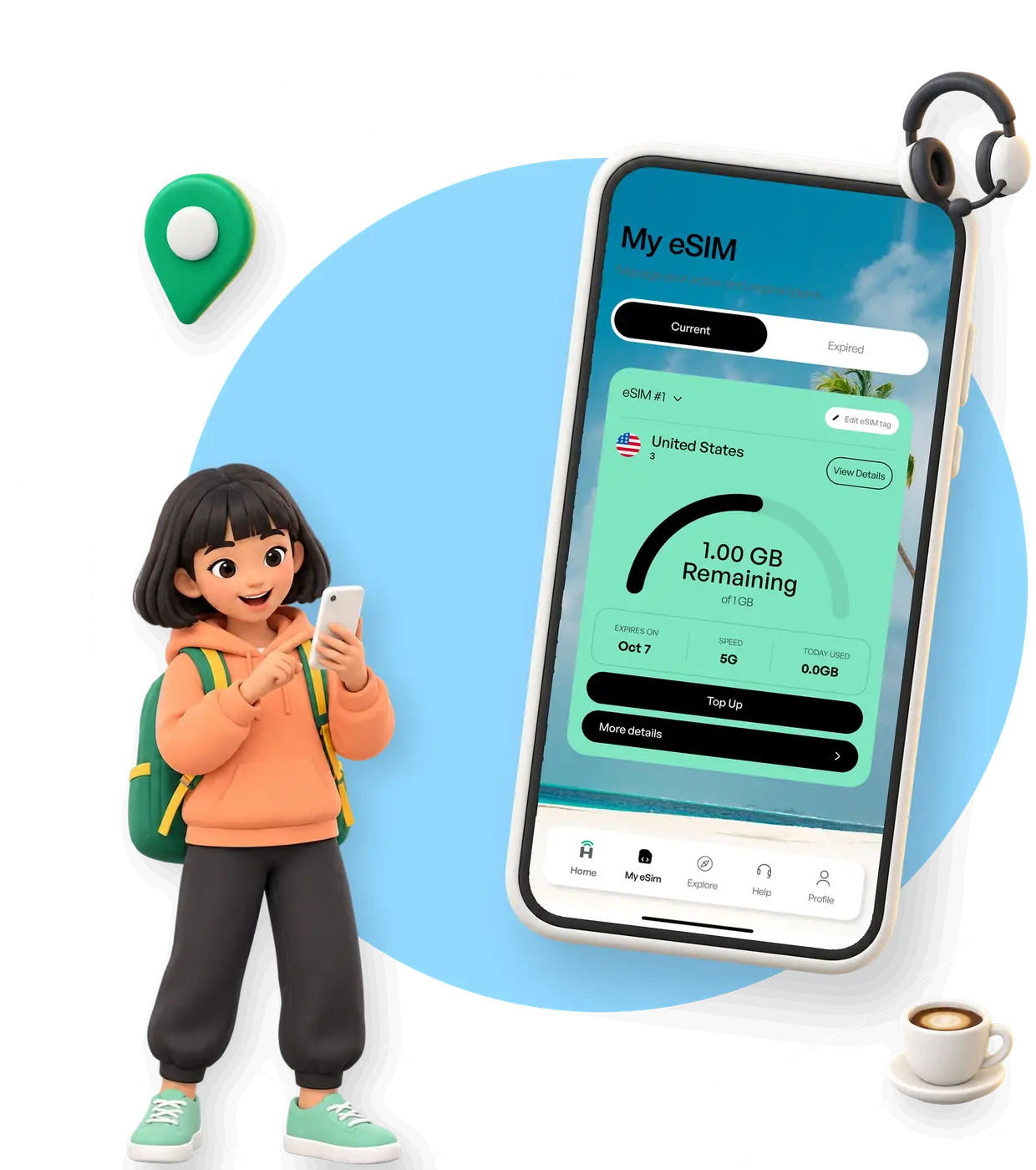
Open My eSIM in the app: each eSIM's card shows the data left, or Unlimited on an unlimited plan, and its Expires on date. The network reports use with a delay, so the figure can trail by up to 3 hours. On a fixed plan, we email you when your data runs low. Running short? Tap Top up on the card, if your plan allows it.
Each estimate comes from your daily hours and a set rate per activity

How do I work out my data usage?
Multiply each app's hourly rate by your hours a day, then add up your apps. The calculator above does that sum and gives a total for your whole trip. Add 20% for busy days and round up: that's the plan size to buy.
The calculator multiplies each app's hourly rate by your daily hours, adds the apps together for a daily total, then multiplies by the days in your trip.
| Activity | Time per day | Data per day |
|---|---|---|
| Maps | 2 hrs | 20 MB |
| Photo and social feeds | 1 hr | 110 MB |
| Video meetings with a group | 30 mins | 470 MB |
| Total | 3 hrs 30 mins | 0.6 GB per day |
Put together, two hours of maps and an hour of photo feeds use less data than the half-hour video call.
Note your hours per activity
Estimate how long you spend each day on maps, messaging, social media, video, calls and other apps.
Apply each activity's rate
Each hour of an activity draws a fixed amount from our rate table, with 1,000 MB in every GB.
Add it up, then multiply by trip days
The activities added together give one day of data, and that day times your trip length gives the total.
Add a cushion, then choose a plan
Add 20% to your total for busy days, round up, and choose a plan with at least that much data. HelloRoam plans support hotspot use on phones that allow it. A laptop or tablet on your hotspot draws from the same plan.(19)(20)



Plain-language data terms
Short definitions for the words used on this page and in the calculator.
- GB (gigabyte)
- The unit almost all our plans are sold in; the calculator counts it as 1,000 MB.
- Mbps (megabits per second)
- A speed, not an amount of data. Eight bits make one byte.(8) To size a plan, use GB, not Mbps.
- HD video (high definition)
- Sharper video that uses more data per hour than standard definition, going by Netflix's own figures.(1)
- Low Data Mode (iPhone setting)
- Pauses background tasks to save cellular data, and can be set for one line only.(10)
- Data Saver (Pixel setting)
- With Data Saver on, most apps get background data only on Wi-Fi and use mobile data only while open.(11)
- Offline maps (saved map areas)
- Map areas saved before your trip. Offline, they still give driving directions inside the saved area.(9)
- Background data (data used out of sight)
- Data apps use while closed, for things like updates, photo backups and syncing.(10)
Common questions about sizing travel data

How much cellular data does a traveller use in a day?
About 0.46 GB a day covers light use: maps, messaging, browsing, music, photo feeds, short videos and app updates, so buy at least 3.9 GB for a week. Our Remote worker profile, with two hours of group video calls and an hour of streaming daily, uses about 3.7 GB a day. Anything in between? Set your own hours above.
How much data should I budget for a month of travel?
Light use for a month comes to about 14 GB, so buy at least 17 GB. That covers maps, messaging, browsing, photo feeds, short videos, music and app updates. Daily video calls and streaming take about 112 GB a month, past our largest fixed plan of 50 GB. Take calls on Wi-Fi, or choose an unlimited plan. Fair-use terms apply.
What data allowance covers remote work on the road?
Plan on about 26 GB a week for remote work on your phone, or 32 GB with our 20% cushion for busy days. That's the Remote worker profile: two hours of group video calls, an hour of video and two hours of music a day, plus lighter apps. A laptop on your hotspot adds its own use on top.(20)
On a trip, how many days will 1 GB of data last?
At light travel use, 1 GB lasts about 2 days in this calculator. Spent on one activity, it gives about 100 hours of maps, 1.75 hours of short-form video or 45 minutes of HD video. Netflix's Automatic setting on a phone gives about 4 hours of video per GB.(1)
Check your phone and set up the eSIM after sizing your plan
With your data total in hand, check that your phone works with eSIM, then install it.

Where the figures on this page come from
We cite help pages from Netflix, Google, Apple, Spotify, Zoom and Samsung, a mobile carrier's app guide, NIST, and the Rogers and Bell roaming pages, never other travel eSIM sellers.

We read sources 1, 3, 8, 10, 18 and 19 on , sources 9, 11, 17 and 20 on , sources 4 to 7 and 12 on , sources 2 and 13 to 16 on .
- 1
Netflix Help Center: How to control how much data Netflix uses
- 2
Apple Support: Set up eSIM on iPhone
- 3
Google Workspace Help: Prepare your network for Meet meetings & live streams
- 4
YouTube Help: System requirements & supported devices for YouTube
- 5
Spotify Support: Audio quality
- 6
Zoom Support: Zoom system requirements: Windows, macOS, Linux
- 7
StarHub (Singapore): How Much Data Do Apps Like YouTube, TikTok, Netflix & Instagram Use in 2026?
- 8
NIST Computer Security Resource Center: Byte (glossary)
- 9
Google Maps Help: Download areas & navigate offline in Google Maps
- 10
Apple Support: Use Low Data Mode on your iPhone and iPad
- 11
Pixel Phone Help: Use less mobile data with Data Saver
- 12
Samsung US: Manage data usage on your Galaxy phone
- 13
Apple Support: Using Dual SIM with an eSIM
- 14
Pixel Phone Help: How to use dual SIMs on your Google Pixel phone
- 15
- 16
- 17
Pixel Phone Help: Reduce & manage mobile data usage
- 18
iPhone User Guide: View or change cellular data settings on iPhone
- 19
Apple Support: Connect to the Personal Hotspot of an iPhone or iPad
- 20
Android Help: Share a mobile connection by hotspot or tethering on Android