
If your phone is unlocked and takes an eSIM, you can add a HelloRoam eSIM for Japan while you're still at home in Canada. The plan starts when your phone first connects to a network in Japan, and support is on hand 24/7.
Three checks show whether your phone will work in Japan
Run these at home, where it's still easy to call your carrier if something needs fixing.
 Get your Japan eSIM before you flyInstall it at home, then turn on data roaming for it when you land. From CA$4.47.See Japan plans
| Check | How to verify it | Where to look |
|---|---|---|
| Unlocked (needed for a Japanese SIM or a travel eSIM) | iPhone: Settings, General, About. "No SIM Restrictions" next to Carrier Lock means it's unlocked. Android: ask your carrier. | Apple Support, or your Canadian carrier |
| 4G LTE or 5G on Japan's bands | Find LTE Bands 1 and 3 in your model's band list. Japan's networks also use Bands 8, 11, 18, 19, 21, 26, 28 and 42. | The maker's spec page for your exact model |
| A plan that covers Japan | Roaming: confirm Japan is on your carrier's roaming list and note the daily fee. Travel eSIM: your phone must support eSIM (iPhone XS or later). | Your carrier's travel page or app, or the eSIM plan's network list |
Free unlocking in Canada opens your phone to a Japanese SIM or travel eSIM
A phone locked to your Canadian carrier can still roam in Japan on that carrier's plan. What it can't do is take another carrier's SIM card or eSIM. Apple's travel eSIM page says that to use an iPhone with another carrier while travelling internationally, it can't be locked to a carrier.
To check an iPhone, open Settings, tap General, then tap About. If the phone is unlocked, "No SIM Restrictions" appears next to Carrier Lock. On an Android phone, ask your carrier whether it's unlocked.
If it's locked, sort it out before you leave Canada. Since December 1, 2017, the CRTC's Wireless Code has given individual and small business customers the right to get their phones unlocked free of charge on request.
Japan's 3G networks have closed, so your phone needs 4G LTE or 5G
KDDI ended au's 3G service on March 31, 2022. SoftBank's 3G service ended in 2024, and NTT docomo closed its FOMA 3G network on March 31, 2026. A phone that only supports 3G has no network left to join at any of the three.
Calls changed too. docomo says that since FOMA closed, its customers whose phones don't support VoLTE can no longer make voice calls. If you plan to call or text on your Canadian number in Japan, ask your carrier whether calls work on your phone there.
A visitor's phone can work without Japan's approval mark
Japan's Ministry of Internal Affairs and Communications (MIC) normally requires radio equipment used in Japan to meet its technical standards, shown by a technical conformity mark. Its rules for phones brought into Japan make an exception for visitors. A phone without the mark may be used if it meets equivalent international standards and connects on international roaming, or with a Japanese carrier's SIM card.
Bands 1 and 3 are the first to look for on your phone's spec sheet

A phone can only connect on the radio bands it supports. NTT docomo's 2026 chart of the LTE bands used in Japan covers Bands 1, 3, 8, 11, 18, 19, 21, 26, 28 and 42. It marks 8, 11, 18 and 26 as bands docomo doesn't use, which leaves six on docomo: 1, 3, 19, 21, 28 and 42.
MIC's table of each network's bands uses data from April 2021. In it, Band 3 was the only LTE band all four networks used: docomo, au, SoftBank and Rakuten Mobile. docomo, au and SoftBank all used Band 1 as well. So Bands 1 and 3 are the first two to find on your phone's spec sheet.
For example, Apple's Canadian spec page lists the iPhone 17 (model A3519) with every one of those LTE bands, plus the 5G bands n77, n78 and n79. For any other phone, open the maker's spec page for your exact model and compare.
As of October 29, 2026, most of HelloRoam's Japan data plans run on KDDI/au and SoftBank, and some use NTT docomo or Rakuten Mobile.
Your Canadian plan decides whether roaming works in Japan and what it costs
Roaming keeps your Canadian number and needs no unlocking. It runs on your carrier's roaming fees and rules, though, so check that Japan is on your carrier's roaming list before you go.
Bell is one example. Its Roam Better FAQ lists $16 a day for eligible destinations outside the US, as of October 2026. Bell charges the fee on any day you make or answer a call, send a text, or send or receive data.
Each Bell roaming day runs until 11:59 p.m. Eastern Time, whatever time zone you're in, and Bell charges at most 20 days per line in one billing period. Bell's pay-per-use data roaming ended on May 1, 2026.
On Rogers, text TRAVEL to 222 to confirm you're enrolled in Roam Like Home, and turn on data roaming on your phone. Rogers says the welcome text you get on arrival lists pay-per-use rates instead if Roam Like Home isn't available there, or your plan isn't eligible.
If you keep your Canadian line on beside a travel eSIM, make the travel eSIM your data line. On iPhone, that's Settings, Cellular, Cellular Data. When you land, turn on data roaming for the travel eSIM line. Each iPhone line has its own Data Roaming switch under Cellular Data Options, so you can leave it off for your Canadian line. Apple notes you might still incur roaming fees from your home line. On Bell, making or answering one call, or sending one text, starts the daily fee.
A travel eSIM adds Japanese data beside your Canadian number

Apple's travel eSIM page says an iPhone XS, XS Max, XR or later can use an eSIM. Supported models can keep two eSIMs active at once: one for your home number and one for the place you're visiting.
Some newer iPhones sold in Canada take no physical SIM at all. Apple's Canadian spec page says the iPhone 17, iPhone Air, iPhone 18 Pro and iPhone Duo are activated with an eSIM and don't support a physical SIM. A Japanese SIM card won't fit them.
Android support varies by model, so check our list of eSIM compatible phones before you buy a plan.
Know what a data plan can't do. HelloRoam's terms say its eSIM plans give mobile data only, with no voice calls, texts or emergency calls. Keep a line that can make calls switched on as well. In Japan, Global Affairs Canada's Japan page lists 110 for police and 119 for medical help and fire.
Going on to Seoul or Shanghai? HelloRoam's eSIM plan for East Asia covers Japan, South Korea and mainland China, so one eSIM works across those borders.
Set up your phone at home before the flight to Japan
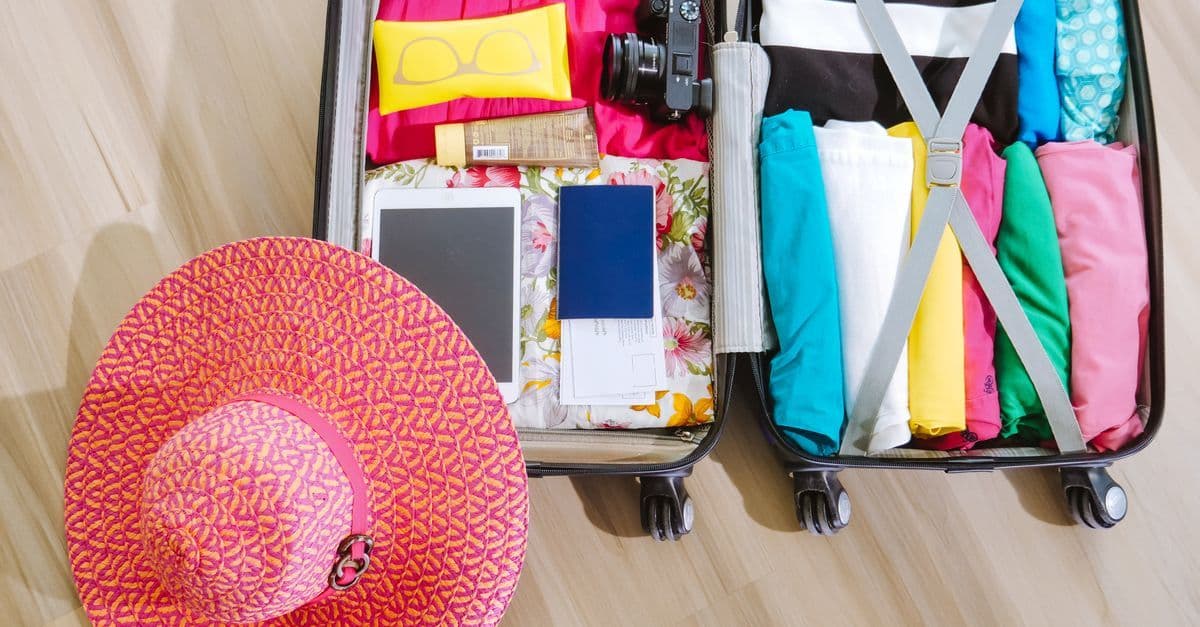
Install a travel eSIM in Canada, on your home Wi-Fi. Apple's setup steps need a Wi-Fi network or hotspot.
If you're flying from Toronto, our guide to the Toronto to Tokyo flight time compares nonstop and one-stop routes and Narita with Haneda.
With iOS 26 or later, an iPhone may ask when you arrive whether to use the travel eSIM alone or both lines. Apple says that with both lines on, your home line keeps working, and the travel eSIM is used for data.
With the phone sorted, our list of things to do in Japan covers hot springs, temples and seasonal events.
Questions travellers ask
Which cell phone service is best for Japan?
Each option suits a different trip. Roaming on your Canadian plan keeps your number and needs no unlocking, but your carrier's roaming fees and rules apply. A travel eSIM gives you data on Japanese networks if your phone is unlocked and supports eSIM. A Japanese SIM card needs an unlocked phone with a SIM tray.
How do I prepare my iPhone for international travel?
For a travel eSIM or a Japanese SIM, check that it's unlocked: "No SIM Restrictions" should show next to Carrier Lock under Settings, General, About. A travel eSIM needs an iPhone XS or later. Install it on Wi-Fi before you leave, make it your data line, and turn on its data roaming when you land.
Sources
- Use of Foreign Mobile Phones, BWA Devices, and Wireless LAN Devices Brought Into Japan (MIC Radio Use Portal)www.tele.soumu.go.jp
- FOMA and i-mode service end notice (NTT docomo)www.docomo.ne.jp
- Domestic frequency bands chart, 2026 models (NTT docomo, PDF)www.docomo.ne.jp
- Direction of review on device frequency support, study group document 2-2 (MIC, May 2022, PDF)www.soumu.go.jp
- End of au 3G service CDMA 1X WIN (KDDI notice)www.kddi.com
- 3G service ended on July 31, 2024 (SoftBank)www.softbank.jp
- Use eSIM while traveling internationally with your iPhone (Apple Support, Canada)support.apple.com
- iPhone 17 Technical Specifications (Apple Canada)www.apple.com
- CRTC puts an end to locked cellphones and unlocking fees (CRTC, June 15, 2017)www.canada.ca
- Roam Better FAQ (Bell)www.bell.ca
- Roaming and travel (Rogers)www.rogers.com
- Japan travel advice and advisories (Government of Canada)travel.gc.ca
- Use cellular data on your iPhone or iPad (Apple Support, Canada)support.apple.com
Written by
HelloRoam Team
The HelloRoam Team writes our guides on trip planning, visas and eSIMs. For every new or updated guide, we check each fact at its source. Sources include government, park and weather service pages. We note the date we read each one. A second review then checks every fact against its source before the guide goes live. If we cannot confirm a fact, we leave it out. We link those sources inside the guide, so you can check them.