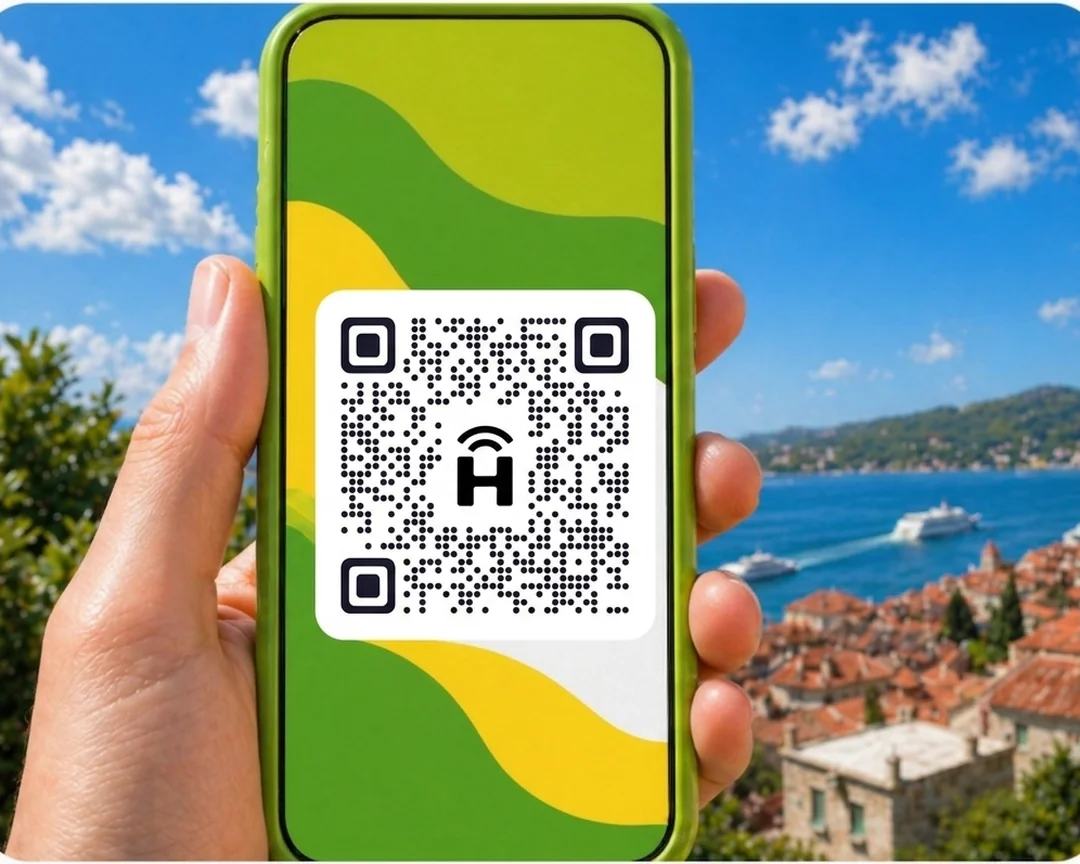




HelloRoam offers prepaid eSIM data plans for Panama from CA$8.93 and covers 185+ countries worldwide. Your eSIM connects to local 4G networks the moment you land, ready to go. Set it up in under two minutes with a QR code before you fly. Keep your Bell, Rogers, or Telus number active on your primary SIM while your eSIM handles data.
- carrier networks
 212+
212+- network type
 4G
4G- to activate
 under 2 minutes
Last updated
Panama prepaid data plans on local networks for Canadians
Great-value eSIM for Panama, starting from CA$8.93. 4G data on local partner networks in Panama. Works on any carrier-unlocked, eSIM-compatible phone. Canadians visiting Panama can skip airport SIM kiosks entirely. HelloRoam offers an e SIM Panama plan starting at CA$8.93 on movistar 4G networks. Activate by QR at home before your flight and land ready to navigate. No physical card, no contract, and no roaming fees from Bell or Rogers.
Panama eSIM with 4G coverage
HelloRoam offers eSIM plans for Panama starting from CA$8.93. Connect on 4G networks including Claro. Canadians can activate before departing and arrive in Panama City already connected.
- Plans start at CA$8.93 with 4G speeds
- Coverage from movistar
- Instant activation in under 2 minutes
- 180-day refund on unactivated eSIMs
- Panama coverage across major cities
- Network
- 4G
- Plans From
- CA$8.93
- Activation
- Under 2 min
- Refund
- 180 days if unactivated

How to Set Up an eSIM in Panama
Follow these steps to set up your eSIM on iPhone or Android. Works for any eSIM for international travel, no replacement SIM, no store visit.
Set up an eSIM on your iPhone with HelloRoam
Set up an eSIM on your Android with HelloRoam
- 1
Choose your plan and check out
Pick a data plan for your destination and complete checkout in the HelloRoam app or on the website.
 2
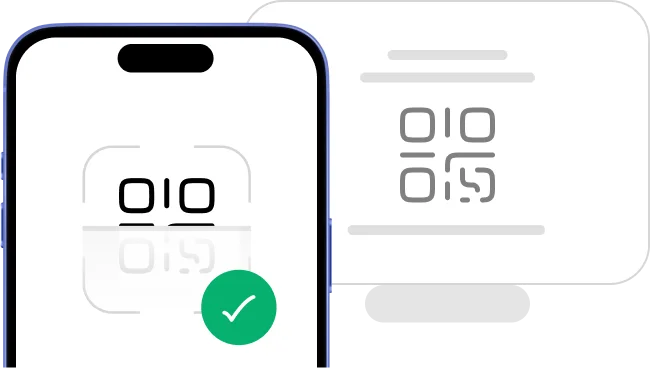
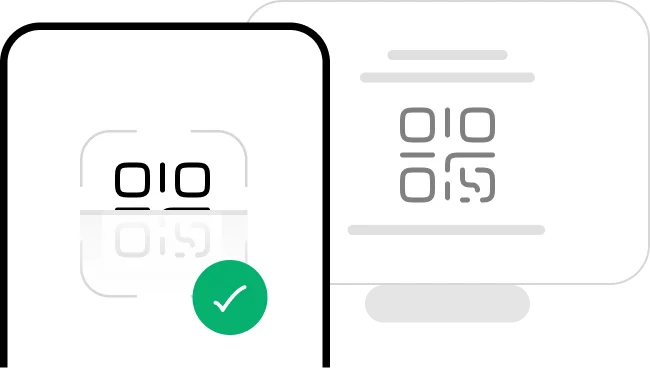
2Scan the QR code
Scan the QR code from your confirmation email to install your eSIM right away.
- 3
Ready to use on arrival
Your eSIM installs in minutes and activates the moment you land at your destination.
 4
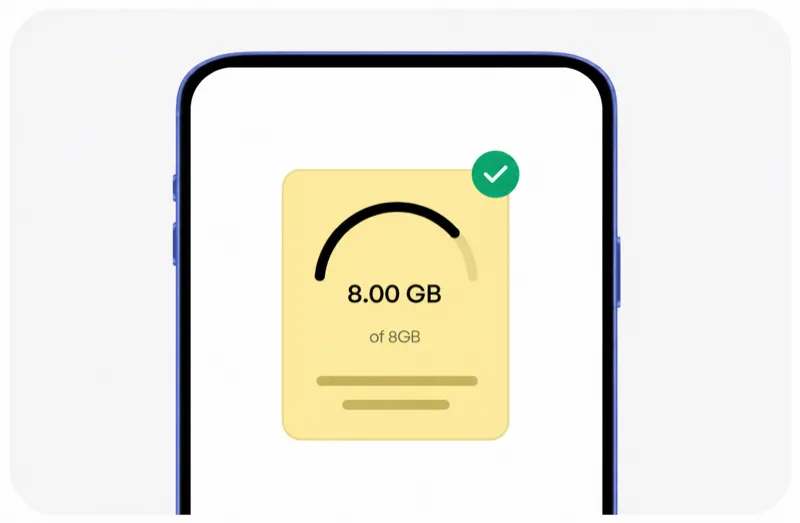
4Manage from the app
View usage, top up data, and manage all your eSIMs from the HelloRoam app.




Plans changed? No worries, we've got you covered.
Plans change, and that's okay. With HelloRoam, an eSIM that was never activated or scanned and used no data qualifies for a full refund within 180 days of purchase. No hassle.
Learn more about our refund policyHelloRoam Panama eSIM vs a travel SIM card or Bell, Rogers and Telus roaming
Comparing an eSIM vs a travel SIM card for Panama? The eSIM skips the airport SIM shop. Rogers Roam Like Home, Bell Roam Better, and Telus Easy Roam add a fee for every day you roam. HelloRoam sells a prepaid eSIM for Panama from CA$8.93, with a 180-day refund on unactivated eSIMs.
Why Canadian Travellers Choose an e SIM for Panama

24/7 live chat support
Need help at 2 AM in Tokyo or midnight in Cancun? HelloRoam support is available 24/7. Message us by live chat, WhatsApp, or email at help@helloroam.com. Mobile data problems don't wait for business hours, and neither do we.

Best Travel eSIM for Panama
Get data at 4G speeds the moment you land in Panama. Skip roaming fees from Bell, Rogers, and Telus. HelloRoam connects you to local carrier networks in minutes, whether you're on holiday or working. Your connection starts before you clear customs.

Keep your Bell, Rogers, or Telus number
Keep your Bell, Rogers, or Telus number active for calls and texts. HelloRoam runs as a second eSIM line on any dual SIM compatible phone, so you never miss a call from home while travelling. Your cellular coverage for internet abroad runs on a separate line, so both SIMs work at the same time.

212+ carrier networks worldwide, connected in Panama
HelloRoam eSIMs connect to 212+ carrier networks across 185+ countries. Your phone joins a local partner 4G network automatically, with no manual carrier selection needed. Speeds depend on the local network.

Data alerts before you run out
HelloRoam emails you as your data runs low on a fixed plan, so you can top up or buy a new plan in time. If your plan supports top-ups, add data from the app before it expires, with no need to reinstall your eSIM or visit a store. Adding a new prepaid data package takes under a minute from your account dashboard.

Local 4G speeds
Your Panama eSIM connects to local 4G networks. Your phone joins a local HelloRoam partner network for navigation, streaming, and video calls. Speeds depend on the local network and your location. Local data makes a real difference when you're finding your way around a new city or video calling family back home.

Regional and global eSIM plans
Travelling to multiple countries? HelloRoam regional eSIM plans cover many countries in Europe, the Caribbean, Asia, and more in one purchase. Fixed data plans in every destination, and unlimited plans in most. One account, no SIM swaps. A single international data plan with cross-border wireless connectivity saves you the hassle of buying a new prepaid data package at every border.

Free hotspot and data sharing in Panama
Share your Panama eSIM data with a laptop or tablet using your cell phone's built-in hotspot. No extra fees, no setup needed. Works on all eSIM compatible phones. Turning your phone into a mobile Wi-Fi hub means everyone on your trip gets internet abroad from the same prepaid data package.
Best eSIM Prices for Panama
HelloRoam, the best eSIM Panama. Compare plans and save versus Rogers, Bell, and Telus roaming.
| Number of days | Price |
|---|---|
| 1 day | CA$15.88 |
| 3 days | CA$45.26 |
| 7 days | CA$97.81 |
| 15 days | CA$190.53 |
| 22 days | CA$258.49 |
| 30 days | CA$323.90 |
HelloRoam vs Rogers, Bell, Telus, and Other eSIM Providers for Panama
See how HelloRoam compares with Airalo, Holafly, Nomad, Saily, and Ubigi for your trip. The table covers a 180-day refund on unactivated eSIMs, data overage charges, and instant QR code delivery.
| Feature comparison | HelloRoam | Airalo | Holafly | Nomad | Saily | Ubigi |
|---|---|---|---|---|---|---|
| 180-day refund (unactivated eSIMs) |  Feature available Feature available |  Feature not available Feature not available |  Feature available Feature available | Feature not available | Feature not available | Feature not available |
| No data overage charges | Feature available | Feature available | Feature available | Feature available | Feature available | Feature available |
| Instant QR code delivery | Feature available | Feature available | Feature available | Feature available | Feature available | Feature available |
What Is an eSIM? How eSIM Works in Panama
An eSIM is a digital SIM built directly into your cell phone. There is no plastic chip and no SIM tray to deal with. Scan a QR code to activate your eSIM in under 2 minutes on any eSIM compatible iPhone or Android. It works as a prepaid data plan for Panama travel with no airport SIM shop, no replacement SIM card, and no carrier contract. Canadians travelling from Pearson or Vancouver International can set everything up before their flight and arrive connected. Follow the step-by-step setup guide to get started. setup guide


Mobile connectivity guide for Panama
Panama has 4G mobile coverage in cities and major tourist areas. Your HelloRoam eSIM connects on one local network. Canadian visitors find it far cheaper to use a HelloRoam eSIM than paying Rogers, Bell, or Telus international roaming fees for data in Panama.
Set your plan up at home in Toronto before you leave and arrive in Panama City on a live data connection.
- HelloRoam connects to movistar 4G in Panama
- 4G coverage across Panama City and major cities
- Connect on Claro
- Activate at home in Canada before your flight
eSIM Travel Tips for Panama
Set up your eSIM before leaving Toronto
Buy your HelloRoam plan for Panama at home, scan the QR code in your phone settings, and enable data when you land. You skip the counter queues at Panama City airport and arrive connected. Rogers, Bell, or Telus international data charges add up fast on a Central America trip.
Keep your Canadian number reachable
Dual SIM phones let you keep your Rogers, Bell, or Telus SIM active for calls and texts while using HelloRoam for data in Panama. Family back in Canada can still reach you on your regular number. Use HelloRoam as your default data line to keep your costs down.
Download offline maps before you travel
Google Maps and Maps.me offline maps work anywhere in Panama, even in areas with weaker signal. Download the Panama map over Wi-Fi at home in Canada before you depart. Rural areas and smaller towns may have slower data speeds than Panama City.
Monitor your data with the HelloRoam app
The HelloRoam app shows how much data you've used, but the figure can be up to 3 hours behind. On fixed-data plans, HelloRoam also emails you when your data runs low. Top up directly inside the app if you need more data without reinstalling your eSIM profile.
Currency and payments in Panama
Let your bank know you are travelling to Panama before departure. Most hotels and larger retailers in Panama City accept Visa and Mastercard. Carry some local currency for smaller vendors and transportation. Your HelloRoam eSIM keeps banking apps and currency converters running throughout the trip.
Mobile networks in Panama: what Canadians need to know
HelloRoam eSIM for Panama connects on Movistar. These are the primary 4G networks in Panama and provide the best coverage in Panama City and major urban areas. Coverage in rural parts of Panama varies by carrier. Your HelloRoam eSIM connects to an available local network automatically, and speeds depend on local coverage.
- movistar

- 4G
HelloRoam eSIM vs Canadian carrier roaming in Panama
An honest look at your data options for a trip to Panama from Canada.
| Category | HelloRoam eSIM Recommended | Local Panama SIM card | Carrier roaming |
|---|---|---|---|
| Typical cost | From CA$8.93 total | CA$6.99–CA$20.97 total | — |
| Details | Plans from CA$8.93. Buy before you travel, scan the QR code, and arrive in Panama City already on 4G local data. No daily roaming charges added to your Canadian plan. | Available at Panama City airport or city stores but requires setup after a long flight. Prepaid tourist SIMs involve paperwork and unused data is often forfeited when you return home. | Canadian carriers typically charge a daily fee for international roaming, and it adds up fast. On a 10-day trip to Panama, an eSIM plan usually costs far less. HelloRoam plans start at just CA$8.93. |
Prices approximate as of . Actual savings vary.
Best times for Canadians to visit Panama
Panama is a popular destination for Canadian travellers exploring Central America. The best travel window depends on weather and local events in Panama City and beyond.

Reviewed by HelloRoam Editorial Team

Reviewed by HelloRoam Editorial Team
Top Destinations in Panama

Colon
HelloRoam connects you across Colon, Panama, on movistar 4G networks. Coverage serves the Free Trade Zone and the Caribbean cruise port. An esim panama plan works across both sides of the canal zone.

The Colon Free Trade Zone has good 4G signal throughout. Use your HelloRoam eSIM to compare prices and check listings while you shop.

David
HelloRoam connects you in David, Panama, on movistar 4G. Coverage reaches the Enrique Malek Airport and the main commercial area near Parque Cervantes. An esim panama plan covers day trips toward Boquete and Chiriqui province.
David is the gateway to Boquete. Keep your HelloRoam eSIM active as 4G drops to 3G on the mountain bends toward Boquete highlands.
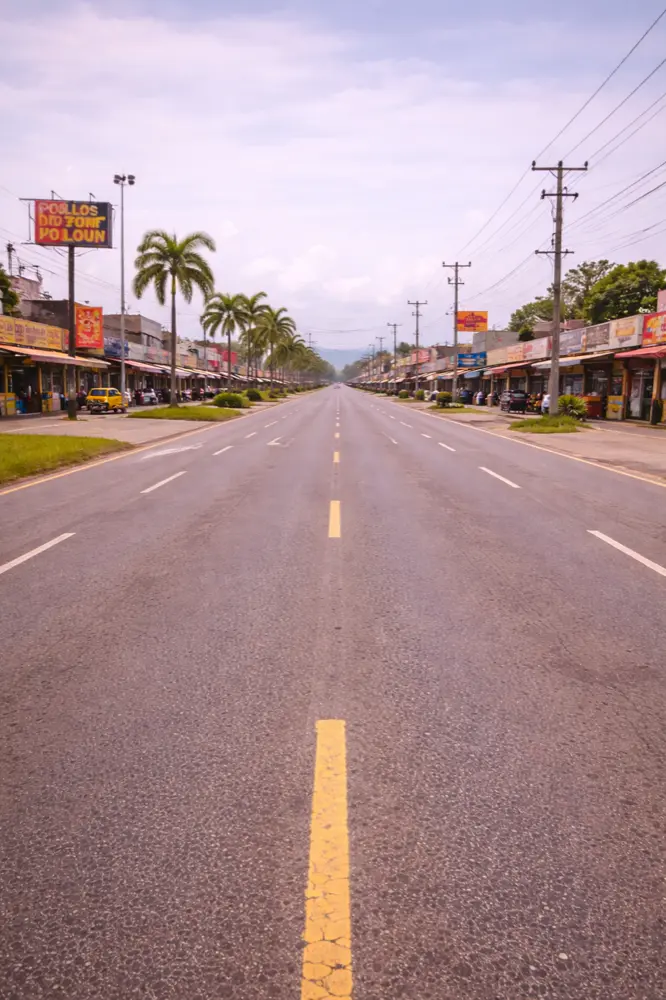
Distrito De David
Browse and stream in Distrito de David with HelloRoam mobile data plans for Panama.
Movistar 4G covers David city and Enrique Malek Airport; reliable data on the road to Boquete coffee farms.
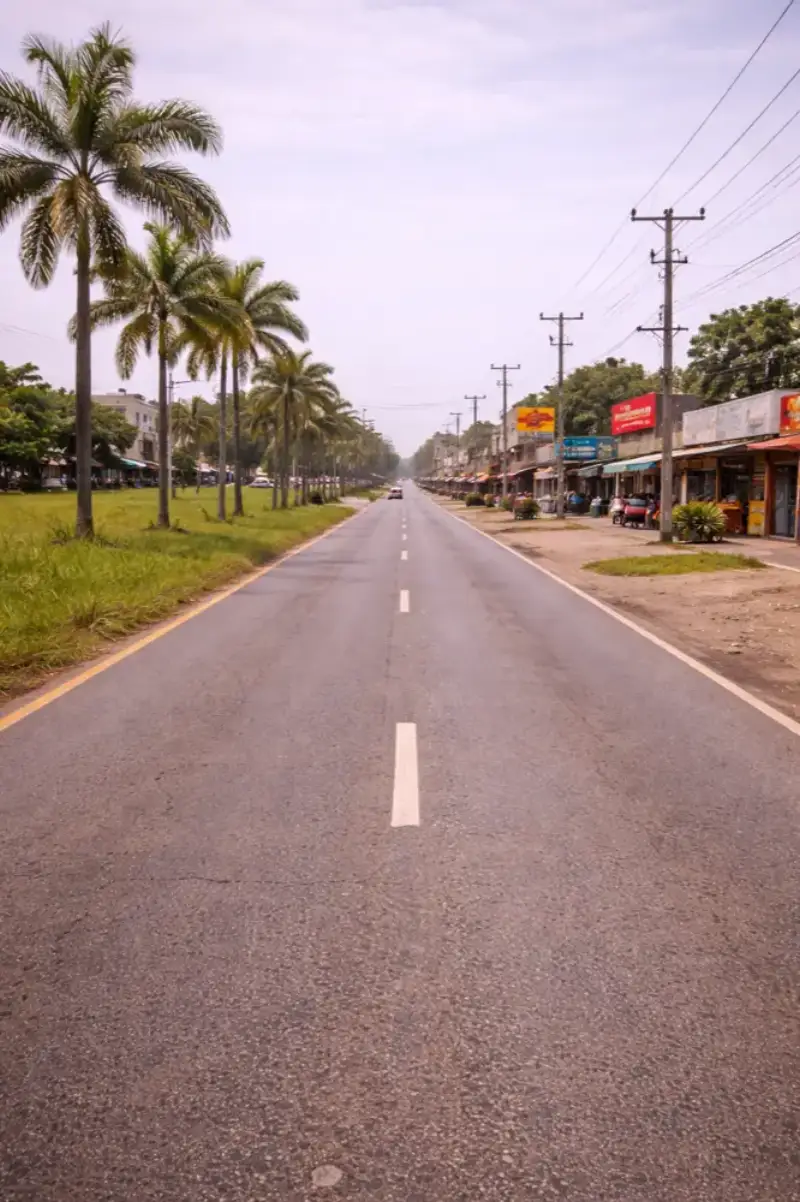
Distrito De La Chorrera
Use HelloRoam in Distrito de la Chorrera for fast data access anywhere in Panama.
Movistar 4G covers La Chorrera and the Pan-American Highway; solid data between Panamá City and the interior.

Distrito De Panama
Arrive in Distrito de Panama ready to connect. HelloRoam covers all of Panama with fast data.
Movistar 4G covers Tocumen International Airport and Panama City; strong signal along the Metro Line 1 corridor.

La Chorrera
HelloRoam gives you movistar 4G coverage across La Chorrera, just west of Panama City. The town is well connected along the Pan-American Highway corridor. Your esim panama plan covers the full stretch between the capital and this regional center.
La Chorrera sits along a busy highway stretch. Keep your HelloRoam eSIM on for GPS navigation and traffic updates on the Pan-American road.

Panama City
HelloRoam connects you across Panama City on movistar 4G. Coverage is strong at Tocumen Airport, in the Casco Viejo old town, and across the Metrobus network. An esim panama plan keeps you online from the canal locks to the malls.
Tocumen Airport is 30 km from center. Activate your HelloRoam eSIM before landing to book transport without paying for airport Wi-Fi.

San Miguelito
Stay connected in San Miguelito with HelloRoam eSIM data plans that work across Panama.
Movistar 4G covers San Miguelito's metro stations and main roads; part of the greater Panama City data zone.

Santiago
Santiago de Veraguas is a city in central Panama at the crossroads of the Pan-American Highway. HelloRoam keeps you connected on your road trip through the country.
Claro and Tigo cover Santiago de Veraguas with 4G. Good signal on the drive between Panama City and CR.
Showing slide 1 of 9
Reviews
What Our Customers Say
Real reviews from Trustpilot and the App Store, quoted as written.
40k+ travellers have used HelloRoam
Cat
On a trip to Europe, my hotel Wi-Fi was so slow and outside Wi-Fi was unreliable. I couldn’t take it anymore so I got helloroam for a few days. It was tricky to set up correctly because of the primary settings (with my original number). But I reached out to their customer service via WhatsApp. Super responsive and helpful, with specific and clear steps to troubleshoot. Appreciate having 4G roaming instead of being stuck with in and out Wi-Fi during my trip!!
Rated 5 out of 5 by this reviewer

Very good experience! The eSIM was easy to set up and worked great in London. It was much cheaper than it would have been to use my own operator there.
Ilona
Rated 5 out of 5 by this reviewer
metulker
Hard to set up but help was good
Rated 5 out of 5 by this reviewer
Reuben
Really happy with HelloRoam. Everything worked as expected, from messaging and Google Maps through to streaming without any issues. Easy to use, reliable and affordable. Would happily use them again when travelling.
Rated 5 out of 5 by this reviewer

Angeline
Reliable connection. Reasonable pricing.
Rated 4 out of 5 by this reviewer
Last updated
Panama eSIM Questions Answered
How much does an eSIMs Panama cost?
An eSIMs Panama from HelloRoam starts at CA$8.93 on movistar 4G networks covering Panama. HelloRoam delivers the QR to your inbox so you activate before boarding from Canada. No contract and no credit check required on any plan.
Does an e SIM Panama plan cover Bocas del Toro, Boquete, and the Pearl Islands?
A Panama eSIM card plan from HelloRoam covers all major areas in Panama on movistar 4G networks from CA$8.93. HelloRoam activates by QR before your trip with no physical card needed. Fully prepaid with a 180-day refund guarantee on unactivated eSIMs.
What is the best eSIM for Panama for Canadians?
HelloRoam is the best eSIM for Panama for travellers departing from Toronto Pearson YYZ, Vancouver YVR, Montreal YUL, Calgary YYC, or Ottawa YOW, with plans from CA$8.93 on 212+ carrier networks across 185+ countries. You connect to local 4G partner networks, and speeds depend on the local network. You also get a refund within 180 days on eSIMs you never activate, and 24/7 live chat support in your own language. Bell Roam Better costs CAD 13 a day in the US and CAD 16 a day elsewhere, plus taxes. Rogers Roam Like Home costs CAD 16 a day in the US and CAD 18 a day elsewhere, plus taxes. HelloRoam costs far less for most trips. For travellers who want real savings on mobile data, it is the practical choice over a carrier roaming plan.
How much does a Panama eSIM cost compared to Bell or Rogers roaming?
HelloRoam eSIM plans for Panama start from CA$8.93 as a one-time prepaid purchase. Bell Roam Better costs CAD 13 a day in the US and CAD 16 a day internationally. Rogers Roam Like Home costs CAD 16 a day in the US and CAD 18 a day elsewhere. Telus Easy Roam costs CAD 16 a day in the US and CAD 18 a day internationally. All three add taxes on top. Ten days on Bell Roam Better in the US adds CAD 130, plus taxes, to your monthly bill. HelloRoam fixed plans have no daily billing cycle and no overage fees. When you compare a prepaid data package from HelloRoam against a daily carrier roaming plan, the savings on a two-week trip are significant.
Which networks does HelloRoam eSIM connect to in Panama?
HelloRoam eSIM in Panama connects to local 4G partner networks. Your phone picks a partner network automatically when you arrive. Coverage depends on the local network: major cities, airports, and highways usually have service, while rural or remote areas may have limited coverage. HelloRoam partners with 212+ carrier networks globally. You use a local network without paying Bell, Rogers, or Telus daily roaming rates, and speeds depend on that network. That gives you mobile data for maps, messaging, and streaming throughout your trip.
How do I set up a HelloRoam eSIM before leaving a Canadian airport?
Setting up your HelloRoam eSIM before departure takes three steps. First, choose your plan at helloroam.com or in the app and complete checkout. Second, scan the QR code from your confirmation email in Settings under Add eSIM or Add Cellular Plan. Third, your eSIM installs in under 2 minutes. Buy and install at home or at Toronto Pearson YYZ, Vancouver YVR, Montreal YUL, Calgary YYC, or Ottawa YOW using the free airport Wi-Fi before your flight boards.
Does my iPhone work with a Panama eSIM if I am on Bell, Rogers, or Telus?
iPhone XS and all newer models work with HelloRoam eSIM in Panama as long as your device is carrier-unlocked. iPhones purchased directly from Apple are unlocked by default. To confirm, check Settings under General, then About, then Carrier Lock. Once confirmed, scan the QR code in Settings under Cellular, then Add eSIM, and your Canadian number stays active on dual SIM while HelloRoam handles travel data.
Does HelloRoam eSIM work in Panama?
Yes, HelloRoam eSIM works in Panama on the Movistar 4G network. Coverage is strong in Panama City and major cities. Buy your plan before you travel, install via QR code, and enable data when you arrive.
Is a HelloRoam eSIM cheaper than Canadian carrier roaming in Panama?
Yes. Rogers, Bell, and Telus typically charge a daily fee for international roaming, and it adds up fast. A HelloRoam eSIM for Panama starts at CA$8.93 and covers days of typical data use at a fraction of that cost.
Which networks does HelloRoam use in Panama?
HelloRoam eSIM for Panama connects on Movistar. Your phone selects the strongest available 4G signal automatically as you move around Panama City and other parts of Panama. Cable & Wireless (C&W Panama) and Claro Panama are among the strongest 4G providers in the area, covering tourist attractions, airports, and city centers. Coverage and speed depend on the local network where you are.
How do I activate an eSIM for Panama?
Purchase your plan on helloroam.com, open your phone settings, and scan the QR code to install the eSIM profile. Enable mobile data when you arrive in Panama. Setup takes about five minutes and is simplest done at home before your flight.
Can I keep my Canadian number while using a HelloRoam eSIM in Panama?
Yes. On a dual SIM device, keep your Rogers, Bell, or Telus SIM active for calls and texts while using HelloRoam as your data line. You stay reachable on your regular Canadian number throughout your Panama trip.
How much data do I need for a week in Panama?
A week of typical use in Panama including maps, messaging, social media, and navigation uses 3 to 6 GB. If you stream video or make frequent video calls back to Canada, choose a 10 GB or larger plan. For a week of typical travel (Google Maps navigation, WhatsApp messages, and social media) you need 3 to 5 GB. If you stream video or make video calls daily, choose a 8 to 10 GB plan. The HelloRoam app shows how much data you've used, but the figure can be up to 3 hours behind.
Does HelloRoam eSIM include hotspot in Panama?
Yes, HelloRoam eSIM plans for Panama include hotspot sharing. Share your 4G connection with a travel companion's device or laptop anywhere in Panama. You can share your 4G connection with a travel companion, laptop, or tablet at no extra cost. Hotspot speeds are typically sufficient for email, navigation, and video calls. Enable it under Settings, Personal Hotspot on your device.
How fast is mobile internet in Panama?
HelloRoam eSIM plans for Panama start at CA$8.93 with 4G coverage. Panama has 1 network partner including Claro. An eSIM costs less than a physical SIM card from airport shops in Panama. Speeds support maps, video calls back to Canada, and streaming in most urban areas.
What to Know Before You Buy
eSIM requires an unlocked, eSIM-compatible device. Check your phone settings before purchasing.
Most travel eSIM plans provide data only. Your existing phone number stays active for calls and texts on your primary SIM.
Coverage quality varies by location within Panama. Urban areas typically have strong 4G coverage, while rural or remote areas may have limited connectivity.
Install your eSIM before departure. Activation requires an internet connection, which may not be available at your destination airport.
Transparency Notice
- Service Provider Name (SPN)
- HelloRoam appears as the carrier name on your phone's status bar through the SPN, a standardized field in the eSIM profile. Unlike most travel eSIM resellers, HelloRoam provisions its own Service Provider Name.
- Public Network Name (PNN)
- The PNN is the network name field inside the eSIM profile, defined in 3GPP TS 31.102 (EF_PNN). Your phone can read it to display the name of the network you're connected to.
- Access Point Name (APN)
- HelloRoam eSIMs auto-configure their Access Point Name during installation. Your device connects to a local partner network without manual settings.
Prices are our retail rates across 185+ countries. The recommended plan is picked by data size and price. Every purchase includes a 180-day money-back guarantee on unactivated eSIMs.
Future Syncs Limited 124 City Road, London, EC1V 2NX, UK +44 203 916 6249 help@helloroam.com Reg. No. 15950168