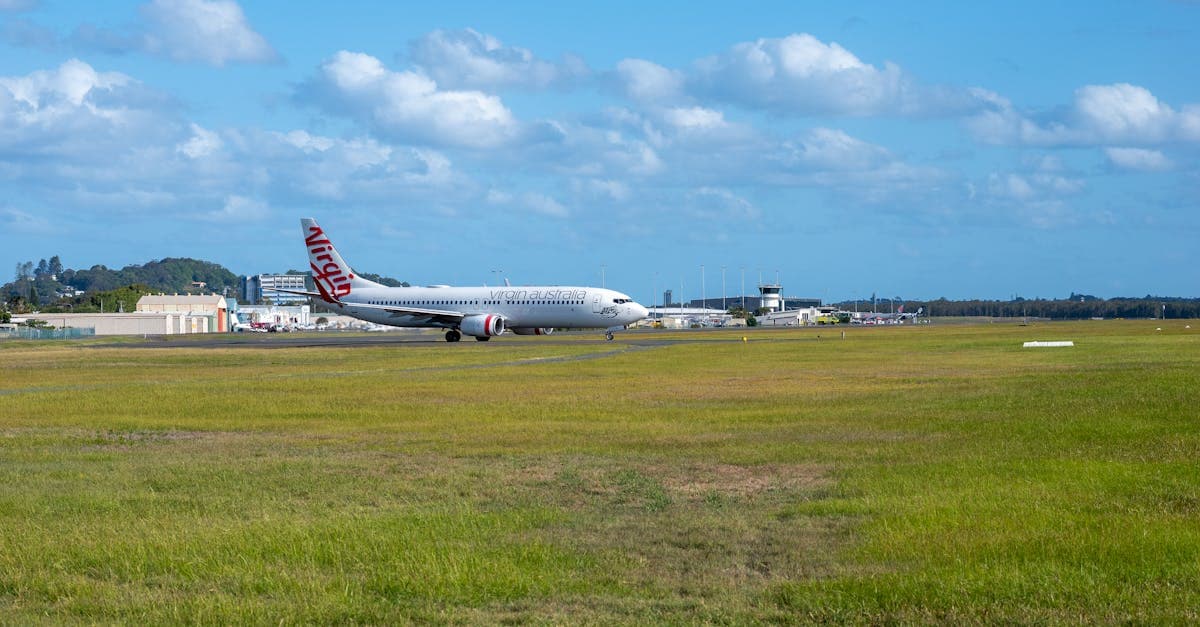
Quick Answer: Flight Connections from Australia at a Glance
Three things that change your outcome:
- Sydney's three-terminal layout catches travellers out. A shuttle bus links T1 international to the domestic terminals at T2 and T3. Don't underestimate it.
- Book on a single ticket. If the airline misses its own connection, they rebook you at no cost. Separate tickets make it your problem and your expense.
- An eSIM outperforms airport Wi-Fi during the wait. Sydney Airport's free tier runs for 30 minutes before charges of ~A$9.99 per hour apply. An eSIM is active the moment you land.
Not sure what an eSIM actually is? What Is an eSIM? covers the basics in plain language.
The detail behind each point follows below.
What Is a Flight Connection?
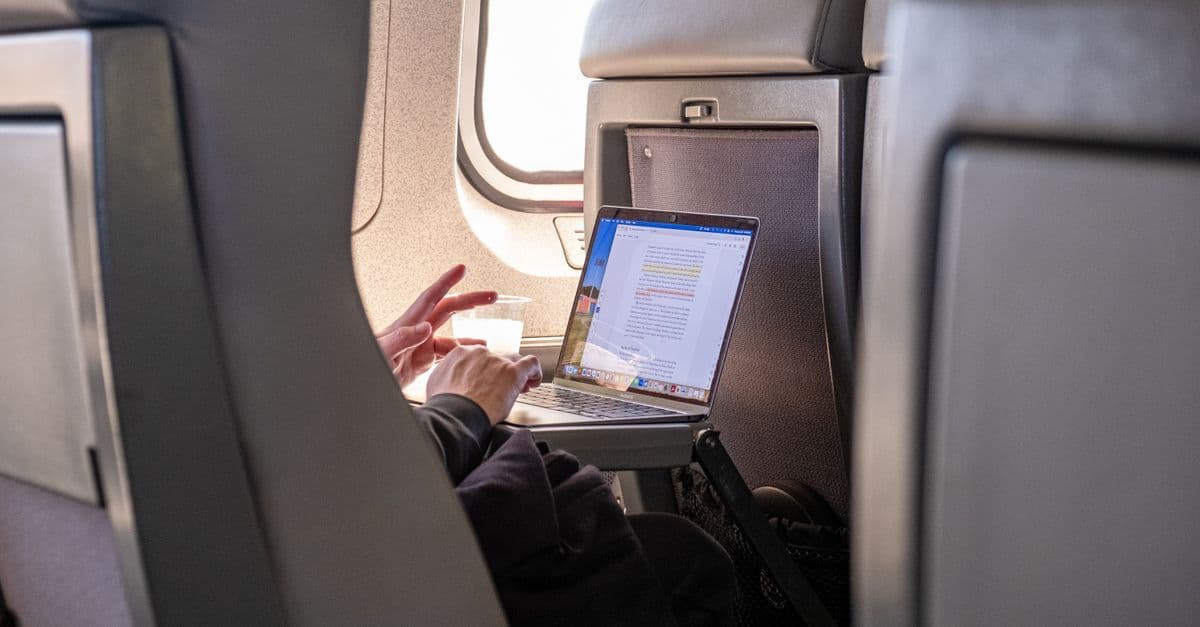
A flight connection is the transit between two separate flights at the same airport. You land, move through the terminal, sometimes through customs and immigration, and board a second aircraft. That gap between arrival and departure is the connection window. What happens inside it depends on the route type, the airport, and how you booked.
Airlines set what's called a minimum connection time (MCT): the shortest permissible gap between a scheduled arrival and a connecting departure on the same booking. MCTs vary by airport, route type, and carrier.
A domestic-to-domestic hop at Melbourne Airport is the forgiving case: no customs, no immigration, just a walk to the next gate. An international-to-domestic connection at Sydney is the opposite. Even airline-listed MCTs that look plausible on screen fall apart when real-world variables stack up.
The booking structure matters more than most travellers expect. Travel on a single ticket and the airline owns the connection. If your first flight lands late and you miss the second, the carrier rebooks you on the next available service at no extra cost.
Split the booking across two separate tickets to chase a cheaper fare, and you're a new passenger with a separate problem the moment the first flight touches down. That second airline owes you nothing.
Not all connection types carry the same complexity. Domestic-to-domestic is the simple case: no customs, no immigration, often just a corridor walk. International-to-domestic is the one that trips people up, particularly at Sydney, where the terminal geography adds a layer most first-timers don't account for.
Definitions aside, the real issue is the clock.
Minimum Connection Times at Major Australian Airports
Sydney is the most complex airport to connect through in Australia. Three separate terminals, with international arrivals at T1 and domestic departures split between T2 (Virgin Australia and Rex) and T3 (Qantas), require a shuttle bus transfer that most passengers don't factor into their timing.
Airlines often publish MCTs for SYD that underestimate what the process actually demands. Customs, immigration, biosecurity screening, baggage collection, and a bus ride to the domestic precinct don't compress neatly into a tight window.
Rarely, in practice, do all those steps run smoothly at once.
| Airport | Route Type | Recommended Minimum | Key Factor |
|---|---|---|---|
| Sydney (SYD) | International → Domestic | 120-180 min | Three terminals; shuttle bus between T1 and T2/T3 |
| Melbourne (MEL) | International → Domestic | 90-120 min | Single integrated building; no outdoor transfer |
| Brisbane (BNE) | International → Domestic | 90 min | Short pedestrian walkway; compact layout |
| All major airports | Domestic → Domestic | 45-60 min | No customs or immigration |
| All major airports | International → International | 60-90 min | Varies by carrier and terminal configuration |
Melbourne is the standout. One integrated building connects international arrivals directly to domestic gates without a bus or crossing open ground. For long-haul travellers connecting home via MEL after 20-plus hours from London or Dubai, that building layout is a genuine relief.
Brisbane is the workable middle ground. The pedestrian link between terminals is short, and 90 minutes is a solid buffer there, not a corridor sprint.
The core problem at Sydney is that published MCTs for flight connections are built for ideal conditions. Less than two hours on an international-to-domestic route at SYD is risky. Two hours is the practical floor; two and a half is sensible for peak-hour arrivals from Asia.
Connection time sorted. Next problem: staying online during the wait.
How to Stay Connected During a Connecting Flight Layover
Activate your eSIM before you leave home. That's the move that sidesteps the connectivity headaches on a connecting flight itinerary. You land with data already running, no login screens, no Telstra roaming charges accumulating on the jet bridge. The sequence below takes roughly ten minutes and works across every major transit hub.
1. Install the eSIM while you're still on home Wi-Fi
eSIM profiles install over Wi-Fi. Do it from home, not the departure terminal. The profile activates the moment your phone detects a compatible network at your destination. No manual APN (access point name) settings, no SIM tray swapping. For Australians flying long-haul, this means you're connected the moment you clear arrivals, not 45 minutes later after queuing at a SIM counter.
2. Configure dual SIM before you board
This is the step most travellers skip. Keep your Australian number live on your physical SIM. Banks send OTP verification codes there. Family can still reach you on the same number. The eSIM carries the data. It's a cleaner arrangement than toggling between plans mid-trip, and it costs nothing extra to set up.
3. Know what the free Wi-Fi actually gives you
Sydney's free tier runs out faster than a long-haul boarding queue, as covered earlier. The paid option that follows is steep. Melbourne's free Wi-Fi has no time limit, but at peak periods it drops to 3-8 Mbps. That makes a video call choppy and a large file transfer a genuine test of patience.
4. Check your carrier's roaming terms before you fly
Telstra, Optus and Vodafone AU all offer international roaming add-ons. The daily rate varies by destination zone, and some plans default to per-megabyte billing if no bolt-on is active. Read the fine print once, before you're standing in an unfamiliar arrivals hall wondering why the data bill looks alarming.
Free Wi-Fi sounds fine in theory. In practice, a different story.
Is Airport Wi-Fi Good Enough for a Long Layover?
For quick checks, airport Wi-Fi is fine. For anything requiring sustained connectivity, it's unreliable. Find the gate change at SYD, load a boarding pass, fire off a message: the free tiers at most Australian airports handle those without drama. A video call or a file upload before your connecting flight? That's where the experience starts to fray.
The figures by airport tell a different story to the marketing.
Sydney's paid tier reaches ~A$19.99 for a day pass. For any layover stretching past the two-hour mark, that's the more economical call over the hourly rate covered earlier. Still, you're spending more than most travellers pay for a full day of eSIM data at their destination.
Melbourne's free Wi-Fi runs without a time limit, which sounds like the better deal. The peak-period speeds noted in the previous section make it unreliable for anything bandwidth-intensive. Emails work. A FaceTime call to the family, not reliably.
Brisbane is the standout. BNE's free Wi-Fi averages 10-20 Mbps, making it the most usable of the three major eastern seaboard connecting airports for any layover requiring real work.
Here's what the comparison overlooks: airport Wi-Fi is a shared public network with no encryption and no QoS (quality-of-service traffic prioritisation). Anyone logging into banking apps or work systems on a public terminal carries a security exposure that a private LTE connection avoids entirely.
The budget eSIM comparison lands sharply. A day of mobile data on a competitively priced eSIM plan typically costs less than one hour of paid Wi-Fi at Sydney Airport.
Airport Wi-Fi is a stopgap. An eSIM is a solution.
So when does an eSIM actually make sense for connecting flights?
Do I Need an eSIM for Connecting Flights?
Not always. The answer depends on three variables: the type of connection, the length of the layover, and what your Telstra, Optus or Vodafone AU plan already covers. Skip the eSIM for domestic Australian connections entirely. International transit through an overseas hub is where the maths shifts.
Domestic Australian connections: Your existing plan covers Australian airports as part of normal domestic data. A layover in Sydney, Melbourne or Brisbane sits within your monthly allowance. No separate plan needed, no new activation to manage.
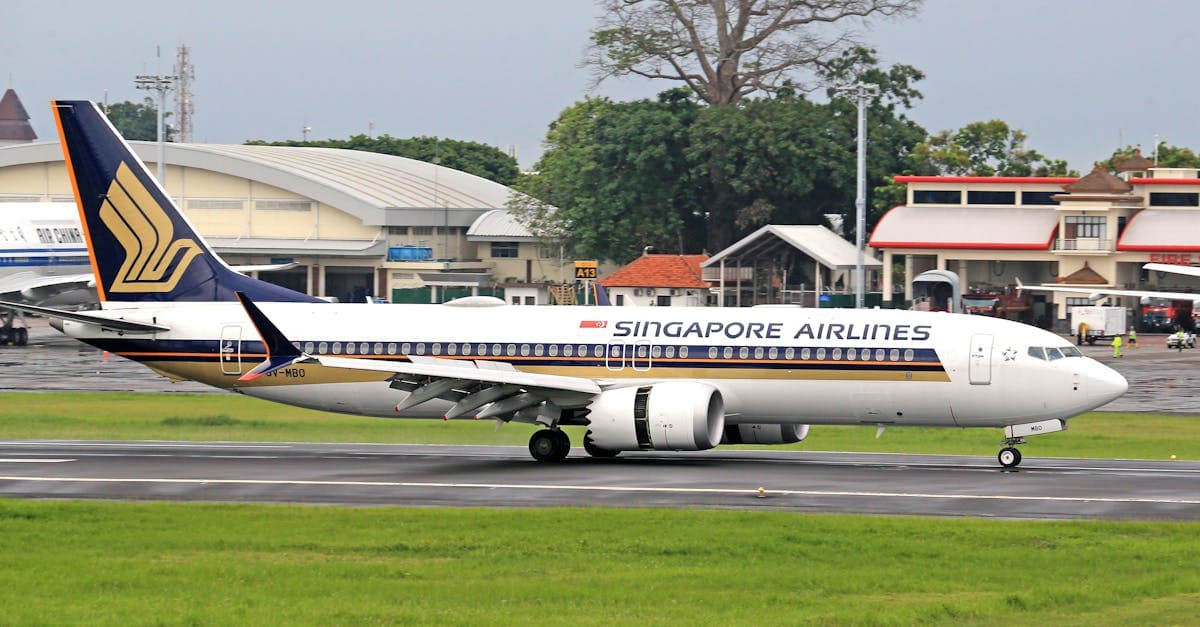
International transit layovers: Carrier roaming at overseas hubs adds up. Even a 3 to 4 hour stop in Singapore or Dubai on standard carrier roaming can cost more than a dedicated transit eSIM would. An eSIM converts a variable charge into a flat, known cost you chose before boarding.
Multi-country itineraries: One regional eSIM across multiple destinations is the cleanest option. HelloRoam covers 190+ destinations on local carrier networks, which suits travellers running a trip across three or four countries without wanting to swap physical SIMs at every border. Unfamiliar with how the technology actually works? What Is an eSIM? covers the basics without the jargon.
Short NZ or Bali trips: This is the exception worth checking first. Telstra, Optus and Vodafone AU all price their roaming add-ons to New Zealand and Bali competitively. For a 3 to 4 day trip, compare the add-on cost against the eSIM price before buying. If the gap is small, the eSIM advantage comes down to convenience rather than savings.
And if the connection itself goes sideways, here is what to know.
What Happens If I Miss My Connecting Flight?
The answer hinges on how you booked. Missing a flight connection on a single ticket puts the burden on the airline. Bought separate tickets to save money? The burden lands entirely on you.
Single booking, one itinerary: if the first flight runs late and you miss the onward leg, the airline must rebook you at no extra charge. That's their problem to solve. They set the minimum connection time, they sold you the itinerary, and the obligation is theirs. In practice, this still means reaching a service desk or helpline quickly.
Separate tickets: a different story. Your cheap domestic hop into Melbourne followed by a separately-booked Bali flight are two unrelated transactions. If the domestic leg runs late and you miss the international one, the carrier of the second flight owes you nothing. Rebooking costs come straight out of your own pocket.
A common myth worth busting: "Australian Consumer Law covers everything." The ACL does give domestic passengers rights to remedy when an airline service failure causes a missed connection. Most travellers don't know this option exists. But the ACL applies to the domestic leg, not to a separately-booked international flight sitting on a different ticket. The two sit in different legal buckets.
Travel insurance with trip interruption cover is the actual safety net for separate-ticket itineraries. It pays rebooking costs and reasonable accommodation when a delay is outside your control. Read the policy wording before you fly, not standing at the gate in a panic.
One practical move: stay connected and open the airline app the moment you suspect a delay. Rebooking options evaporate fast. The passengers already holding a new boarding pass when they reach the service desk are the ones who sorted this before the queue formed.
Reviewed by HelloRoam's editorial team. Last updated: 23 June 2026.
Questions travellers ask
How much time do I need for a connecting flight at Sydney Airport?
Sydney Airport requires 120 to 180 minutes for an international-to-domestic connection. Three separate terminals mean a shuttle bus transfer between T1 and domestic terminals T2 and T3.
What is the minimum connection time at Melbourne Airport?
Melbourne Airport recommends 90 to 120 minutes for an international-to-domestic connection. One integrated building links international arrivals directly to domestic gates with no shuttle bus required.
How long should I allow for a connecting flight at Brisbane Airport?
Brisbane Airport requires a minimum of 90 minutes for an international-to-domestic connection. A short pedestrian walkway links the terminals, making it the most compact of the major eastern seaboard airports.
Sources
- FlightConnectionsapps.apple.com

Written by
Sophie Callahan
Sophie Callahan is a travel writer at HelloRoam covering travel tech and data plans for international visitors. She explains how to set up an eSIM before landing so readers arrive already connected. Sophie focuses on budget-friendly advice for backpackers and working holiday makers who need reliable data without overpaying.
 Singapore