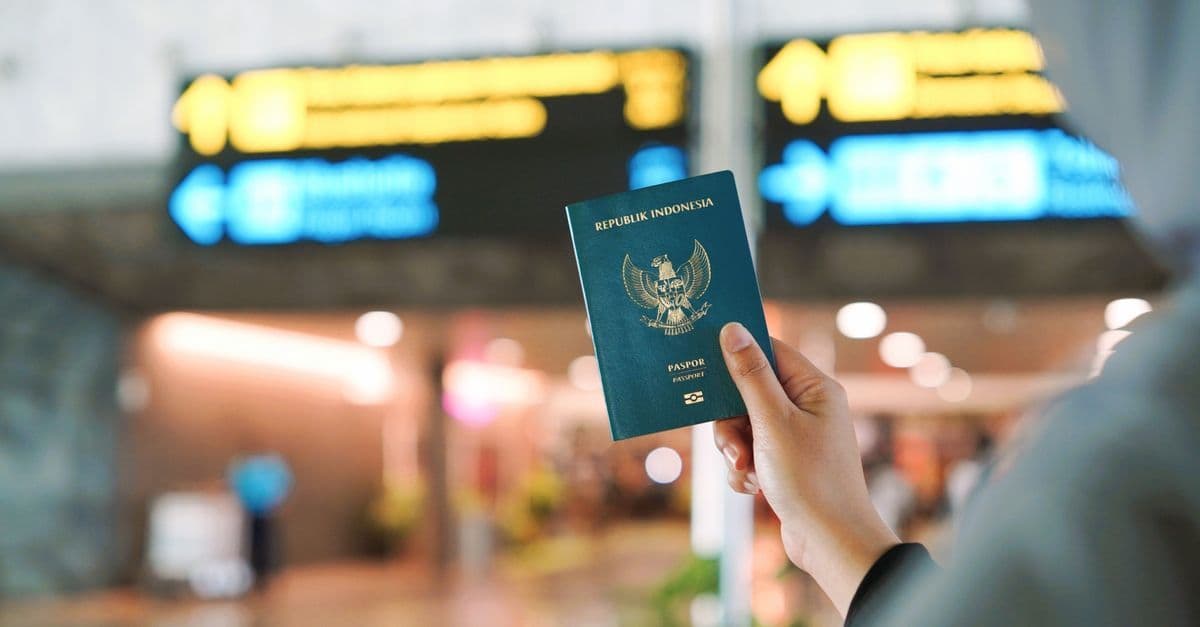
If roaming isn't on for your line, or you'd rather pay a fixed price up front, a HelloRoam Canada eSIM gives you data for maps and messages on arrival, as long as your phone is unlocked.
We checked every fact in this guide on October 29, 2026. Consumer Cellular's help pages and customer agreement didn't load for us that day, so we don't quote its rates or rules here. The phone steps come from Apple and Google.
Ask Consumer Cellular about Canada rates before you go
Consumer Cellular's help pages and Customer Support are the places to confirm what Canada costs on your line. Ask about each of these:
 Get your Canada eSIM before you flyInstall it at home, then turn on data roaming for it when you land. From $3.49.See Canada plans
| Use in Canada | What to ask |
|---|---|
| Calls | The rate per minute, and whether calls you receive, or that go to voicemail, are billed too |
| Texts | The rate per text, for texts you send and texts you receive |
| Data | The rate per GB, and whether messaging apps and data your phone uses on its own count |
| Picture messages | Whether they work in Canada at all |
| Wi-Fi calls | Whether calls over Wi-Fi from Canada are billed, and at what rate |
Then multiply each rate by what you expect to use, so you know what the trip could cost before you go.

Get your line and your phone ready before your Canada trip
Don't leave roaming to the airport. Here's how to get ready:
- Call Customer Support well before you leave. Ask whether your line can roam in Canada, whether your account qualifies, and how far ahead roaming has to be turned on.
- Ask about a spending limit. Find out whether roaming data stops at a set amount, and how soon roaming charges show up on your bill.
- Turn on Data Roaming when you land. On iPhone, go to Settings > Cellular > Cellular Data Options, as Apple's guide to data roaming shows. With two lines, tap your Consumer Cellular number first.
To check your data use on iPhone, open Settings > Cellular and look under Cellular Data, Apple says.
Wi-Fi and Airplane Mode keep roaming costs down in Canada
Wi-Fi is the cheaper route for apps like WhatsApp. Airplane Mode helps too: Apple says it turns off every radio except Bluetooth and can help lower roaming charges, and you can still turn Wi-Fi on while it's set.
A travel eSIM fits some Canada trips better than Consumer Cellular roaming
If your line roams in Canada at a rate you're happy with, Consumer Cellular roaming is the simple choice: your own number works for calls and texts, with nothing new to install. A travel eSIM fits better when:
- Consumer Cellular can't turn on roaming for your line, or not in time for your trip;
- you'll use a lot of data, and the roaming rate adds up;
- you'd rather pay a fixed price up front than find roaming charges on your next bill.
Any travel eSIM needs an unlocked, eSIM-capable phone. If you're still paying off a phone you bought from Consumer Cellular, ask whether it's locked and when it can be unlocked. On iPhone, Settings > General > About shows "No SIM Restrictions" next to Carrier Lock when the phone is unlocked, according to Apple's guide to travel eSIMs. On other phones, check that your phone supports eSIM.
A HelloRoam Canada plan's days start when the eSIM first connects to a network in Canada, not when you install it. Our Canada plans listed Rogers Wireless as their network when we checked on October 29, 2026. Networks can change, so check the plan page before you buy, and install the eSIM before you fly while you're on Wi-Fi at home.
On iPhone, choose the travel eSIM for cellular data and leave Allow Cellular Data Switching off. Apple says that switch lets the iPhone use data from both lines, and data on your Consumer Cellular line in Canada would be roaming data. Each iPhone line has its own Data Roaming switch under its Cellular Data Options, so you can leave it off on the Consumer Cellular line and on for the eSIM. On a Pixel, choose the eSIM under Settings > Network & internet > SIMs > Mobile data, and Google says only one SIM can be the default for data.
We sell travel eSIMs, so read our conflict of interest policy with that in mind. For the wider trade-offs, see our eSIM vs roaming guide.
Thinking about another US carrier for Canada trips? Our explainer on how US carriers bill roaming shows how AT&T, Verizon and T-Mobile handle Canada.
Questions travelers ask
What's the downside of using Consumer Cellular in Canada?
You have to check first. Only Consumer Cellular can confirm whether your line roams in Canada and what calls, texts and data cost there, so ask well before you go. If you'd rather know the full cost before you fly, a travel eSIM is a fixed price you pay up front.
Does Consumer Cellular have international service?
Only Consumer Cellular can confirm where your line works outside the US and what it costs there, so ask Customer Support before you go. If your line can't roam, or you'd rather pay a fixed price up front, a travel eSIM gives you data abroad on an unlocked, eSIM-capable phone.
Does airplane mode turn off data roaming?
Yes. Apple says Airplane Mode turns off every radio except Bluetooth, cellular data included, and that it can help lower roaming charges while you travel. You can still turn Wi-Fi back on, so apps like WhatsApp keep working over a hotel or cafe network.
Sources
- About cellular data roaming options for your iPhone and iPad (Apple Support)support.apple.com
- Use eSIM while traveling internationally with your iPhone (Apple Support)support.apple.com
- Use Dual SIM on iPhone (Apple Support)support.apple.com
- Use Airplane Mode on your iPhone, iPad, Apple Watch, and Apple Vision Pro (Apple Support)support.apple.com
- How to use dual SIMs on your Google Pixel phone (Pixel Phone Help)support.google.com
Written by
HelloRoam Team
The HelloRoam Team writes our guides on trip planning, visas and eSIMs. For every new or updated guide, we check each fact at its source. Sources include government, park and weather service pages. We note the date we read each one. A second review then checks every fact against its source before the guide goes live. If we cannot confirm a fact, we leave it out. We link those sources inside the guide, so you can check them.