Quick answer: internet cafes at a glance
Ofcom's 2024 data shows UK household broadband penetration at 96%, and smartphone ownership sits at roughly 92% of UK adults. When almost everyone carries a connected screen in their pocket, paying by the hour to sit at a shared terminal becomes bog-standard for no one and necessary for very few.
The venues still operating are not the ones you remember from 2003. Migrant communities, gamers, and people who need to print documents kept them alive. The general public moved on years ago.
Travellers followed. Mobile data plans, local SIMs, and eSIMs replaced the trip to an internet cafe for anyone visiting Europe, Southeast Asia, or further afield. Solid foot traffic remains at PC bangs in South Korea and net cafes across Vietnam, but that is a world apart from the UK market.
But how did they get here?
What does internet cafe mean?
According to dictionary.cambridge.org, an internet cafe is a commercial venue that rents out computer terminals and internet access by the hour or in short increments. The name blends the technology with the setting: early operators sold coffee alongside the computer time, leaning into the spirited social energy of the format rather than treating it as a utility counter.
The term has several synonyms that track its geography en.wikipedia.org:
| Region | Common term | Notes |
|---|---|---|
| UK and Europe | Cybercafe or internet cafe | Original British coinage, now mostly historical |
| Japan and South Korea | Net cafe or PC bang | PC bang focuses on gaming |
| Philippines | Computer shop | Still in common use |
| Southeast Asia (Vietnam, Thailand) | Net cafe | Widely used across the region |
What unified all these formats was a specific economic moment. Home broadband did not exist for most households in the mid-1990s. A mobile phone made calls; it did not browse the internet. Getting online meant going somewhere. Internet cafes filled that gap with a practical if fiddly bundle: computer terminal, connection, printing, scanning, and sometimes international phone calls.
They were social spaces too. Backpackers sent updates home. Students finished last-minute work. The clunky keyboard and the slow-loading page were the price of admission for something that felt, at the time, like a nifty shortcut to a world most people had not yet seen.
Queuing to pay by the minute for internet access tells you everything about how scarce connectivity was in 1996.
The "cafe" part was not decorative. Operators who built a venue with personality rather than just stacked terminals tended to hold on longer.
The origins of those early venues go back further than most people assume.
Pre-internet online cafes: the dial-up era
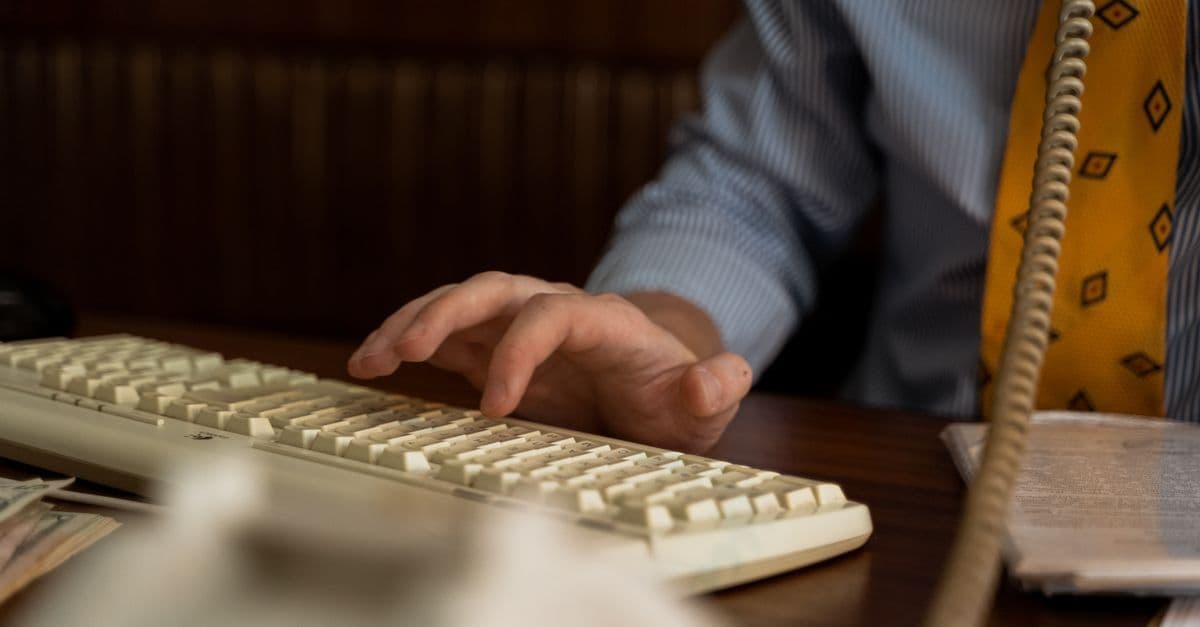
The UK's first cybercafe opened in London in 1994 en.wikipedia.org, before most British households had ever connected to the internet. It ran on dial-up connections, charged by the minute, and offered something unexpected: public access to a network that barely existed in most homes.
Pay-per-minute was the original pricing model. Operators tracked usage precisely. As competition grew and connection speeds improved, hourly flat rates became standard, making for a decent step up from the per-minute anxiety.
The core uses were narrow. Email dominated everything. Early web browsing came second. Nobody was streaming; the bandwidth did not exist. A typical session might mean loading a single page, reading it, composing a reply, and leaving, all in under fifteen minutes.
Then broadband arrived and rewrote the economics.
UK rollout accelerated after 2003, with ADSL connections becoming affordable for most households. Getting online from home stopped being a luxury, and the internet cafe's central purpose vanished. The sluggish dial-up speeds that had once been the only option suddenly looked ropey by comparison.
The decline came almost as fast as the rise.
Do internet cafes still exist in the UK?
Yes, but the answer is more specific than most expect. The surviving venues do not serve the general public the way they did in 2003. They number in the low hundreds, concentrated in cities like Birmingham and Manchester rather than spread evenly across the country.
Three distinct types have kept going:
- Migrant community hubs: Document scanning, international money transfers, and low-cost video calls, heavily concentrated in Birmingham and Manchester.
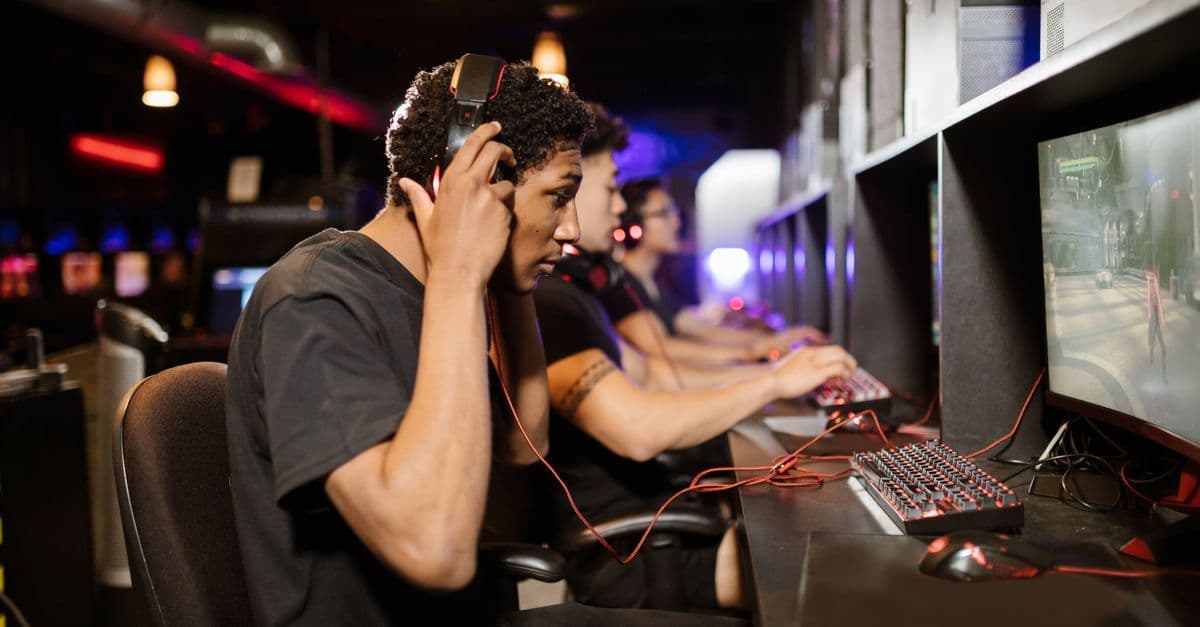
- Gaming cafes: High-spec rigs, fast fibre, and a social atmosphere a home setup rarely matches. This segment is growing, not shrinking.
- Print and copy shops with terminals: A handful of screens for printing boarding passes or completing official forms.
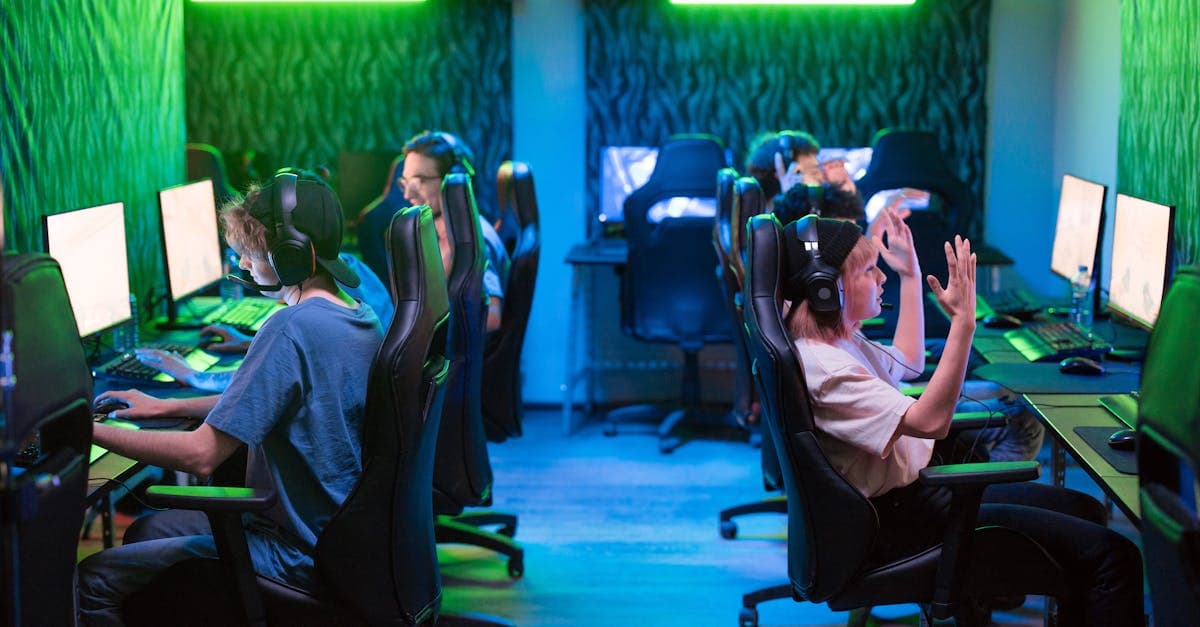
The gaming segment is the real surprise here. While traditional internet cafes collapsed, dedicated gaming venues grew. These are not tatty terminals in a back room; they are proper setups with gaming chairs, curved screens, and cracking broadband.
For travellers, the internet cafe has been almost entirely replaced. British holidaymakers roaming on EE, Three, or Vodafone get reasonable European coverage, though post-Brexit surcharges have crept back in on longer stays. An eSIM (a digital SIM profile you activate by scanning a QR code, no physical card required) sidesteps those roaming costs entirely. HelloRoam's eSIM Compatible Devices list is a quick way to confirm whether your handset supports the technology before you travel.
Mobile connectivity has made public terminal rentals unnecessary for most travellers.
The global picture tells a very different story.
Internet cafes by country: where they still thrive
Internet cafes remain a mass-market fixture across much of Asia and Latin America en.wikipedia.org. South Korea's PC bangs (gaming parlours) run around the clock in most city centres. Vietnam, the Philippines, and Taiwan still have high-street cafes serving a mix of gamers, students, and travellers who need a printer. The further you travel from South-East Asia, the harder they are to find.
| Country | Status | Primary use | Typical setting |
|---|---|---|---|
| South Korea | Mass market | Gaming (PC bang culture) | 24-hour, neon-lit parlours |
| Philippines | Mass market | Gaming and social media | High-street shops |
| Vietnam | Mass market | Gaming and general browsing | Urban and tourist areas |
| Taiwan | Growing | Gaming (modern pod format) | Air-conditioned, modern venues |
| Indonesia | Active | Youth gaming | Mall-based venues |
| Brazil | Active | Gaming and social (lan houses) | Suburban neighbourhoods |
| Australia | Niche | Printing and general access | City centres |
| Poland | Niche | Gaming and browsing | University towns |
| Slovakia | Niche | General browsing | City centres |
| United States | Niche | Printing (FedEx Office model) | Business districts |
Travel through Seoul, Manila, or Hanoi and you'll find a terminal within five minutes. Head to Warsaw or Sydney and the search gets considerably more involved.
Knowing why they persist helps travellers plan ahead.
What is the point of an internet cafe?
Three things keep internet cafes in business. Not nostalgia, and not a lack of alternatives: access, printing, and gaming hardware that most users simply can't afford to own. Each serves a real need.
Where they earn their keep:
- Printing and documents: A passport photo printed on the spot, a visa confirmation scanned, a boarding pass produced when the airline app crashes. Travellers navigating consulate requirements often need this more than they expect.
- Money transfers: A significant share of surviving UK internet cafes operate as remittance agents alongside the terminals. Dahabshiil and similar operators use exactly this co-located model, letting customers send money and browse in the same visit.
- Gaming hardware: South Korea's PC bangs and Taiwan's modern gaming pods run machines with top-end graphics cards and gaming chairs. Paying by the hour for hardware worth thousands of pounds isn't a compromise. It's a rational choice.
The uncomfortable part: several countries require ID registration before you can use a terminal. Vietnam and South Korea have formal regulations on this; other countries enforce it informally at the operator's discretion. Showing up without any identification and expecting to sit straight down can go wrong quickly.
Hourly fees also accumulate faster than they look on a menu board. A week of daily sessions, combined with per-page printing charges, edges toward the cost of a decent mobile data plan.
The risks are the part most visitors overlook.
Security risks of using internet cafe computers
Shared computers in internet cafes carry specific, documented risks. The primary threats are keyloggers (malicious software that records every keystroke) and unsecured wifi that exposes unencrypted traffic.
Here's how it typically unfolds. You sit down at a shared terminal, open a browser, and sign into email to check a hotel booking. You tick the "remember me" box out of habit. What you haven't accounted for: a keylogger (malicious software that records every keystroke) has already logged your credentials the moment you typed them. You log out, feel fine, and the data is captured.
Avoid banking on shared machines entirely.
Unsecured wifi compounds the problem. Most internet cafe networks are open or minimally protected. Unencrypted traffic, including login pages that lack HTTPS (the padlock symbol in your browser address bar), is readable to anyone on the same network with basic interception tools.
A VPN (virtual private network, software that routes your connection through an encrypted tunnel before it reaches the internet) reduces that interception risk significantly. Using your own phone or laptop on the cafe's network with a VPN active is materially safer than sitting at their hardware.
But a VPN doesn't protect you from keyloggers installed on the machine itself. The shared hardware is the risk. Your own device on the same network, running a VPN, is a different situation entirely.
Never click "Save password" when a browser prompts you on any shared machine. A saved password takes seconds to retrieve by whoever opens that browser next.
Which raises the obvious question: is there a better option?
How to stay connected abroad without an internet cafe
A travel eSIM (built-in digital SIM, activated by QR code) cuts the internet cafe question off at the root. Buy it before departure, activate on arrival, and your phone runs on local data continuously. No searching for a terminal open at the right hour. No shared hardware, no shared risks.
The framework:
If you need constant data on your phone: A travel eSIM is the practical answer. UK tourist eSIM plans for roughly a week to 10 days are priced at around £5-£12 across the category. Shared terminals in most countries charge £1-£3 per hour. A few sessions over a week adds up to the same outlay, but with no connectivity in between.
If you're travelling with a laptop or tablet: Your phone's mobile hotspot (tethering) shares the eSIM connection with any nearby device over Wi-Fi. One plan covers every device you carry.
If you only need occasional access: Free wifi from McDonald's, Starbucks, and Costa covers most countries. Libraries in major cities often provide free terminals with no registration needed. These work fine for low-stakes browsing and checking maps, but aren't reliable for anything sensitive or time-critical.
If you need to print: A local print shop wins outright. No eSIM replaces a printer.
Common pitfall: Buying an eSIM without checking device compatibility first. Some budget handsets sold in the past two years still use physical SIM only, with no eSIM support at all. Check before you buy.
HelloRoam is one of the tourist-oriented eSIM providers serving UK outbound travellers, with a eSIM Compatible Devices page listing supported handsets by manufacturer and build. Before committing to any plan, confirm your device is on the list. Device compatibility is the non-negotiable first step.
Thinking about running an internet cafe yourself? The business model has changed considerably.
How to start your own internet cafe?
Starting an internet cafe in the UK is a viable business, but the model you choose determines whether it succeeds or stalls. General-access venues face stiff competition from free coffee shop wifi. The gaming cafe niche is the more defensible play in 2026.
Here is what the setup actually involves:
- Research demand before signing a lease. Gaming-focused venues attract 16-to-30-year-olds who want high-spec hardware they can't afford to own. General-access venues serve a narrower demographic: migrants needing document services, tourists without local data, and seniors who need printing help. Know which group you're serving before you commit.
- Handle the legal groundwork first. UK business rates apply from day one. GDPR compliance is mandatory for any venue logging customer details, and ICO (Information Commissioner's Office) registration is required if you store personal data, including email addresses collected through sign-in logs.
- Budget realistically for hardware. Each workstation costs between £300 and £600 at minimum for general use; gaming rigs with dedicated GPUs run considerably higher. Factor in monitors, peripherals, networking kit, and furniture on top of that.
- Get fibre broadband sorted before anything else. 500 Mbps is the recommended minimum for a modest setup. Shared bandwidth degrades fast when ten customers stream video simultaneously.
- Niche down on the gaming angle. Esports events, tournament hosting, and monthly memberships generate more predictable revenue than walk-in hourly rates.
The economics are brisk but not forgiving. A well-run gaming cafe in a university city can turn a profit. A generic terminal shop in a suburb almost certainly won't.
Reviewed by HelloRoam's editorial team. Last updated: 10 June 2026.
Questions travellers ask
What does internet cafe mean?
An internet cafe is a commercial venue that rents computer terminals and internet access by the hour. Early operators also sold coffee, making them social spaces for email, browsing, and printing.
Do internet cafes still exist in the UK?
Yes, around 500 survive in the UK, down from a peak of 6,000 to 7,000 in the early 2000s. They now serve migrant communities, gamers, and people needing printing or document services.
What is the point of an internet cafe?
Internet cafes provide computer access, printing services, and high-spec gaming hardware. They help travellers print documents, transfer money, and access expensive gaming rigs they cannot afford to own.
Sources
- en.wikipedia.orgen.wikipedia.org
- Meaning ofinternet caféin Englishdictionary.cambridge.org

Written by
Emily Thornton
Emily Thornton is a travel writer at HelloRoam who covers travel connectivity and eSIM tips for international visitors. She writes about finding reliable data at outdoor events, during weekend city breaks, and on ferry and rail journeys. Emily keeps her tone friendly and jargon-free so any traveler can follow along.