

Quick Answer: Flight Connections at a Glance
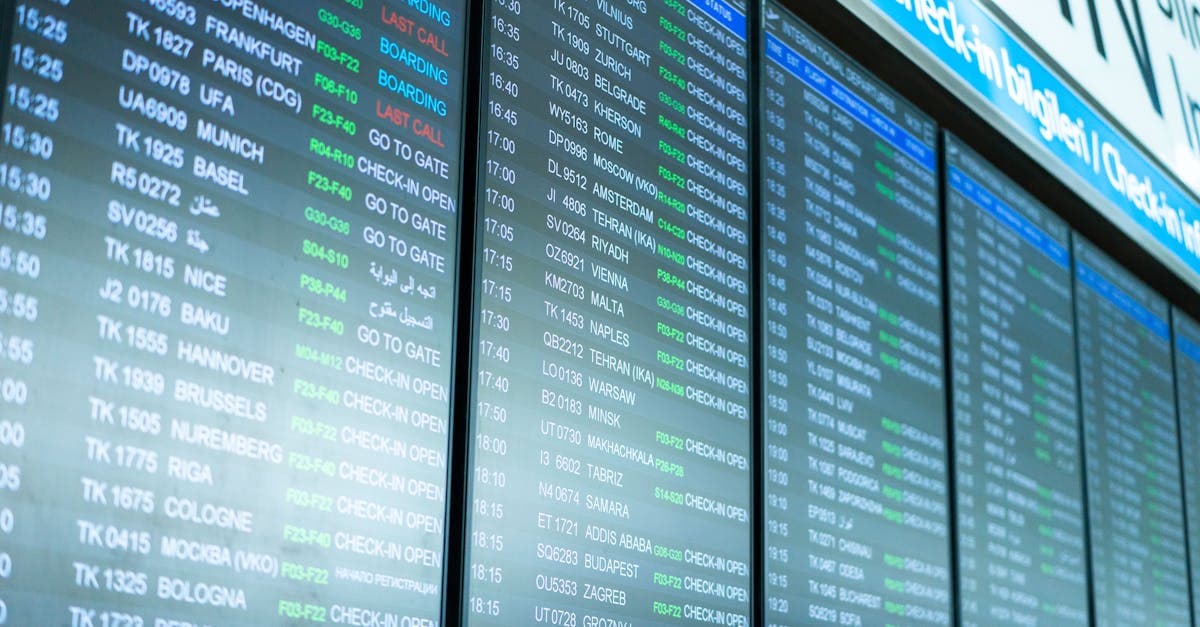
A flight connection is any itinerary with two or more legs and a planned stopover at an intermediate airport between your origin and final destination flightconnections.com. Two rules govern your protection: on a single booking, the airline is responsible if you miss the connection; on separate bookings, you're on your own.
The number that matters most for Australians departing via Sydney: the domestic-to-international minimum connection time sits at 90 minutes, with a separate bus transfer between terminals required. That's tight, barely workable on a rushed morning.
Book on a single itinerary whenever you can. Australia's Aviation Consumer Rights framework means separate-ticket travellers have no automatic right to rebooking, meals, or accommodation when the schedule falls apart.
One practical step before you fly: sort your data. Airport Wi-Fi is patchy and unreliable between connections, and after a 20-plus-hour haul the last thing you need is a frantic scramble for signal at the gate. Activate a travel eSIM before you depart and land already connected. Browse All eSIM Plans to compare options before you fly.
The terminology sharpens considerably from here.
What Are Flight Connections and How Do They Work?
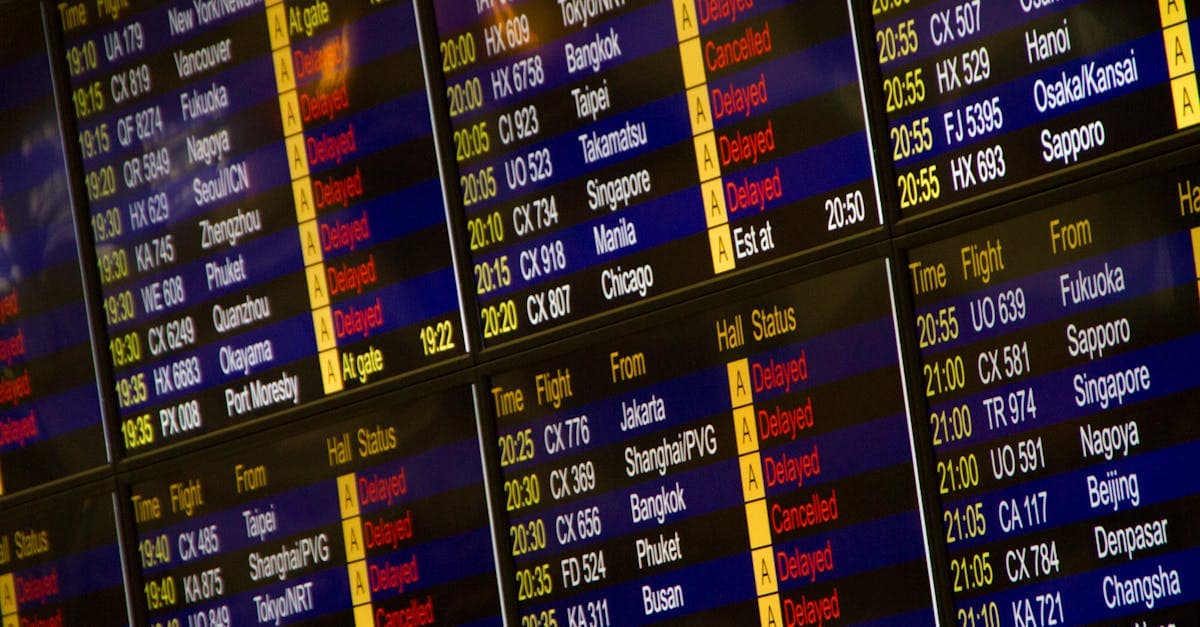
Connecting flights work one of three ways, and the difference between them is entirely about who carries responsibility when something goes wrong. A flight connection is any planned stop at an intermediate airport between your origin and your final destination. The booking type changes everything.
The most protective arrangement is an interline agreement. Two airlines with this formal setup agree to transfer bags and protect passengers across connected legs. Book on a single itinerary where Qantas connects to a partner carrier in Singapore, and both carriers share the contractual load in a straight-up arrangement: your bag gets transferred, and your seat is protected if the first leg runs late.
Codeshare arrangements work similarly for passengers. One flight number, potentially two carriers running different legs, all covered under a single booking reference. You probably won't notice the operational detail at check-in, and for once that's perfectly fine.
Self-transfer is the one to watch. You buy two separate tickets, bridge them yourself, and carry all the risk. This is where the booking gets dodgy. Budget carriers and online booking agencies frequently produce this outcome without clearly flagging it. Check your confirmation emails: two different booking reference numbers mean you're self-connecting.
Online travel agencies are the main source of confusion here. They serve up single itineraries and separate bookings in the same results page with minimal differentiation. A fare that looks like a bargain can hide a fiddly trap: if your first leg runs late, the second airline owes you nothing whatsoever.
Booking type is half the story. Timing is the rest.
How Much Time Do You Need for a Flight Connection?

The minimum connection time (MCT) is the official floor that airports and airlines publish as the bare minimum for a successful transit. It is not a comfortable buffer. It's the baseline under ideal conditions: no delays on the incoming leg, no queues at passport control, no baggage hiccups, and a clear run to the gate.
Perth earns a quiet reputation as the easiest transit point in the country. Shorter walks, one integrated terminal, and the lowest published MCTs on the board.
Always book above the MCT when you're checking bags. Australia's biosecurity screening, baggage reclaim from the first leg, and the bus transfer between terminals at Sydney all add real, unpredictable time that the official floor doesn't account for. A connection that looks workable on the search results page can become a full sprint to the gate.
Airlines selling connections that sit exactly on the MCT floor is bog-standard commercial practice. Most passengers make it. Most.
Build in extra buffer, particularly when combining domestic feeders with international departures. Sydney deserves a closer look before you lock in those legs.
Why Sydney Airport Connections Need Extra Buffer Time
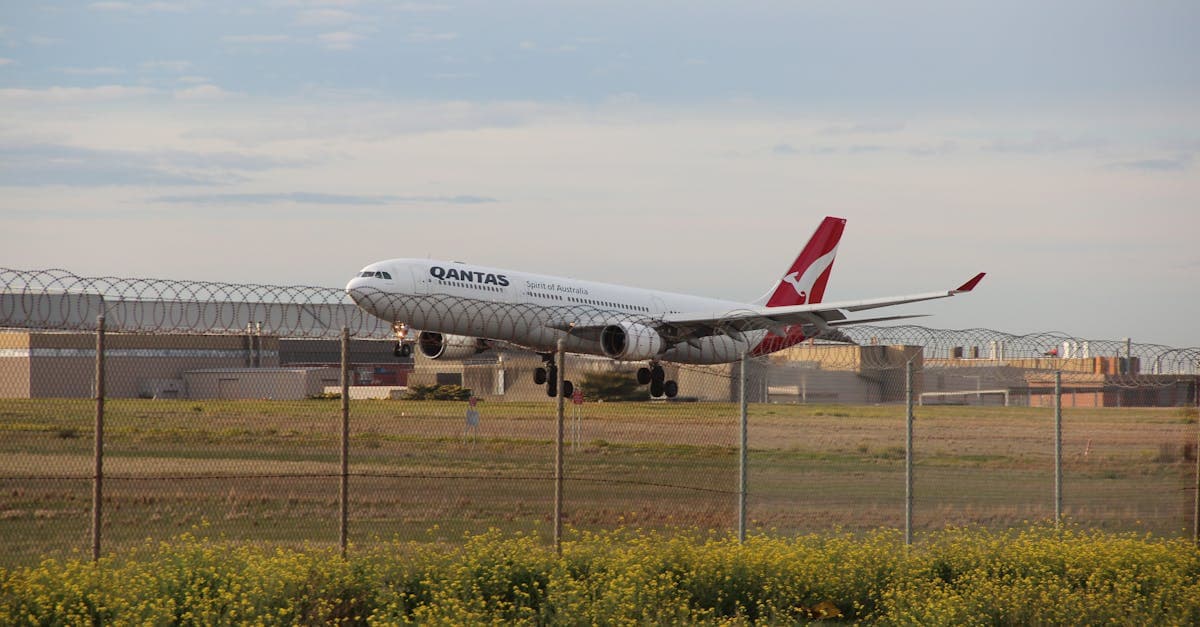
Sydney's domestic and international terminals sit in separate buildings with no airside link between them. Getting from one to the other means catching a free transfer bus, which adds roughly 15 to 20 minutes to your transit time before you've touched a security queue or a customs line.
The inter-terminal transfer is where most missed Sydney connections happen.
Run the actual sequence: land on the domestic side, disembark, board the transfer bus, clear security and customs on the international side, then reach the gate. On a clean run, that's already tight. Add a domestic flight arriving 20 minutes late or a rough security queue and you're watching the departure board flip to 'closed.'
The practical minimum for a Sydney domestic-to-international connection is two hours, not the published MCT mentioned earlier. That buffer turns a beatable delay into a non-event rather than a sprint.
Even good timing can unravel. Here's what to do if it does.
What Happens If You Miss a Connecting Flight?
Missing a connection on a single booking means the airline carries the problem, not you. They're obligated to rebook you on the next available service at no extra cost. The practical question is what to do in the next 30 minutes. Not every airline desk will walk you through your full rights.
On a single-booking itinerary, follow this sequence:
- Walk straight to the airline's service desk, not the departure gate. Gate staff process departures; service desks handle rebookings.
- Request written confirmation of the delay cause. That documentation becomes essential evidence if you need to claim expenses through travel insurance later.
- Request meal vouchers if the wait runs past four hours. Under Australia's aviation consumer framework, airlines are obligated to provide them. Ask directly.
If you booked two separate tickets:
Australia's passenger protections don't extend as far as Europe's EU261/2004 regulation, and that distinction comes into sharp focus on a missed self-transfer. There's no automatic compensation, no mandatory rebooking. You're buying a new ticket at the walk-up fare, typically the priciest option available, then submitting a travel insurance claim and hoping the policy covers the difference.
Travel insurance is non-negotiable on any self-transfer booking.
The savings from split-ticket booking can evaporate before you reach the rebooking desk. Price out a last-minute replacement fare before you commit to the arrangement.
Logistics handled. Now the question every guide skips entirely.
Staying Connected During Layovers and Flight Connections
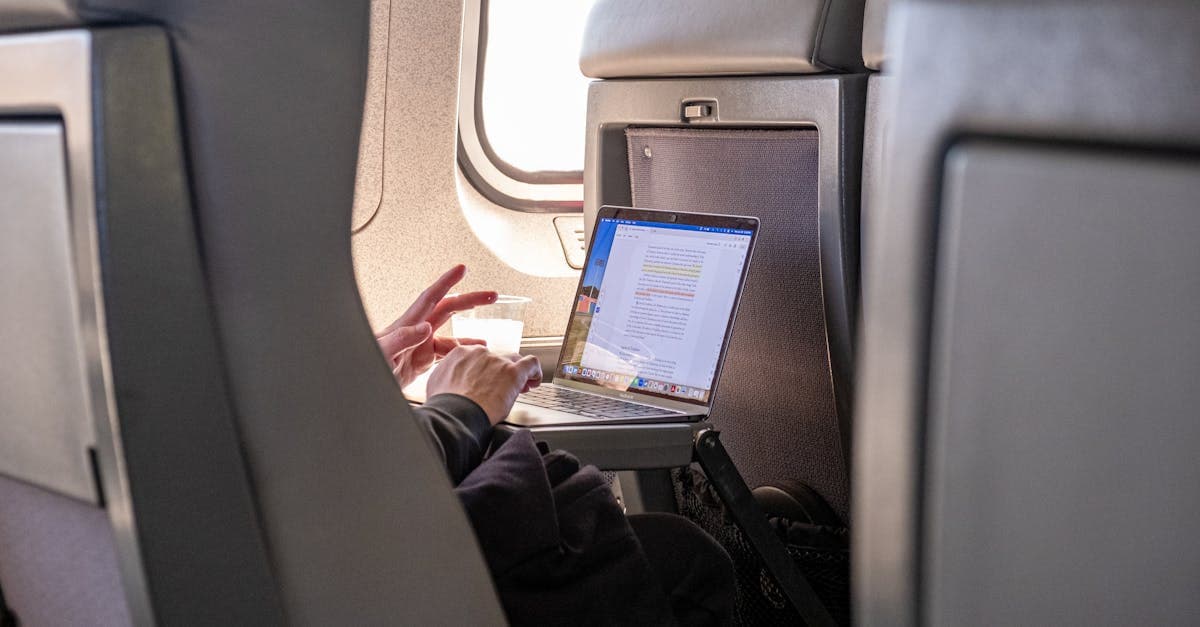
Free airport WiFi at Sydney Airport and Melbourne Airport caps at 30 minutes per session. That's enough for a quick message home, not enough for a FaceTime call, a ride-share booking, navigation through a transit terminal, and a translation app all pulling data at once. For layovers longer than a coffee stop, a backup plan is the practical call.
The right option depends on your itinerary type:
- Single-country stopover with hotel WiFi confirmed: A Telstra, Optus, or Vodafone AU international roaming day-pass is workable. Short transits where accommodation WiFi is already locked in don't need anything more involved.
- Two or more transit countries: A travel eSIM is the cleaner option. Managing separate roaming add-ons for each country is clunky, and the costs compound quickly.
- Long layover after a 20-plus-hour flight from Australia: Activate an eSIM before boarding. You'll land with data running, skipping the airport SIM counter queue entirely.
Most Australian frequent flyers land on a dual-SIM arrangement: keep the local number active for bank OTPs and family calls, route data through a travel eSIM. Maps, ride-share apps, and translation tools pull data continuously in transit, so reliability matters more than you'd expect.
HelloRoam covers multiple regions on a single activation with no plan-switching as your route moves between countries. For itineraries with several transit stops, that removes a real layer of admin. Browse All eSIM Plans to compare options for your specific route.
Free airport WiFi sounds convenient. The reality is more patchy.
How Do I Manage Mobile Data Across Multiple Countries?
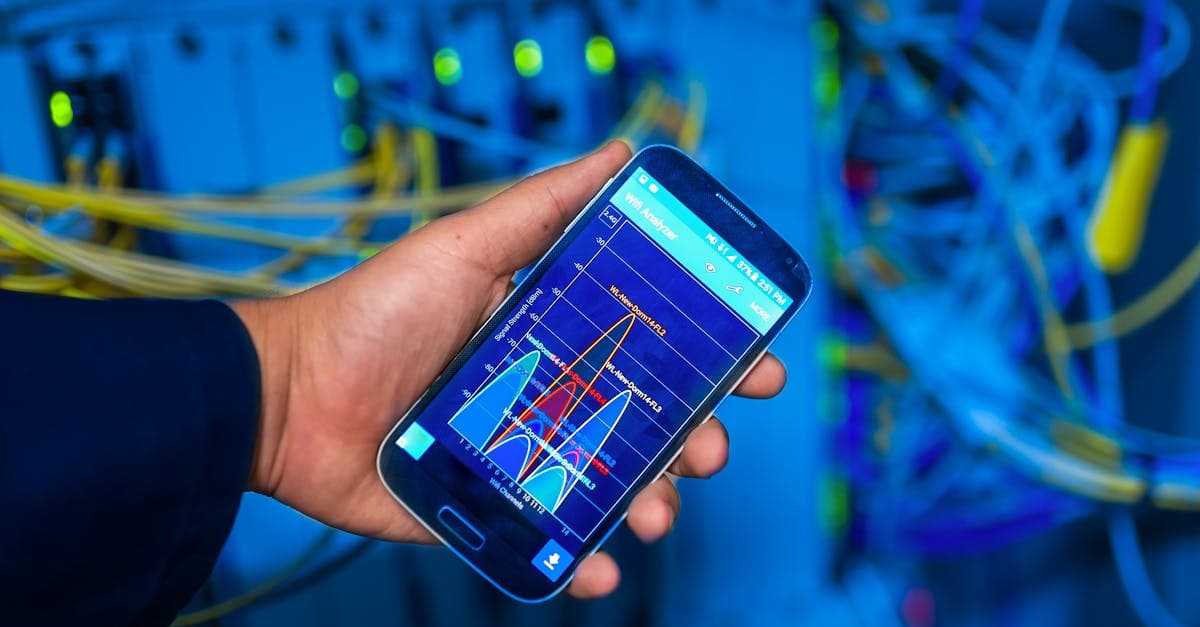
Three options work for managing mobile data across a multi-leg itinerary: a multi-country eSIM covering the whole route, a roaming add-on from your Australian carrier, or a local SIM at each stop. The right pick depends on how many countries you're transiting through and how tight your connections are.
One trap catches travellers who don't check the details.
Your carrier starts billing roaming the moment you land in a transit country, even during a two-hour layover. Fly Sydney to London via Singapore and Dubai on a Telstra or Optus roaming pack that only covers the UK, and you're paying pay-as-you-go rates in both transit cities. That's unexpected charges before you've reached your destination.
The three approaches, with honest trade-offs:
- Multi-country eSIM: One purchase covers the full itinerary, including every layover country. Pre-purchase before leaving home for the best rates. The practical choice for trips across three or more countries.
- Roaming add-on per country: Fine for one or two stops. Both Telstra and Optus offer per-day international add-ons, but costs compound fast across multiple legs.
- Local SIM at each stop: Cheapest per gigabyte, but sourcing a SIM during a tight connection at a transit airport is a gamble on timing you'll likely lose.
Before purchasing any plan, verify it explicitly covers every layover country, not just your final destination. Plans designed for a single country typically don't extend to transit stops along the way.
Data sorted. One more question worth answering before you book.
Are Connecting Flights Actually Worth the Savings?
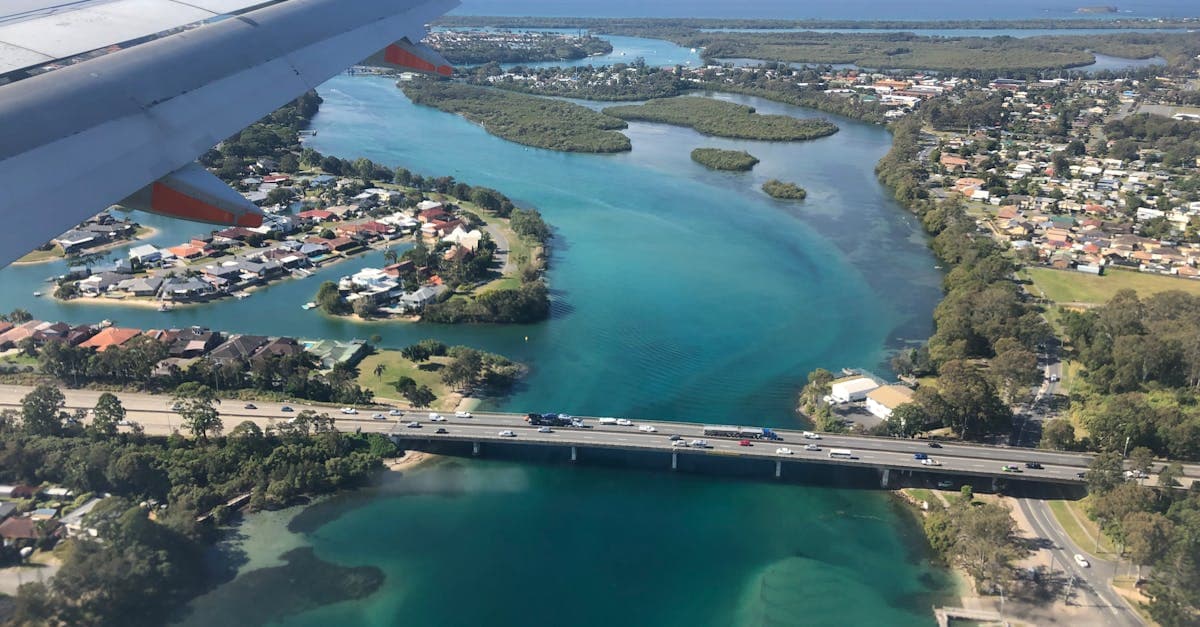
Connecting flights on Asia-Pacific routes typically run 15 to 40 percent cheaper than direct equivalents. The kangaroo route to the UK via Singapore, Dubai, or Doha often comes in 20 to 35 percent below a direct fare. That gap is real, not a rounding error.
The question isn't whether savings exist. It's what you're trading for them.
For flexible, budget-focused travellers, the trade-off usually holds up. On a long-haul leisure trip, that's genuine money, not a marketing promise.
Hidden costs erode the gap fast. Layovers beyond eight hours often require an overnight hotel. Some Asian transit cities require a visa even for a short layover. Airport meals and lounge access accumulate if they're not bundled into your fare.
Connections work well for long-haul leisure routes where the fare gap is substantial, and trips with enough schedule flexibility to absorb a delay. For time-sensitive business trips, families with young children, or self-connections across two separate bookings, the risk usually outweighs the saving. No carrier protects you when a DIY connection breaks down.
On the right route with the right flexibility, connecting flights pay off. On the wrong one, the saving evaporates before you board fortune.com.
Reviewed by HelloRoam's editorial team. Last updated: 28 April 2026.
Get Connected Before You Go





Frequently Asked Questions
A flight connection is any itinerary with two or more legs that includes a planned stopover at an intermediate airport between your origin and final destination. The type of booking — single itinerary or separate tickets — determines who is responsible if something goes wrong.
An interline connection means two airlines have a formal agreement to transfer bags and protect passengers across legs booked on a single itinerary. A codeshare uses one flight number across potentially two carriers under a single booking reference. A self-transfer means you purchased two separate tickets and carry all the risk yourself if a delay causes you to miss the second leg.
Check your confirmation emails — two different booking reference numbers mean you have separate tickets and are self-connecting. Online travel agencies often present single itineraries and separate bookings on the same results page with minimal differentiation, so always verify before assuming you're protected.
Minimum connection times vary by airport: Sydney requires 90 minutes for domestic-to-international and 60–90 minutes for international-to-international connections. Melbourne requires 90 minutes domestic-to-international and 60 minutes international-to-international. Brisbane is 75 minutes domestic-to-international, and Perth is the most straightforward at 60 minutes domestic-to-international and 45 minutes international-to-international.
Sydney's domestic and international terminals are in separate buildings with no airside link, requiring a free transfer bus that adds roughly 15–20 minutes before you even reach security or customs. The practical minimum for a domestic-to-international connection at Sydney is two hours, not the published 90-minute minimum connection time.
Perth Airport has the lowest published minimum connection times in Australia — 60 minutes domestic-to-international and 45 minutes international-to-international — thanks to its single integrated terminal and shorter walks. It is widely regarded as the most straightforward transit point among Australian gateway airports.
Go directly to the airline's service desk, not the departure gate, as service desks handle rebookings. Request written confirmation of the delay cause, as this documentation is important for any travel insurance claim. If the wait exceeds four hours, ask for meal vouchers, which airlines are obligated to provide under Australia's aviation consumer framework on single-booking itineraries.
No. If you booked two separate tickets, Australian passenger protections do not require the airline to rebook you at no cost. You will need to purchase a new ticket at the walk-up fare, which is typically the most expensive option available, and then submit a claim through your travel insurance.
Yes, travel insurance is essential on any self-transfer itinerary. Because no carrier is contractually obligated to protect you when a DIY connection breaks down, the cost of a last-minute replacement fare can easily wipe out any savings made from booking split tickets in the first place.
Connecting flights on Asia-Pacific routes typically cost 15 to 40 percent less than direct equivalents. The kangaroo route to the UK via Singapore, Dubai, or Doha often comes in 20 to 35 percent below a direct fare. However, hidden costs such as overnight hotels for long layovers, airport meals, and transit visas can erode those savings significantly.
Connecting flights are generally not worth the trade-off for time-sensitive business trips, families travelling with young children, or anyone booking across two separate tickets. When a DIY connection fails, no carrier is obligated to protect you, and the cost of a last-minute replacement fare can exceed the original saving.
Some Asian transit cities require a visa even for a short layover, and this is a hidden cost that can catch travellers off guard. Always check visa requirements for every country your route passes through, not just your final destination, before booking a connecting itinerary.
Free airport WiFi at Sydney and Melbourne airports caps at 30 minutes per session, which is generally not enough to cover navigation, ride-share bookings, FaceTime calls, and translation apps simultaneously during a longer layover. For connections beyond a quick transit, a backup data option is the practical choice.
A multi-country travel eSIM purchased before departure is the most convenient option when your route spans three or more countries, as one plan covers every layover without plan-switching. Carrier roaming add-ons work for one or two stops but compound in cost quickly, while sourcing a local SIM during a tight connection at a transit airport is a gamble on timing.
Not necessarily. Your carrier starts billing roaming the moment you land in a transit country, even for a two-hour layover, and many roaming packs only cover your final destination. Always verify that any plan you purchase explicitly covers every layover country on your itinerary before you depart.
Many Australian frequent flyers use a dual setup: keeping their local Australian SIM active for bank OTPs and calls home while routing data through a travel eSIM. Activating the eSIM before boarding means you land at your first transit stop already connected, with no need to queue at an airport SIM counter after a 20-plus-hour flight.
Sources
- FlightConnections — apps.apple.com
- FlightConnections — play.google.com
- FlightConnections: All flights worldwide on a map! — flightconnections.com
- FlightConnections — instagram.com
- Flight routes and connecting flights worldwide — flightroutes.com
- How to find the best routes with Flight Connections — youtube.com
- The jet-fuel surge is making global flight connections ... — fortune.com (2026)