What Is Data Roaming? How eSIM Saves Canadians Abroad
An eSIM is a digital SIM card built into your phone. It activates over Wi-Fi in minutes. No plastic card, no SIM swap, no roaming fees.
Choose your destination

eSIM activated
Scan to Install



What Is an eSIM Card? eSIM Explained
Rogers charges CAD 12 per day the moment you use data outside Canada, and Bell and Telus charge the same. An eSIM is a digital SIM card built into your phone that gives you instant cellular data in 185+ countries without swapping a physical card or paying those daily carrier fees. Unlike a removable SIM, the embedded chip is soldered into your phone's motherboard and stores carrier profiles in software. Also written as e SIM or e-sim, it connects you to cellular networks for calls, SMS texts, and mobile data with no card to insert, lose, or swap. Rogers, Bell, and Telus all support eSIM on compatible devices. You can even convert your existing Canadian number to eSIM by contacting your carrier. What is cellular? Cellular is the mobile network technology (4G LTE or 5G) that carries your calls and internet data, the same technology a physical SIM card uses.
The GSMA, the industry body that manages the SGP.22 eSIM standard, defines how phones store and switch carrier profiles wirelessly. This technology is also called a virtual SIM or digital SIM card because the entire profile lives in software. Most phones released after 2018 have this chip built in. Compatible models include iPhones (XS through iPhone 16), Samsung Galaxy devices (S20 through Galaxy S25), and Google Pixels (3 through Pixel 9). The CRTC requires Canadian carriers to unlock phones for free once your account is in good standing. If you bought your phone from Rogers, Bell, or Telus, request an unlock before adding a travel eSIM. HelloRoam, built by FutureSyncs Ltd (UK Companies House 15950168), helps Canadian travellers skip data roaming charges and get instant data when they land at Toronto Pearson (YYZ), Vancouver International (YVR), Montreal-Trudeau (YUL), or any other destination worldwide.(Source: GSMA SGP.22 eSIM Specification)
How Does an eSIM Work? (iPhone and Android Setup)
An eSIM works by using built-in software to download and store a cellular carrier profile on your phone. Once active, you connect to mobile networks, make calls, send texts, and use cellular data (mobile internet used by your phone for browsing, streaming, and apps), the same as a physical SIM card. What is data roaming? Data roaming is when your phone uses a foreign carrier's network while you travel, and your Canadian carrier (Rogers, Bell, or Telus) charges you extra for that usage, often CA$14 or more per day. A HelloRoam eSIM replaces that with a local data plan at a fraction of the cost. How does an eSIM work on iPhone? On compatible models (XS and newer), go to Settings, Cellular, Add eSIM. How does it work on Android? The steps are nearly the same: Settings, Network, SIM manager. Most compatible phones released after 2018 support this feature. You can check our compatibility list if you aren't sure about your model.(Source: GSMA SGP.22 eSIM Specification) check our compatibility list
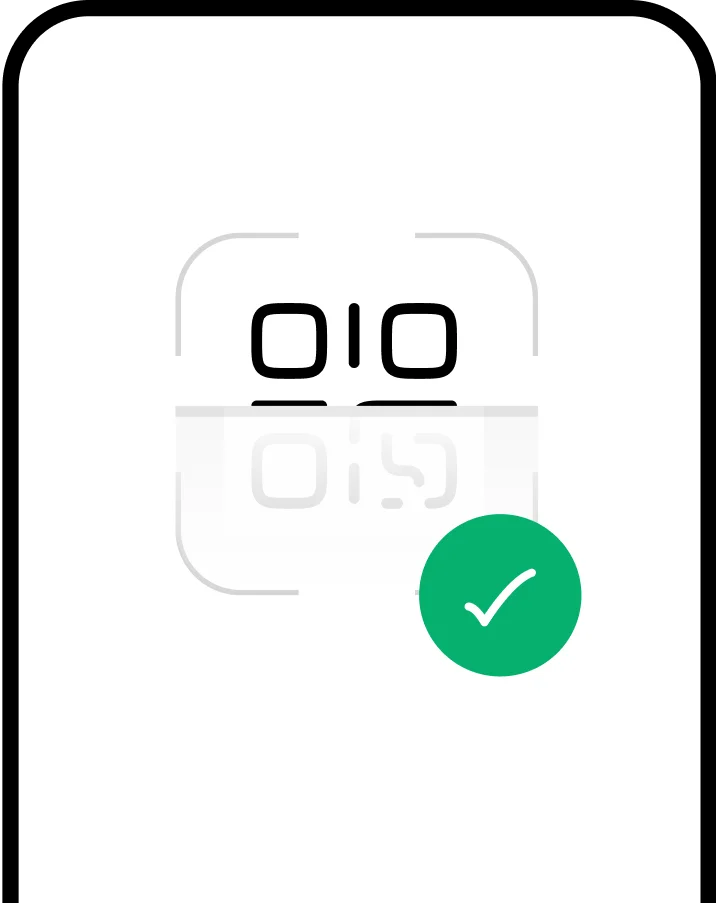
Getting started takes about 5 minutes: buy a plan, open your confirmation email, and scan the QR code. Your physical SIM card stays in place the whole time. Run both at once in dual SIM mode: your Rogers, Bell, or Telus number stays active for calls and texts home, while the eSIM handles data at local rates abroad. This means no missed calls from family while you're in Florida or Mexico. On iPhone, go to Settings, Cellular, Add eSIM, and scan the QR code. Plans are priced in CAD so you know your costs upfront before you fly. On the US iPhone 14 and later, Apple removed the physical SIM tray entirely, making those phones eSIM-only. That's ideal for Canadian travellers who cross the border often.

How Do You Set Up an eSIM?


Choose a data plan for your destination and complete checkout online or in the app.

Your plan installs right away. It activates when you arrive at your destination country.
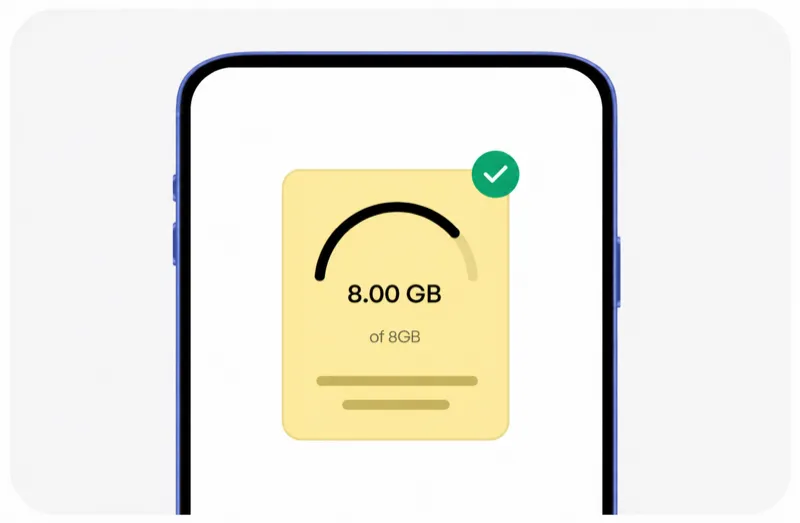
Check your remaining data, top up if needed, and manage all your plans in the HelloRoam app.
Choose a data plan for your destination and complete checkout online or in the app.
Your plan installs right away. It activates when you arrive at your destination country.
Check your remaining data, top up if needed, and manage all your plans in the HelloRoam app.

Why eSIM Plans Beat Data Roaming: Key Advantages Explained
eSIM Disadvantages to Know Before You Buy
eSIM plans give you local cellular data rates without data roaming charges. You skip the SIM card hunt at the airport, activate on the go, and manage everything from your phone. Here's what you gain by switching from a physical SIM card to a HelloRoam plan, great value for every Canadian traveller.

No bill shock when you land
Skip the hunt for a local SIM at the airport. An eSIM connects you to local carriers and gives you instant data at local network speeds, with no extra charges from your home carrier, Rogers, Bell, or Telus.

Multiple profiles on one phone
Your phone can hold multiple eSIM profiles at once. Switch between carriers or numbers without pulling out a tiny card or travelling to a store.

Pay for what you need
Heading to Florida for 10 days? Buy a 10-day plan instead of a monthly one. Pay only for what your trip needs.

Frees up device space
No physical SIM slot means phone makers can use that space for a bigger battery or other hardware upgrades.

Cannot be lost or stolen
Lose your bag at YVR or get your phone stolen in Mexico? Your eSIM stays inside your phone. Nobody can remove or steal it.

Less plastic waste
One less plastic card in a landfill every trip. Switching to a digital SIM card is a simple step toward greener travel.










Not sure if your device supports eSIM?
Most phones released after 2019 support eSIM, including iPhone XS through iPhone 16, Samsung Galaxy S20 through Galaxy S25, and Google Pixel 3 through Pixel 9. The technology is safe to use and doesn't affect your physical SIM card or phone number. Many phones can store 8 or more profiles at once. Check your device before you book your next holiday.
Check CompatibilityeSIM vs SIM Card: What Is the Difference?
A SIM card is a small physical chip that connects your phone to a cellular network. You can buy one at a Rogers, Bell, or Telus store, at airport kiosks in terminals like Pearson YYZ or YVR, or at convenience stores across Canada. An eSIM is an embedded SIM that does the same job digitally, without a removable card. Physical SIM vs eSIM: both handle calls, texts (SMS), and cellular data. Under CRTC rules, Canadian carriers must unlock your phone for free after 90 days, so a carrier-locked phone is not a permanent obstacle to using an e SIM or e-sim for travel. The digital version wins on flexibility, setup speed, and security. An eSIM profile lives in software, not on a removable chip, so there is nothing to lose at the airport.
 Phone numbers
 Network operators
 Removal
 Activation
 Compatibility
 Use abroad
eSIM vs Data Roaming: How Much Can You Save?
Data roaming through Rogers, Bell, or Telus can cost CA$14 to CA$40 per GB when travelling abroad. HelloRoam pay-as-you-go plans come in well under those rates, as of April 2026. An e SIM for international travel costs far less than activating a roaming add-on from your Canadian carrier.
See our complete eSIM vs roaming cost breakdown with real trip scenarios and savings estimates.

Save up to 84% on
data costs
HelloRoam plans start at CA$1.44. No contracts, no hidden fees, and a 180-day money-back guarantee.(Source: HelloRoam pricing analysis, 2026)
Browse PlansCommon eSIM Problems and Fixes
Running into a problem with your eSIM installation or cellular data? Our 24/7 support team sees these issues often, and here are quick fixes for the most common problems travellers face after scanning the QR code.
QR code won't scan
No data service after activation
eSIM not showing in settings
Cannot remove an old eSIM profile
Two eSIMs causing conflicts
Activation code rejected
“eSIM technology is the biggest shift in mobile connectivity since the smartphone. Travelers no longer need to choose between staying connected and overpaying.”
Popular eSIM Destinations





Frequently Asked eSIM Questions
eSIM is better than a physical SIM for most Canadian travellers with a modern phone. You activate in minutes by scanning a QR code instead of visiting a Rogers, Bell, or Telus store. You keep your home number active on your physical SIM while the travel plan handles data at local rates. A physical SIM still makes sense for older phones that don't support the technology or for budget devices without an embedded chip. HelloRoam plans start at CA$1.44 and cover 185+ countries.
An eSIM profile locks to the device it is installed on and cannot move to a new phone on its own. When you change phones, delete the profile from your old device first, then contact HelloRoam support via WhatsApp for a replacement activation code. Save your original QR code and confirmation email as backup before you trade in your phone. The process takes about 5 minutes once support issues the fresh code. Your data allowance carries over to the new profile if the plan is still active.
Data roaming means your phone connects to a foreign carrier's network when you travel abroad, and your Canadian carrier (Rogers, Bell, or Telus) charges you for that usage. What is data roaming on iPhone? It's the same thing: your iPhone connects to a local network at your destination and your home carrier bills you per MB or per day. Data roaming charges can reach CA$14 to CA$27 per day in the US or Mexico. HelloRoam plans give you local network speeds without those charges.
A SIM card is a small removable chip that connects your phone to a mobile carrier's network for calls, texts, and mobile data. The SIM stores your subscriber identity and links your phone number to your account. Without a SIM, your phone cannot access cellular networks. Physical SIM cards come in three sizes: standard, micro, and nano. Most modern phones use a nano SIM or have dropped the physical card slot entirely in favour of an embedded digital SIM.
eSIM does not drain your battery faster than a physical SIM. Both use the same radio hardware to connect to cellular networks. Battery drain depends on signal strength, screen brightness, and app usage, not on whether you have an embedded or physical card installed. Running two active lines at once (dual SIM mode) can use slightly more power because your phone maintains two network connections, but the difference is small in daily use.
eSIM has three main limits. First, your phone must be compatible and carrier-unlocked. Second, you need Wi-Fi or mobile data for the initial profile download. Third, the profile locks to one device after installation and can't be moved on its own. Older phones, budget models, and some carrier-locked devices don't support the technology at all. For most travellers with a phone from 2019 or later, these trade-offs are minor compared to instant QR code activation and no SIM card swap.
Canadian snowbirds can install a HelloRoam eSIM plan before leaving home and arrive connected in Florida or Arizona without a roaming bill from Rogers or Bell. Buy the plan online, scan the QR code, and your phone activates on a local US network the moment you land. Your Canadian number stays active on your physical SIM for calls home all winter. Plans start at CA$1.44 with no monthly fees, no contract, and coverage in 185+ countries.
Yes, your phone needs to be carrier-unlocked before you can install a travel eSIM from any provider including HelloRoam. Phones bought directly from Rogers, Bell, or Telus are often locked to that carrier. Call or chat with your carrier to request an unlock, they must unlock it for free if your account is in good standing. Phones purchased outright from Apple, Samsung, or Best Buy Canada are usually unlocked already. Check by going to Settings, General, About, and looking for a Carrier Lock entry on iPhone.
Your HelloRoam eSIM switches automatically between the US and Canadian networks as you cross the border, so you stay connected without changing any settings. The travel plan handles data at local rates on whichever side of the border you're on, while your Canadian SIM keeps your home number active. Turn off Data Roaming on your Rogers, Bell, or Telus line to prevent your home carrier from charging you for US data while you cross. The eSIM line handles all data instead.
Setting up an eSIM works the same in French and English on iPhone and Android. If your iPhone is set to French in Quebec, the eSIM setup screens appear in French, just follow the same steps under Réglages, Données cellulaires, Ajouter un forfait eSIM. Scan the QR code from your HelloRoam confirmation email and the profile installs in under two minutes regardless of your device language. Your eSIM plan works across 185+ countries no matter which language your phone is set to.
For a two-week trip with moderate use, maps, messaging, social media, and occasional streaming, a 5GB to 10GB plan covers most travellers comfortably. Light users who mainly browse and use WhatsApp can manage on 3GB for two weeks. If you plan to stream video daily, use a hotspot, or work remotely, choose a 15GB or 20GB plan. HelloRoam fixed plans range from 3GB to 20GB, and unlimited daily options are available if you prefer not to track usage.
Canadian snowbird travellers heading to Florida, Arizona, or Mexico for the winter can install a HelloRoam plan before leaving home. Buy your plan online, scan the QR code, and your phone activates on a local US or Mexican network the moment you land. No SIM swap, no store visit, no roaming bill from Rogers or Bell. You keep your Canadian number active on your physical SIM for calls home, while the eSIM handles data at local rates. Plans cover cross-border travel in 185+ countries, 84%, CA$1.44.
HelloRoam offers a 180-day money-back guarantee on unused eSIM plans. If your trip is cancelled before you activate the plan or use any data, contact HelloRoam support via WhatsApp or email to request a refund. Plans that have been activated and used are not eligible for a full refund, but support can help in exceptional circumstances. Always check your plan's activation status in the HelloRoam app before requesting a refund for a cancelled trip.
A travel eSIM from HelloRoam is a separate data line and does not interact with your existing phone insurance policy from Rogers, Bell, Telus, or a third-party provider like Square Trade. Your insurance covers the physical device, not the carrier plan installed on it. Adding or removing an eSIM profile does not void your warranty or affect your insurance coverage. If your phone is lost or stolen while using a HelloRoam travel eSIM, your claim process stays the same as it would for any other trip abroad.
Canadian students studying abroad can use HelloRoam eSIM to stay connected during exchange semesters or gap years. Buy a plan online before leaving Toronto or Vancouver, scan the QR code, and activate it when you land at your host country. You keep your Canadian number active on your physical SIM for calls home, while the embedded profile handles data at local rates. HelloRoam covers 185+ countries and connects to 204+ networks. No contract, no commitment beyond your trip.
Open the HelloRoam app and go to My eSIM to see your remaining data balance in real time. On iPhone, you can also check Settings, Cellular, and tap your HelloRoam line to see usage figures, though the app gives more accurate live data. On Android, check Settings, Network, SIM manager, then tap your HelloRoam eSIM. Set a data usage alert in the HelloRoam app before you leave Canada so you get a notification when you're running low. If you need more data, top up directly in the app without buying a new plan.
Canadian students on exchange programmes or gap years can use HelloRoam eSIM for an entire semester abroad without signing a local carrier contract. Buy a plan before you leave, scan the QR code, and your phone activates on arrival at your host country. Your Canadian number stays active on your physical SIM for calls home. HelloRoam covers 185+ countries, so the plan works whether you're in Europe, Southeast Asia, or Latin America. No credit check, no long-term commitment, and no SIM card to track down when you land.
HelloRoam eSIM coverage depends on the local carrier network at your destination, not on your Canadian carrier. In remote areas like Banff National Park, the Yukon, or northern BC, coverage relies on whichever network partners HelloRoam uses in Canada and the US. Major highways and populated areas in Banff are generally well covered by 4G LTE. The Yukon and truly remote wilderness areas may have limited or no cellular signal regardless of which eSIM or carrier you use. Check the HelloRoam coverage map for your specific destination before your trip.




Sources
- GSMA eSIM Specification (SGP.22)(Accessed April 2026)
- ITU-T Recommendation E.118 — International Telecommunication Charge Card(Accessed April 2026)
- Apple — About eSIM(Accessed April 2026)