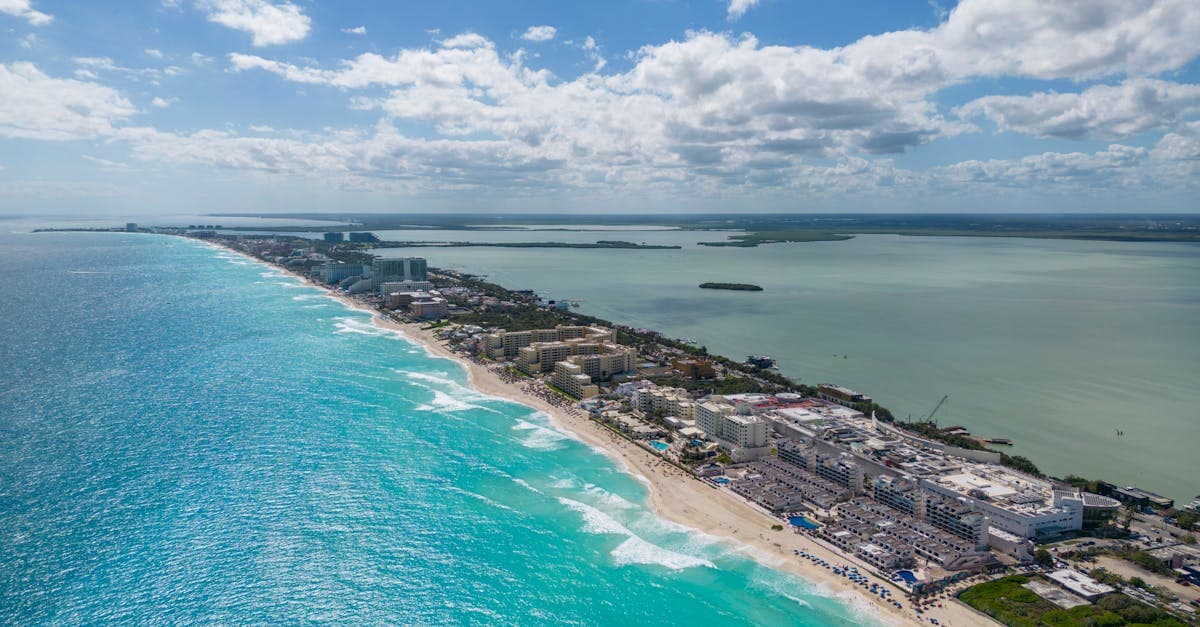



Quick Answer: Top eSIM Options for US Travel at a Glance
Travel eSIMs for US visits run on T-Mobile or AT&T infrastructure. Plans span from 1 GB starter options up to unlimited data, with most offering 30-day validity and hotspot support built in. Activate before boarding, scan a QR code, and skip the airport kiosk entirely. Your phone connects before you clear customs.
Compatible devices include iPhone XS and newer plus most Android flagships from 2019 forward. Dual-SIM support, standard on those models, lets you keep your home number active for calls while the US eSIM handles data. Older or budget handsets may not support eSIM natively. Check your model on HelloRoam's eSIM Compatible Devices page before you purchase a plan.
Prices shift with promotions, so treat those ranges as a baseline.
The quick list gives you the numbers. The context behind them matters more.
What Is a US Travel eSIM and How Does It Work?
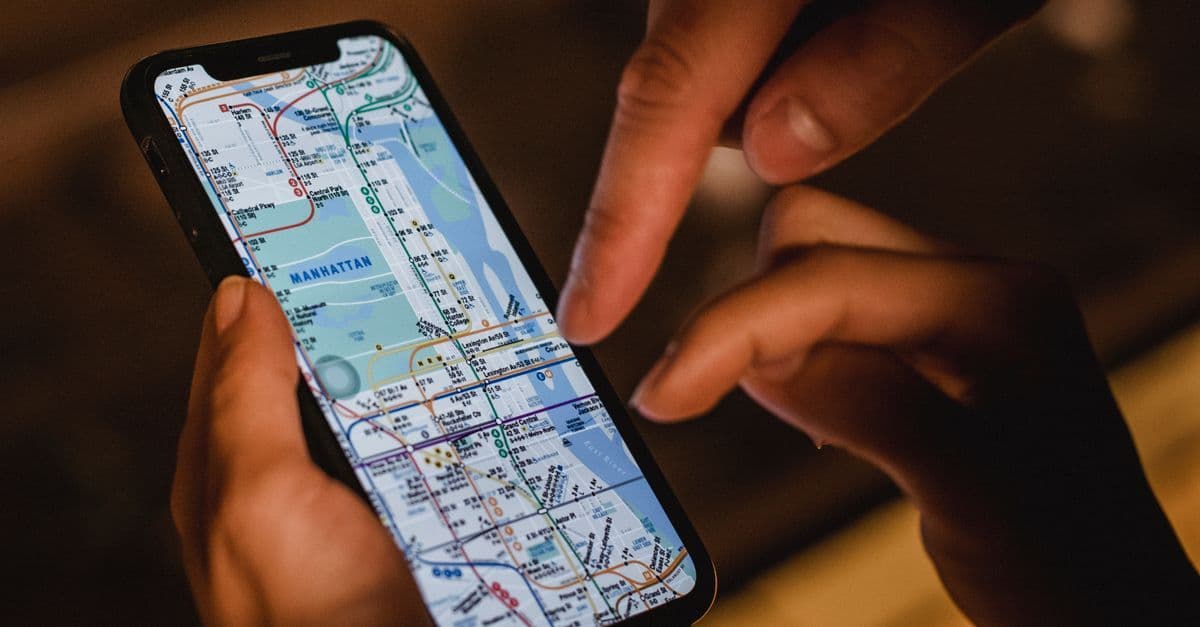
An eSIM is an embedded SIM, a digital chip soldered into your phone's motherboard rather than slotted into a removable tray. It functions like a physical SIM card in every technical sense, but you never handle hardware. Download a carrier profile by scanning a QR code over Wi-Fi, and the network recognizes your device as an active subscriber within seconds. Setup takes roughly two minutes from scan to confirmation screen.
Here's what surprises most people the first time: that profile stays on your device after the plan expires. Return to the US on a future trip and you may be able to reactivate it directly, or layer a new plan on top. No card to lose. No tray to eject at the departure gate.
Dual-SIM is the practical advantage.
Most modern iPhones and Android flagships support dual-SIM operation, meaning your home number and a US travel eSIM run simultaneously on the same device. Keep your home line active for banking alerts and incoming calls. Route all data through the travel eSIM. AT&T International Day Pass and Verizon TravelPass both operate on a per-day billing model, and a week of daily add-on charges tends to show up on your statement as a genuine shock. A prepaid eSIM caps your spend before you board.
The technology follows GSMA SGP.22, the international standard governing remote eSIM provisioning. In plain terms: a profile installed at home works identically to one purchased at JFK Terminal 4 or the Tom Bradley International Terminal at LAX. The carrier's system doesn't know or care where you were when you scanned the code.
One thing to state plainly: eSIM requires an unlocked phone. A handset still locked to your home carrier won't accept a travel profile. Most US phones unlock automatically after 60 days of active service, but verify your carrier's policy before you travel.
For a trip under three days where hotel Wi-Fi is reliable, a travel eSIM may be more than you need. Offline maps and over-Wi-Fi messaging can carry a short stay. For anything over a week, the fixed upfront cost and flexibility of a prepaid eSIM typically win.
Understanding how eSIM works is step one. Knowing which US networks carry the signal is step two.
Which US Carrier Networks Power Your eSIM?
Three companies own the cell towers in the US: T-Mobile, AT&T, and Verizon. Most travel eSIM profiles run on T-Mobile or AT&T infrastructure. Verizon is the third major US carrier but wholesales to fewer prepaid travel eSIM providers, which is why you rarely encounter it when shopping for a travel plan.
The network isn't just branding. Pick the wrong one for your route and you'll feel it on day two.
T-Mobile holds the widest 5G geographic footprint in the US.
T-Mobile expanded its coverage considerably following the 2020 Sprint merger, which added tower density across suburban and rural markets. The carrier deployed mid-band spectrum (the frequency range that balances speed with reach and building penetration) more broadly than its competitors. As of mid-2026, 5G reaches more than 300 US cities across all three major carriers combined, with T-Mobile's network extending furthest into suburban corridors, college towns, and western states.
Here's the part that catches travelers off guard: T-Mobile's national lead doesn't mean it wins in every region.
AT&T has historically run stronger across the rural Southeast, Texas, and mid-Atlantic states. If your itinerary takes you through the Florida Panhandle, along the Gulf Coast, or into Appalachian mountain towns, an AT&T-based eSIM can be the more dependable call on that route. Neither carrier is universally stronger. Geography decides.
One frank point worth naming: highway segments between cities often fall back to LTE rather than 5G. That's not a failure. LTE handles navigation, music, and messaging apps without any meaningful friction. The 5G distinction matters most in dense urban cores like the Chicago Loop, Midtown Manhattan, or downtown Seattle. On open highways, consistent LTE coverage across your full route is the metric that actually affects your trip.
Verizon carries a solid reputation for rural reliability, particularly in the Midwest and parts of New England. Its presence in the prepaid travel eSIM market remains smaller than T-Mobile's and AT&T's, which narrows your options without reflecting on the network's underlying coverage quality.
If your trip is city-focused and coastal, T-Mobile-based plans cover that terrain well. Driving through the South or mid-Atlantic interior? Look for plans on AT&T's network. Most plan listings name the underlying carrier upfront, so the information is right there before you buy.
Coverage sets the floor. The plan you pick determines how much you spend within it.
How to Choose the Right US eSIM Plan for Your Trip
Buying and activating a US eSIM is a five-step process you can complete in under five minutes, whether you're at home, in the departure lounge, or sitting at the gate. Skip the airport kiosk queue entirely and start connected.
- Purchase the plan on the provider's website or app. Most accept Apple Pay and Google Pay for a checkout that takes well under a minute.
- Check your email. The QR code typically arrives within a minute of completing payment.
- Open your phone's Settings app and navigate to Cellular (iOS) or Mobile Network or SIM Manager (Android), then tap Add eSIM.
- Scan the QR code using the in-Settings camera prompt. Do not use a third-party barcode scanner for this step.
- Toggle the new eSIM on and set it as your active data line.
Step three is where most people run into friction. Some providers include an in-app button labeled "tap to install" that looks like a shortcut. It sometimes works, but the native Settings route is consistent across every iOS and Android version currently in use. If an installation fails, that's the first thing worth checking.
Use Settings.
Your phone needs an active internet connection for the eSIM profile to download. Wi-Fi is the right choice here, since the plan can't provide data before it's installed. Your home SIM also works if it has an active data connection, though most travelers handle installation at home before they need the plan. The download typically completes within a few minutes of scanning.
That code is single-use. Screenshot it before you close your email or go offline. Consider saving a copy to a note if your camera roll tends to get crowded. Losing inbox access at the airport means a support call, and support calls rarely fit inside boarding windows.
On timing: activating before you fly is simpler than activating on arrival. If you wait until landing, you'll need airport Wi-Fi to pull the profile down. Most major US international terminals provide free Wi-Fi, so it's workable. Global Entry holders who clear customs in under five minutes often find their phone connected before the baggage carousel starts moving, if they activated at the departure gate. TSA PreCheck users who clear security with time to spare can do the same: activate at the gate, board with a live data line.
Setup takes minutes; the questions travelers ask afterward take a bit longer to answer.
How to Activate a US eSIM Before Your Flight
Check your lock status before you buy a plan and you'll sidestep the most frustrating setup failure in the activation process. A carrier-locked phone blocks eSIM installation at the system level. The phone won't display a clear error message; it simply refuses to add the new profile.
Most US phones unlock automatically 60 days after purchase, in line with standard carrier policies. But the unlock doesn't notify you. Your phone won't send an alert or show a new option in Settings.
You have to check.
How to confirm your lock status
iPhone: Go to Settings > General > About and scroll to Carrier Lock. "No SIM restrictions" means the phone accepts any eSIM profile. Any other status means your original carrier still has a hold on it.
Android: The path varies by manufacturer. Samsung devices typically show this under Settings > Connections > SIM Manager. Other Android brands route through Settings > Mobile Network or an equivalent path. A "SIM locked" or "carrier-restricted" label means third-party eSIM profiles won't install.
Unlocking after your contract period
Unlocking is free once the installment plan is paid off or the contract period ends. The request goes through your carrier's app, website, or customer service line. Most carriers process it within 24 hours for eligible accounts.
If you're still within an installment period but traveling soon, call your carrier directly. Some unlock phones early for customers who explain an upcoming international trip.
With lock status confirmed, the next practical question is what happens when your data runs out mid-trip.
Do I Need to Unlock My Phone for a US eSIM?
Yes, if your phone is carrier-locked. A locked device rejects third-party eSIM profiles outright, and you won't discover that until installation fails at the worst possible moment.
That failure mode catches travelers off guard more than you'd expect. The eSIM profile downloads fine, the QR code scans cleanly, and the app confirms success. Then the phone silently blocks the new carrier from registering on the network because the IMEI (your phone's unique hardware ID) is flagged as restricted. No error message. Just no signal when you land.
Check before you pack
The fix is straightforward once you know where to look. On an iPhone, open Settings > General > About and scroll down to "Carrier Lock." If it reads "No SIM restrictions," you're clear. If it shows a carrier name, contact that carrier directly. Most unlock requests complete within a business day, and the process is free.
Android is less consistent across manufacturers. On Samsung devices, Settings > Connections > SIM Manager shows whether eSIM is both supported and available. Other Android brands typically route the same information through network or SIM settings.
Carrier locks lift automatically after the standard unlock period, as noted earlier in this guide. If you're still paying off the phone through an installment plan, the lock stays put until the balance clears. After that, unlocking costs nothing, and carriers are legally obligated to process the request.
Buying a phone outright sidesteps this entirely. Once you've confirmed the lock status, the more interesting question is which plan fits your data needs.
What Happens If My US eSIM Data Runs Out?
Running out of data mid-trip doesn't mean your phone goes dark. Most US eSIM plans throttle to reduced speeds rather than cutting you off entirely, and every major provider lets you top up more data through their app without canceling your current plan.
Here's how it typically plays out. You're at a diner in Nashville, your phone buzzes with a low-data alert. Don't panic. Pull up your eSIM provider app, purchase an additional data package, and you're back to full speed within minutes. HelloRoam handles this without touching your original plan at all, so any remaining validity stays intact rather than resetting from scratch.
Throttling keeps you functional, not productive.
At reduced speeds, apps like Google Maps still load cached maps, messaging works, and basic browsing limps along. Streaming video? That stalls. Video calls turn spotty. Plan around that reality rather than assuming throttled service will cover everything you need.
To stretch what's left before topping up, enable Low Data Mode. On iPhone, go to Settings > Cellular, select your eSIM plan, and toggle it on. Android users find the equivalent under Network & internet > Data Saver. This disables background app refresh and automatic downloads, which burn through gigabytes faster than actual browsing does.
Free Wi-Fi closes the gap in the US more often than most travelers expect. Starbucks, McDonald's, and most hotel chains offer connections solid enough for email and light browsing. Save those spots for app updates and large downloads, keeping cellular data for when you're on the move and actually need it.
Throttling is a policy setting, not a failure. Knowing that before your trip keeps you calm instead of scrambling for solutions at the worst possible moment.

Reviewed by HelloRoam's editorial team. Last updated: 11 July 2026.
Get Connected Before You Go


Frequently Asked Questions
A US travel eSIM is a digital SIM profile loaded onto your phone's embedded chip without physical hardware. Scan a QR code over Wi-Fi and your device connects to a US carrier network within seconds of activation.
You scan a QR code from your provider to download a carrier profile onto your phone's built-in chip. Setup takes about two minutes, and your phone connects to the US network immediately after the profile installs.
Most travel eSIM plans run on T-Mobile or AT&T infrastructure. Verizon is a major US carrier but wholesales to fewer prepaid travel eSIM providers, so it appears less often when shopping for a plan.
T-Mobile leads in 5G coverage and performs best in cities, suburbs, and western states. AT&T tends to be stronger in the rural Southeast, Texas, and mid-Atlantic regions. Your specific itinerary determines the better choice.
iPhone XS and newer, plus most Android flagship models from 2019 onward, support eSIM. Older or budget handsets may lack eSIM capability, so verify your specific model before purchasing a plan.
Starter plans of 1-3 GB cost around $10-$15. Mid-range 5-10 GB plans run $20-$35, and 15 GB or more starts around $35-$50. Unlimited plans typically start at $50 or more for 30 days.
Yes, most US travel eSIM plans include hotspot functionality across starter, mid-range, and heavy-use tiers. Unlimited plans may carry separate hotspot terms, so review plan details before purchasing.
Most US travel eSIM plans offer 30-day validity, with shorter options available for 7 or 15 days. Match the validity period to your trip length to avoid paying for unused data.
Yes. A carrier-locked phone blocks eSIM installation at the system level, often without a clear error message. Confirm your lock status in Settings before traveling and contact your carrier to unlock if needed.
Go to Settings > General > About and scroll to Carrier Lock. If it reads No SIM restrictions, your phone accepts any eSIM profile. Any other status means your original carrier still restricts the device.
On Samsung devices, go to Settings > Connections > SIM Manager. Other Android brands typically route this information through Settings > Mobile Network. A SIM locked or carrier-restricted label means third-party eSIM profiles will not install.
Purchase a plan online, receive a QR code by email, then open Settings > Cellular on iOS or SIM Manager on Android and scan the code. Your phone needs a Wi-Fi or active home data connection to download the profile.
Activate at home before your flight for the smoothest experience. If you wait until landing, you will need airport Wi-Fi to download the profile. Most major US international terminals provide free Wi-Fi.
Yes. Most modern iPhones and Android flagships support dual-SIM, so your home SIM and US travel eSIM run simultaneously. Your home number stays active for calls and alerts while the eSIM handles data.
Most plans throttle to reduced speeds rather than cutting service entirely. You can purchase additional data through your provider's app without canceling your current plan or resetting your remaining validity period.
Enable Low Data Mode on iPhone under Settings > Cellular, or Data Saver on Android under Network and internet. Both options disable background app refresh and automatic downloads, which drain data quickly.
Possibly. The installed profile often remains on your device after the plan expires, and some providers allow reactivation on a return visit rather than requiring you to install a new profile from scratch.
Use the native Settings app rather than any in-app shortcut to install the profile. Ensure you have a Wi-Fi connection and confirm your phone is carrier-unlocked. The QR code is single-use, so contact provider support if the scan fails.