

Quick Answer: Sydney Airport for New Zealand Travellers at a Glance
All NZ international flights land at T1 International terminal at Sydney Airport. The Airport Link train connects T1 to Central Station in around 13 minutes. Free WiFi is available across T1 but capped at two hours and widely reported as sluggish. Taxis to the CBD run roughly AUD $45 to $55.
Planning ahead fixes most of that.
Key fact: HelloRoam's cheapest Australia eSIM starts at ~$3.49 for 1GB over 7 days, running on Optus 5G.
Key fact: HelloRoam's 5GB Australia plan covers 30 days on Optus 5G for ~$9.49, a better fit for longer Sydney stays.
Five things to know before you land:
- Terminal: T1 International covers customs, biosecurity, and baggage claim in a single arrivals sequence.
- Train: Airport Link runs direct to Central Station, with a premium fare built in by the airport station levy.
- Data: An eSIM for Australia from HelloRoam activates before you board, so data kicks in when the plane lands.
- WiFi: Capped at two hours and notably slow during morning arrival peaks when multiple Trans-Tasman flights land together.
- Taxi: Roughly AUD $45 to $55 to the CBD, metered, no booking required.
Here's what each of those points means in practice.
Sydney Airport Terminals: Which One Do NZ Flights Use?
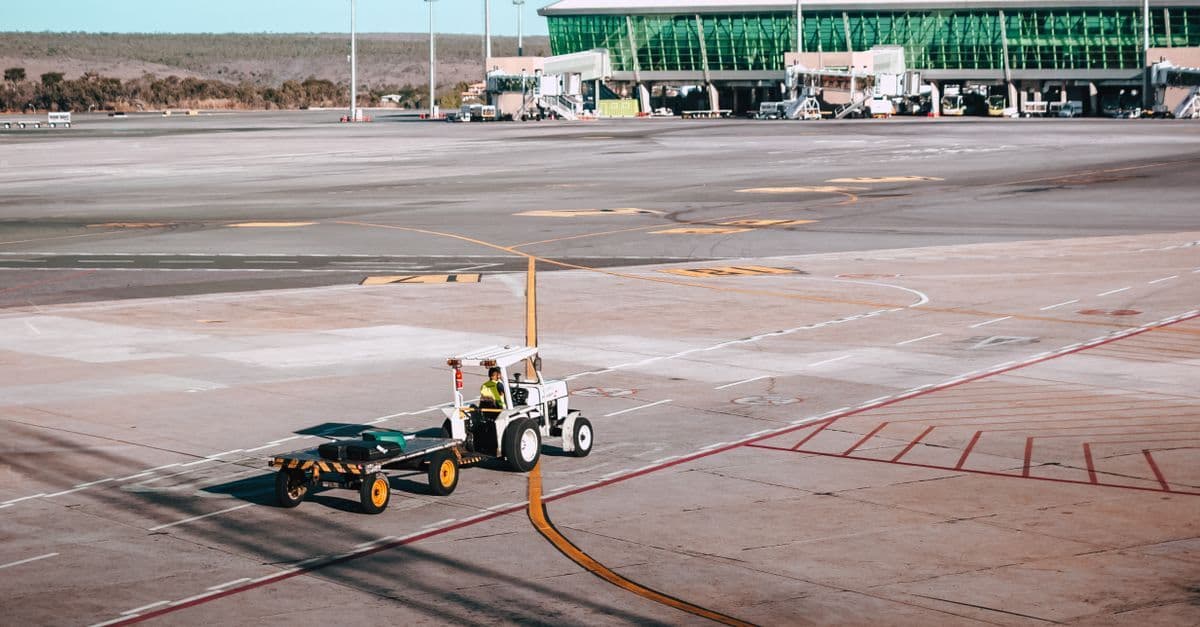
Air New Zealand, Qantas, and Jetstar Trans-Tasman services all arrive at T1 International, the only terminal handling international arrivals at Sydney Airport. If you're continuing to a domestic connection, T2 (Virgin Australia and Rex) and T3 (Qantas domestic) sit roughly 3 km from T1, connected by a separate bus rather than the train.
That 3 km gap trips up more Kiwi travellers than the flight itself does.
Inside T1 Arrivals
The arrivals process follows a fixed sequence: passport control, biosecurity declaration, baggage claim, then customs clearance. NZ passport holders use the special-category visa (SCV) lanes, which typically move faster than the general international queue. Biosecurity, though, adds time if you're carrying food. Australia takes undeclared produce seriously, and declaring or discarding items before the inspection counter is faster than having your bag pulled for a check.
Beyond customs, the arrivals hall connects directly to the train station entrance, taxi rank, rideshare pickup zone, and car hire desks. No backtracking, no separate exit level to navigate.
Telstra, Optus, and Vodafone kiosks operate in the arrivals hall selling physical SIM cards. During morning peaks, when the overnight Air New Zealand service from Auckland lands alongside long-haul arrivals from Asia, those kiosk queues stretch. An eSIM activated before departure avoids that wait entirely.
Connecting to Domestic Terminals
T2 and T3 require a free transfer bus from T1. The bus runs regularly, but clearing international arrivals takes time. If your domestic connection departs within two hours of your international landing, confirm the timing with your airline before you fly. Your onward boarding pass should appear automatically at international check-in, but double-check it in the airline app before you clear customs.
The 3 km separation between T1 and the domestic terminals doesn't show on most booking screens, which is why Sydney Airport connection times catch people out.
Once through T1 arrivals, transport into the city becomes the next decision.
Getting from Sydney Airport to the City
The Airport Link train is the fastest option out of Sydney Airport to the CBD. Fares run AUD $23 to $25 to Central Station, a premium above standard Sydney rail prices because of the airport station levy. The journey holds to the 13-minute time noted above regardless of peak hour or road traffic.
Trains run every 10 minutes during peak hours and operate 24 hours a day. Tap on with an Opal card (Sydney's prepaid transit card, topped up at vending machines just inside the T1 station entry) or buy a single-use ticket at the gate. The Opal card also works on city buses and most ferry services, practical if you're staying outside the CBD core or planning day trips around Sydney Harbour.
Taxi and Rideshare
Taxis queue at a dedicated rank directly outside the T1 customs exit, signposted from the arrivals hall. The metered fare to the CBD sits in the range covered in the Quick Answer above, with a possible addition for the Eastern Distributor motorway toll. No booking required; the queue moves at a reasonable pace through normal arrival windows.
Rideshare (Uber and others) operates from a designated pickup zone, a short walk from the terminal exit. Fares typically run AUD $35 to $50, but surge pricing applies during busy morning arrivals when multiple short-haul services land around the same time. Rideshare tends to be the cheaper call for solo travellers in off-peak windows. For anyone with two checked bags and a carry-on, the taxi rank is simpler and faster.
Bus Routes 400 and 420
Routes 400 and 420 connect Sydney Airport to the CBD and inner suburbs via longer surface roads. They're cheaper than the train, but journey times stretch to 45 minutes or more depending on traffic. The buses suit travellers staying in Mascot, Newtown, or Botany rather than those headed directly to the city centre or a CBD hotel.
For most NZ arrivals, the train gets you to Central in predictable time, road traffic irrelevant. Before boarding anything, your phone needs working data.
Staying Connected in Sydney: eSIM, SIM Cards and Airport WiFi
Three connectivity options wait at T1 International arrivals: carrier SIM kiosks from Telstra, Optus and Vodafone, the airport's free WiFi, and a travel eSIM (built-in digital SIM activated by QR code) you can activate before you board. Each works. Each has a catch most travellers don't find until they're already relying on it.
Free WiFi: the two-hour wall
The airport WiFi cuts at two hours per device. That sounds generous until you factor in a slow immigration queue, a delayed bag and an unanswered call to your hotel. Past the cap, the connection stops with no override and no extension option.
SIM kiosks: the timing problem
Telstra, Optus and Vodafone kiosks in the T1 arrivals hall can activate a physical SIM on the spot. Staff are generally capable and the plans straightforward. The issue is arrival timing: trans-Tasman flights from Auckland, Wellington and Christchurch tend to land close together in the morning, and peak queue times run 20 to 45 minutes before the crowd thins.
That's 20 to 45 minutes in a queue when you could already be on the Airport Link.
Compare eSIM plans for Australia — See 2026 pricing →
Travel eSIM: active on landing
An eSIM installs before departure. Scan the QR code at home, at Auckland Airport, or during boarding, and the profile loads in about 90 seconds. At Sydney Airport T1, disable flight mode and the network connects automatically.
Key fact: HelloRoam's Australia plans run on Optus, covering 4G and 5G nationwide, with a 3GB/30-day plan at ~$6.99 USD and a 20GB option at ~$28.51 USD over the same period.
No physical card swap, no airport kiosk queue, and your NZ number stays active on the same device for incoming calls and banking verification messages.
Still using your NZ plan for everything? The cost surprises most travellers.
Can I Use My New Zealand Phone Plan in Sydney?
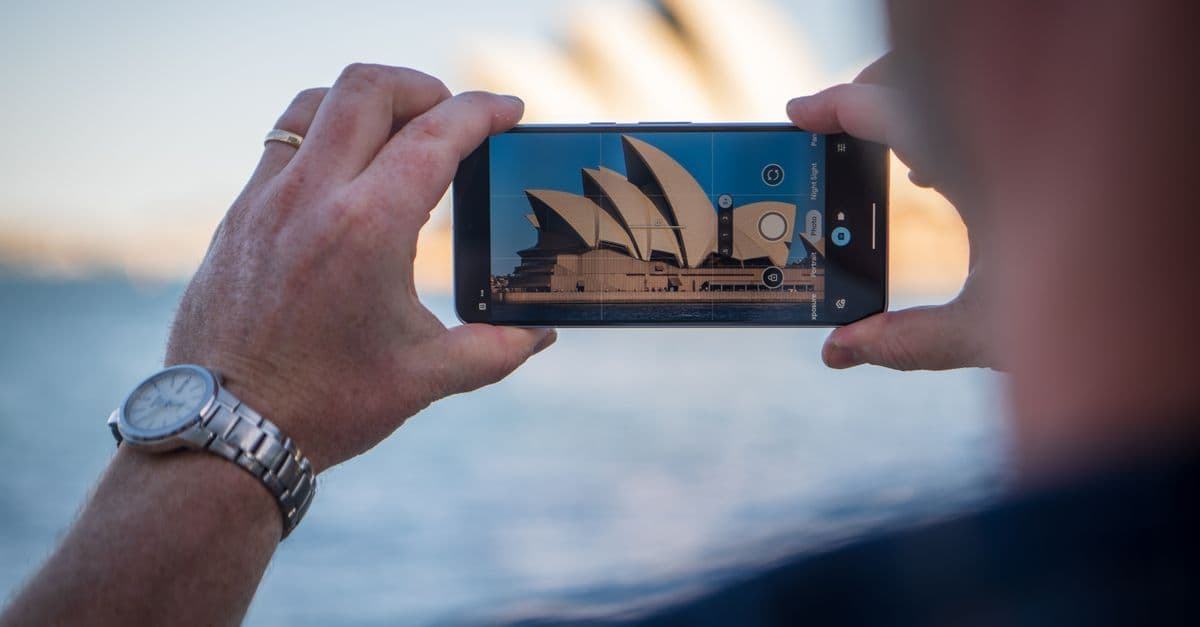
NZ carrier roaming works in Australia, and Spark, One NZ and 2degrees all sell Australia day packs. Daily rates run NZD $5 to $10 depending on your carrier. For a two-night stay with reliable hotel WiFi, that covers basic needs without any additional setup step. For a week in Sydney, the weekly total climbs faster than most Kiwis expect when they book.
What a week on roaming actually costs
At NZD $5 to $10 per day, seven days in Sydney reaches NZD $70 at the top end before any excess charges apply. That's the headline rate. The bill surprises people partly because the throttling isn't always explained clearly at the point of sale.
Most NZ carrier day packs in Australia include a daily data ceiling. Reach it, and speeds drop sharply. Navigation stutters. Video calls stall. The connection resets the following morning, which is cold comfort when you're trying to find a restaurant at 9pm on a Tuesday.
eSIM covers the same trip for less
A travel eSIM for the same seven days allocates a fixed data pool across the trip duration rather than a daily cap. Manage usage at consistent speed over the week without waiting for a midnight reset. Total cost sits well below the NZD $70 ceiling that carrier roaming can reach.
For a short Sydney stay where hotel WiFi is solid and you mainly need messaging and maps, the Spark or One NZ day pack is a workable choice. For a week or longer, the cost calculation shifts decisively.
Knowing what Sydney Airport itself provides is useful too.
What Facilities and Services Does Sydney Airport Offer?
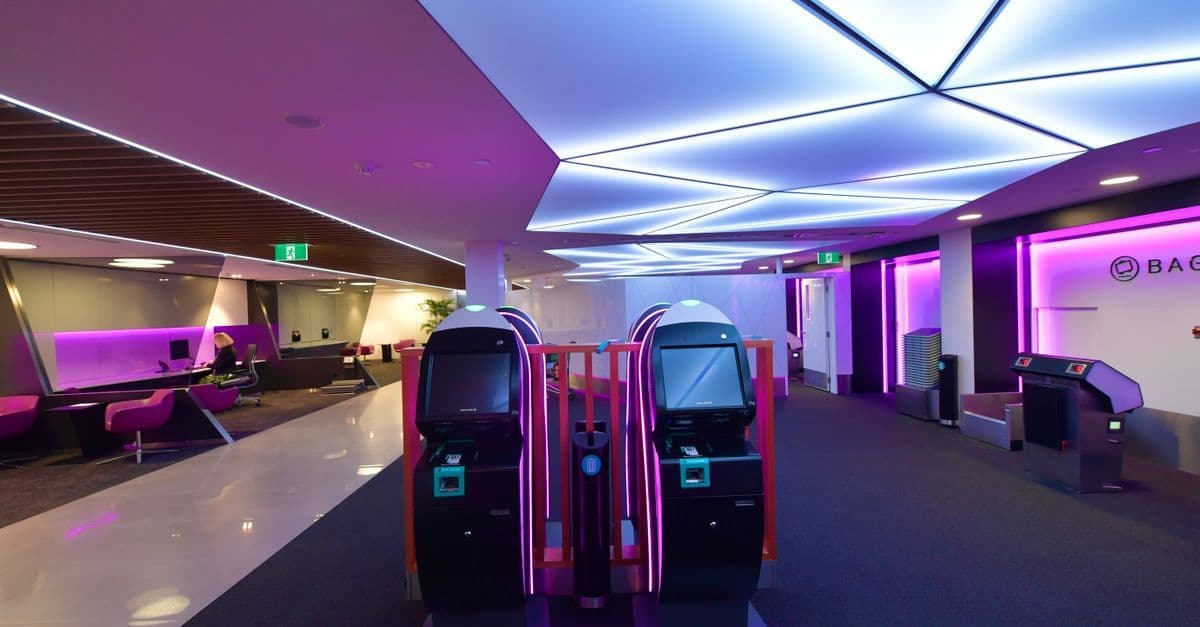
Sydney Airport T1 provides currency exchange desks, ATMs, left luggage storage, a medical centre, dining, duty-free retail, and international lounge access across its arrivals and departures levels. For NZ travellers spending time between an international arrival and a domestic connection, knowing the layout in advance saves a lot of aimless wandering.
Services across T1 and beyond
- Currency exchange desks operate in both the T1 arrivals and departures areas. The arrivals desk is the most convenient option after landing, though rates vary and may not be competitive on larger amounts.
- ATMs are distributed across T1, T2 and T3, accepting international cards including Visa and Mastercard. A travel card with no foreign transaction fees typically works out cheaper than converting cash at an exchange desk.
- Left luggage storage is available at both T1 and T2. For NZ travellers with a domestic connection later the same day, storing bags at T2 avoids hauling them into the city and back.
- Sydney Airport Medical Centre is located in T1 departures, not the arrivals hall. NZ travellers heading home who need a pre-flight consult or prescription can access it on the departures level.
- Dining, duty-free retail and international lounge access are concentrated in T1 departures. Major lounge programmes including Priority Pass operate here, covering third-party lounge options alongside airline-specific facilities.
Currency exchange in practice
Airport exchange desks are accessible but rarely offer strong rates. Arriving with AUD obtained from a New Zealand bank before departure, or drawing from an ATM using a no-fee card, typically works out better. The T1 arrivals desk suits small amounts when convenience outweighs the rate margin.
A few things still catch first-time Kiwi visitors off guard.
What Should New Zealand Travellers Know Before Arriving in Sydney?
Four requirements affect your arrival at Sydney Airport T1: a completed Incoming Passenger Card filled in during the flight, strict Australian biosecurity rules around food and plant material, a time zone 2 to 3 hours behind New Zealand, and mobile data activated before you board.
The Incoming Passenger Card surprises a lot of first-time Kiwi visitors. You fill it in on the plane. Australian Border Force checks it at primary inspection alongside your passport. Leave a field blank and you'll spend time at a secondary counter explaining yourself.
Biosecurity is where Kiwi assumptions about "practically the same country" cause real problems. Fresh fruit, meat, dairy, plant cuttings, and seeds are prohibited unless declared. Customs officers run detector dogs through the T1 arrivals hall regularly, and undeclared goods attract on-the-spot fines. The sensible move: declare everything. Officers clear most everyday items without issue. It's the undeclared items that trigger penalties.
Check your clocks before any meeting or connection. Sydney runs 2 to 3 hours behind New Zealand depending on daylight saving, and that gap shifts twice a year. An early-morning Auckland departure can put you in Sydney in the late morning. AEST bookings need adjusting.
Sort your data before boarding at Auckland.
Travel eSIM apps let you install and activate an Australian data plan at home, so your phone connects to the Optus or Telstra network immediately on landing. There's no kiosk queue, no scrambling with airport WiFi, and no dead time in the first hour at T1. Install the profile in New Zealand, confirm your phone recognises it, and set it active for arrival. The whole process takes roughly two minutes on Wi-Fi at home.
One customs reminder: the declaration threshold covers overseas purchases, not just food. If you've transited through another country and made purchases, keep receipts accessible. Inspectors don't penalise goods you've declared upfront.
Get Connected Before You Go


Frequently Asked Questions
All NZ international flights arrive at T1 International, the only terminal handling international arrivals at Sydney Airport. Air New Zealand, Qantas, and Jetstar Trans-Tasman services all use T1.
The Airport Link train connects T1 International to Central Station in around 13 minutes. Trains run every 10 minutes during peak hours and operate 24 hours a day.
Airport Link fares run AUD $23 to $25 to Central Station due to an airport station levy. Pay with an Opal card topped up at T1 station vending machines or buy a single-use ticket at the gate.
Taxis from Sydney Airport to the CBD cost roughly AUD $45 to $55, metered, with a possible addition for the Eastern Distributor motorway toll. No booking is required; taxis queue at a dedicated rank outside T1.
Yes, Sydney Airport T1 offers free WiFi, but it is capped at two hours per device with no extension option. Speeds are notably slow during morning arrival peaks when multiple Trans-Tasman flights land together.
Carrier kiosks in the T1 arrivals hall sell physical SIM cards on the spot. During morning peak arrivals, queue times can run 20 to 45 minutes before the crowd thins.
A travel eSIM is a digital SIM activated by scanning a QR code before departure. It loads in about 90 seconds and connects to the local network automatically when you disable flight mode on landing.
Yes, major NZ carriers offer Australia day packs at NZD $5 to $10 per day. For a week-long Sydney stay, costs can reach NZD $70 or more, and most packs include a daily data cap that throttles speeds once hit.
A free transfer bus connects T1 to T2 and T3, which are about 3 km apart. If your domestic connection departs within two hours of your international landing, confirm the timing with your airline before flying.
NZ passport holders use the special-category visa lanes at T1 passport control, which typically move faster than the general international queue. Allow extra time for biosecurity checks if carrying any food items.
Australia prohibits undeclared fresh fruit, meat, dairy, plant cuttings, and seeds. Detector dogs patrol T1 arrivals regularly, and undeclared goods attract on-the-spot fines. Declaring items upfront clears most without issue.
The Incoming Passenger Card is a declaration form filled in during your flight. Australian Border Force checks it alongside your passport at primary inspection, so every field must be completed before you land.
Sydney runs 2 to 3 hours behind New Zealand depending on daylight saving, and the gap shifts twice a year. Adjust any AEST bookings or onward connections before you depart Auckland.
Currency exchange desks operate in both T1 arrivals and departures. ATMs accepting Visa and Mastercard are distributed across T1, T2, and T3. Using a no-foreign-transaction-fee card at an ATM typically offers better rates than exchange desks.
Left luggage storage is available at both T1 and T2. NZ travellers with a later same-day domestic connection can store bags at T2 to avoid carrying them into the city and back.
Routes 400 and 420 connect Sydney Airport to the CBD and inner suburbs but take 45 minutes or more in traffic. They better suit travellers staying in Mascot, Newtown, or Botany rather than those headed to the city centre.
Rideshare services operate from a designated pickup zone near the T1 exit. Fares typically run AUD $35 to $50, but surge pricing applies during busy morning arrivals when multiple Trans-Tasman flights land at the same time.
Yes, your NZ number stays active on the same device when you use a travel eSIM for data. You can still receive incoming calls and banking verification messages on your NZ number while abroad.
Budget travel eSIM plans for Australia start from around USD $6.99 for 3GB over 30 days, with larger 20GB plans available for around USD $28.51 over the same period, all running on major Australian 4G and 5G networks.
Sydney Airport Medical Centre is located in T1 departures, not the arrivals hall. NZ travellers heading home who need a pre-flight consultation or prescription can access it on the departures level.