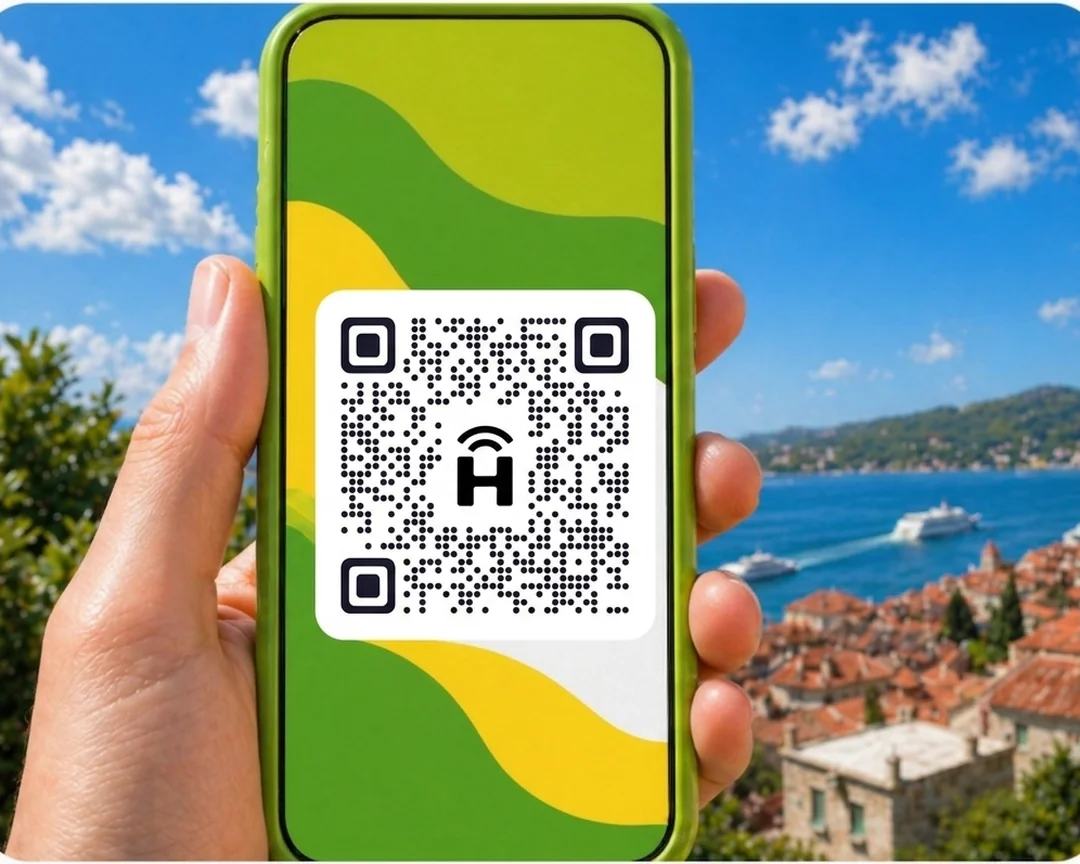




HelloRoam offers a Uzbekistan eSIM from €3.02. HelloRoam covers 185+ countries through 212+ partner networks. Your eSIM taps into local 5G networks the moment you land, with no roaming charges. Scan the QR code and you're online in under two minutes on any eSIM-compatible phone. Your Three Ireland, Vodafone IE or Eir number keeps running on dual SIM while your eSIM handles the data.
- local networks
 212+
212+- network type
 5G
5G- to activate
 2 minutes
Last updated
Uzbekistan eSIM coverage on local networks
Cheap eSIM for Uzbekistan, starting from €3.02. Local 5G data on local partner networks in Uzbekistan. Works on any carrier-unlocked, eSIM-compatible phone. Uzbekistan draws Irish history travellers to Samarkand's Registan, Bukhara's mud-brick medinas, and Tashkent's Soviet modernism. SIM card registration for foreign visitors requires passport documentation. An eSIM in Uzbekistan from HelloRoam starts at €3.02 and covers Tashkent, Samarkand, and Bukhara on local networks. Activate by QR at home before flying from Dublin. No registration queue, no roaming charges, no contract. GDPR-compliant checkout, 180-day refund guarantee on unactivated eSIMs.
Uzbekistan eSIM with 5G coverage
HelloRoam offers eSIM plans for Uzbekistan starting from €3.02. Connect on 5G networks including Beeline. A smart data option for Irish travellers visiting Tashkent.
- Plans start at €3.02 with 5G speeds
- Coverage from Beeline
- Instant activation in under 2 minutes
- 180-day refund on unactivated eSIMs
- Uzbekistan coverage across major cities
- Network
- 5G
- Plans From
- €3.02
- Activation
- Under 2 min
- Refund
- 180 days if unactivated

How to Set Up an eSIM in Uzbekistan
Follow these steps to get started with an eSIM on your iPhone or Android.
Set up an eSIM on your iPhone with the HelloRoam app
Set up an eSIM on your Android with the HelloRoam app
- 1
Choose your plan and checkout
Pick a data plan for your destination and complete checkout online.
 2
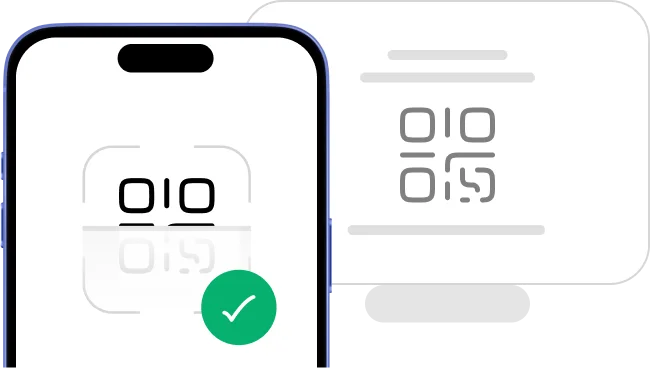
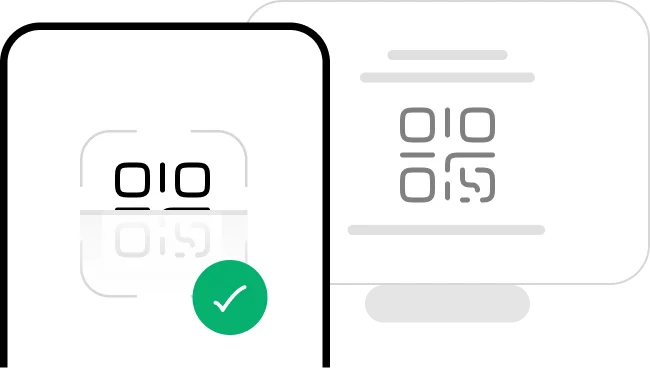
2Scan the QR code
Scan the QR code to install your eSIM instantly.
- 3
Activate in minutes: ready on arrival
Your eSIM installs instantly and activates the moment you land.
 4
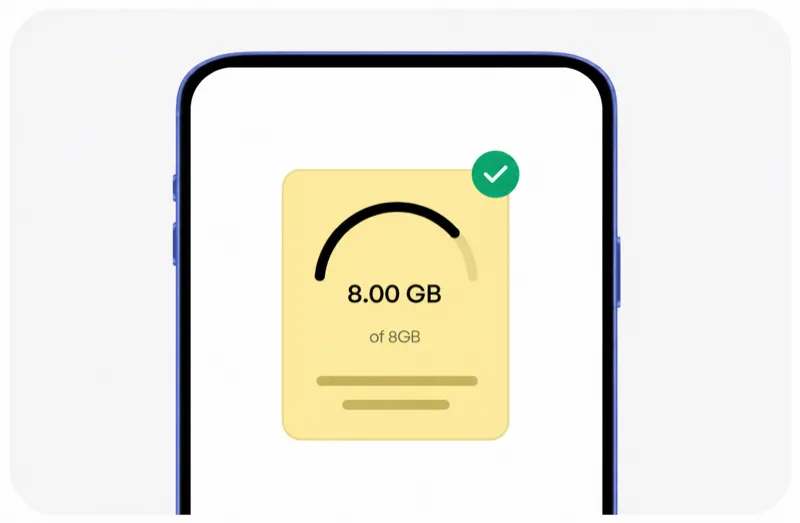
4Manage everything from the app
Track usage, top up data, and manage all your eSIMs in one place.




Trip changed? No bother, we have got you sorted.
Travel plans shift, and that's grand. HelloRoam refunds unactivated, unscanned eSIMs in full for up to 180 days after purchase, no drama.
Learn more about our refund policyHelloRoam Uzbekistan eSIM vs a travel SIM card or Three Ireland, Vodafone IE and Eir roaming
Comparing an eSIM with a travel SIM card for Uzbekistan? Outside the EU, Eir, Vodafone IE and Three Ireland roaming charges add up day by day. Skip the airport SIM counter at Dublin Airport and get a prepaid eSIM for Uzbekistan from €3.02, with instant QR activation and a 180-day refund on unactivated eSIMs.
Why Travellers from Ireland Use HelloRoam e-sim for Uzbekistan

24/7 live chat support
Stuck at 2am in Bangkok, or sorting things out the night before you fly from Dublin? HelloRoam support is available 24/7. Message us by live chat, WhatsApp or email at help@helloroam.com. Data problems don't wait for office hours, and neither do we.

Best eSIM for Uzbekistan
Get data at 5G speeds the moment you land in Uzbekistan. On trips outside the EU, skip your home carrier's roaming fees. HelloRoam connects you to local carrier networks in minutes, whether you're on holiday or working. Your connection is ready before you clear customs.

Dual SIM ready
Keep your Three Ireland, Vodafone IE, or Eir mobile number active for calls and texts. HelloRoam runs travel data on a second eSIM line on any dual SIM compatible phone. No need to choose between your Irish number and your data abroad. Running two lines on one handset means family back home can always reach you on your usual number, while your data runs on a local network at one prepaid HelloRoam price.

212+ partner networks worldwide
HelloRoam connects to 212+ carrier networks across 185+ countries. Your phone joins a partner 5G network automatically, from European cities to long-haul destinations in Asia and the Americas. Speeds depend on the local network.

Usage alerts before you run out
HelloRoam emails you as your data runs low on a fixed plan, so you can top up or buy a new plan in time. Where your plan allows it, top up from the app without reinstalling your eSIM or visiting a shop. Adding a fresh prepaid data package takes under a minute from your account dashboard.

Local network speeds in Uzbekistan
HelloRoam eSIM connects to local 5G networks in Uzbekistan for one prepaid HelloRoam price. Use maps, video calls and streaming without roaming charges from Eir or Vodafone IE on trips outside the EU. Speeds depend on the local network and your location. You pay HelloRoam's own price, shown before you buy, not the local carrier's tariff or your Irish carrier's international add-ons.

Global and regional plans
Heading to more than one country? HelloRoam regional plans cover many countries in Europe, Asia, the Americas and more, in one eSIM purchase. One multi-country data plan means no SIM swapping at borders and a single account managing all your international mobile data in one place.

Hotspot and data sharing in Uzbekistan
Share your Uzbekistan eSIM data with a laptop or tablet using your phone's hotspot. No extra fees, no setup. Works on all eSIM compatible phones. Tethering and mobile hotspot support means the whole group stays online without buying separate data plans for every device.
Best eSIM Prices for Uzbekistan
HelloRoam, the best eSIM Uzbekistan. Compare plans and find the right data for your trip.
| Number of days | Price |
|---|---|
| 1 day | €3.02 |
| 3 days | €8.60 |
| 7 days | €18.58 |
| 15 days | €36.20 |
| 22 days | €49.11 |
| 30 days | €61.54 |
HelloRoam vs Other eSIM Providers for Uzbekistan
See how HelloRoam compares with Airalo, Holafly, Nomad, Saily and Ubigi for your Uzbekistan trip. The table covers a 180-day refund on unactivated eSIMs, data overage charges and instant QR code delivery.
| Feature comparison | HelloRoam | Airalo | Holafly | Nomad | Saily | Ubigi |
|---|---|---|---|---|---|---|
| 180-day refund (unactivated eSIMs) |  Feature available Feature available |  Feature not available Feature not available |  Feature available Feature available | Feature not available | Feature not available | Feature not available |
| No data overage charges | Feature available | Feature available | Feature available | Feature available | Feature available | Feature available |
| Instant QR code delivery | Feature available | Feature available | Feature available | Feature available | Feature available | Feature available |
What Is an e SIM? How eSIM Works in Uzbekistan
An eSIM is a digital SIM built directly into your phone: no plastic chip, no SIM tray. Scan a QR code to activate in under 2 minutes on any eSIM compatible iPhone or Android. It works as a prepaid data plan for Uzbekistan travel with no airport SIM counter, no physical SIM card, and no carrier contract. Sort everything at home before you head to Dublin Airport, Shannon, Cork, or Knock and you are ready to go the moment you land. guide


Mobile connectivity guide for Uzbekistan
Uzbekistan has 5G mobile coverage in Tashkent and main cities. Beeline are the core networks. For Irish visitors, Uzbekistan is outside the EU, so Irish carrier EU roaming does not apply. A HelloRoam eSIM from €3.02 usually costs far less than daily roaming add-ons.
A HelloRoam eSIM means you arrive in Tashkent connected without hunting for a SIM card at the airport.
- HelloRoam connects to Beeline 5G in Uzbekistan
- 5G coverage across Tashkent and major cities
- Connect on Beeline
- Activate before your Dublin departure
eSIM Travel Tips for Uzbekistan
Sort your data before your flight from Dublin
Buy your HelloRoam eSIM for Uzbekistan at home, activate it over Wi-Fi, and enable data when you land in Tashkent. You skip the airport telecom queues entirely and step off the plane already connected.
Keep your Irish number active
On a dual SIM phone, keep your Eir, Three IE, or Vodafone IE SIM for calls and texts while using HelloRoam for data in Uzbekistan. Family and colleagues back in Ireland can still reach you on your regular Irish number.
Offline maps save data on city breaks
Download Google Maps or Maps.me for Tashkent offline before you go. Offline navigation saves data and works even in indoor areas with weaker signal. Uzbekistan cities are generally well covered but rural areas can be patchy.
Travel insurance and emergency numbers
Bring your EHIC or travel insurance details. The emergency number in most countries is 112 or local equivalents. Your HelloRoam eSIM keeps emergency apps, insurance portals, and the Irish embassy contact details accessible throughout your Uzbekistan trip.
Currency and card acceptance
Notify your Irish bank before travelling to Uzbekistan. Card acceptance is generally good in Tashkent but carry some local currency for smaller vendors and public transport. Currency conversion apps work well on a HelloRoam data connection.
Mobile networks in Uzbekistan: what Irish visitors need to know
HelloRoam connects on Beeline in Uzbekistan. These are the leading 5G networks in Uzbekistan with strong coverage in Tashkent and major tourist areas. Signal strength depends on the local network in each area.
- Beeline

- 5G
HelloRoam eSIM vs Irish carrier roaming in Uzbekistan
Your connectivity options for a Uzbekistan trip from Ireland.
| Category | HelloRoam eSIM Recommended | Local Uzbekistan SIM card | Roaming with your carrier |
|---|---|---|---|
| Typical cost | From €3.02 total | €1.38–€3.46 total | — |
| Details | Plans from €3.02. Buy before your flight from Dublin, activate at home, and arrive in Tashkent already on local 5G data. | Available at Tashkent airport but requires setup time after a long flight. Prepaid tourist SIMs involve passport registration and unused data is typically forfeited on return. | Outside the EU and EEA, roaming on an Irish plan usually costs extra, often as a daily add-on. Over a week in Uzbekistan, daily roaming charges add up fast. HelloRoam starts at €3.02. |
Prices approximate as of . Actual savings vary.
Best time to visit Uzbekistan from Ireland
Uzbekistan is a popular destination for Irish holidaymakers and those visiting family or friends. The ideal season to visit Tashkent depends on the local climate cycle.

Reviewed by HelloRoam Editorial Team

Reviewed by HelloRoam Editorial Team
Top Destinations in Uzbekistan

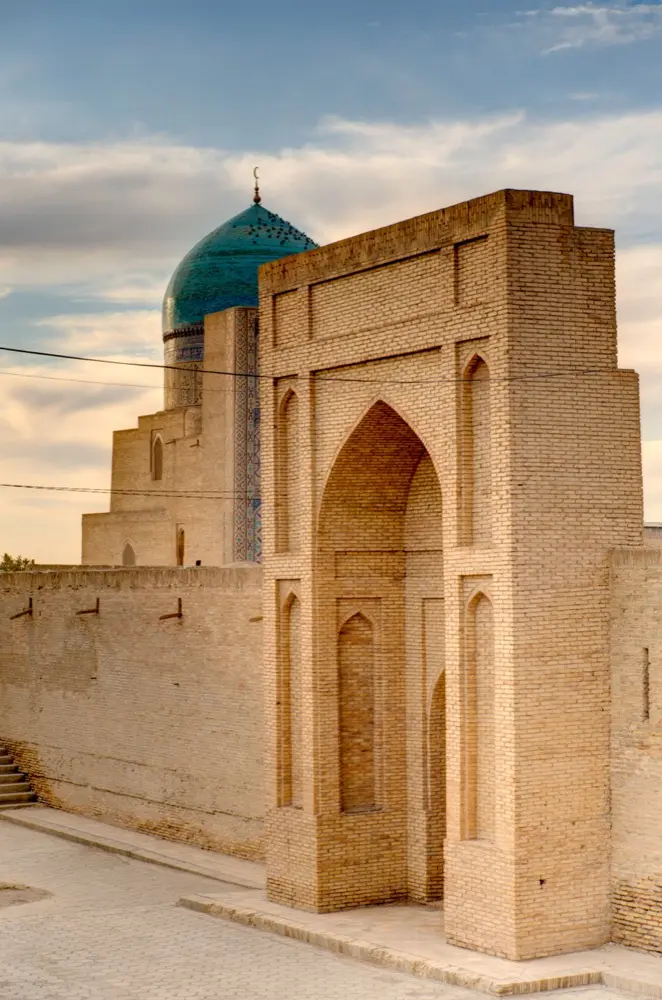
Namangan
HelloRoam provides reliable data coverage in Namangan, Uzbekistan for travelers on the go.

Namangan in the Fergana Valley has Beeline 5G coverage. The city center and main bazaar area have reliable signal.
Nukus
HelloRoam delivers mobile data in Nukus, keeping you online throughout Uzbekistan.
Nukus in Karakalpakstan has Beeline coverage in the city. The Aral Sea area further north is very limited.

Samarkand
HelloRoam offers data plans for Samarkand travelers, with coverage across Uzbekistan.
Samarkand has Beeline 5G in the historic center. The Registan and Shah-i-Zinda monuments are covered.

Tashkent
Explore Tashkent without losing connection. HelloRoam offers fast data across Uzbekistan.
Beeline 5G covers Tashkent across the city. Islam Karimov International Airport has reliable terminal coverage.
Showing slide 1 of 4
Reviews
What Our Customers Say
Real reviews from Trustpilot and the App Store, quoted as written.
40k+ travellers have used HelloRoam
Cat
On a trip to Europe, my hotel Wi-Fi was so slow and outside Wi-Fi was unreliable. I couldn’t take it anymore so I got helloroam for a few days. It was tricky to set up correctly because of the primary settings (with my original number). But I reached out to their customer service via WhatsApp. Super responsive and helpful, with specific and clear steps to troubleshoot. Appreciate having 4G roaming instead of being stuck with in and out Wi-Fi during my trip!!
Rated 5 out of 5 by this reviewer

Very good experience! The eSIM was easy to set up and worked great in London. It was much cheaper than it would have been to use my own operator there.
Ilona
Rated 5 out of 5 by this reviewer
metulker
Hard to set up but help was good
Rated 5 out of 5 by this reviewer
Reuben
Really happy with HelloRoam. Everything worked as expected, from messaging and Google Maps through to streaming without any issues. Easy to use, reliable and affordable. Would happily use them again when travelling.
Rated 5 out of 5 by this reviewer

Angeline
Reliable connection. Reasonable pricing.
Rated 4 out of 5 by this reviewer
Last updated
Your Uzbekistan eSIM Questions Answered
How do Irish history travellers buy eSIMs Uzbekistan plans before a Silk Road trip from Dublin?
eSIMs Uzbekistan plans from HelloRoam start from €3.02 and cover Tashkent, Samarkand, Bukhara, and main national networks. HelloRoam delivers a QR code by email, activated at home before you fly. No SIM registration on arrival, no roaming charges from your Irish provider, and a 180-day refund guarantee on unactivated eSIMs on every order.
What does an e-sim Uzbekistan plan include for visiting Samarkand and Bukhara?
An e-sim Uzbekistan plan from HelloRoam gives you local data across Tashkent, Samarkand, and Bukhara from €3.02. Activate at home via QR before flying from Dublin so you land at Islam Karimov already connected. No contract, no registration hassle, no roaming fees, and a 180-day refund guarantee on unactivated eSIMs included.
What is the best eSIM for Uzbekistan from Ireland?
HelloRoam is a strong choice for travellers from Ireland visiting Uzbekistan. Plans start from €3.02 and connect through our worldwide network of 212+ carriers, giving you local 5G speeds in Uzbekistan. Activate via QR code in under two minutes, keep your Three Ireland, Vodafone IE or Eir number on dual SIM, and get a 180-day refund window on unactivated eSIMs. No carrier contract needed.
How much does an eSIM for Uzbekistan cost from Ireland?
A Uzbekistan eSIM starts from €3.02. Fixed data plan sizes vary by country, and this page lists every size on sale. Unlimited daily plans, where offered, charge by the day. All plans include local 5G access with no overage charges and no carrier contract. Outside the EU, that compares well with what Eir or Vodafone IE charge for roaming.
Which networks does a Uzbekistan eSIM connect to?
eSIM in Uzbekistan connects to local partner networks on 5G. Your phone joins a local partner network automatically on arrival, with no manual carrier selection needed. Coverage and speeds depend on the local network, so they vary from place to place.
How do I get an eSIM for Uzbekistan before flying from Ireland?
Getting your eSIM for Uzbekistan takes three steps. First, choose your plan at helloroam.com and pay in the currency you choose. Second, scan the QR code from your confirmation email in Settings under Mobile Data, then Add eSIM. Third, your eSIM installs in under two minutes and activates when you land. Do everything at home before you head to Dublin Airport, Shannon, Cork or Knock. No shop visit, no physical SIM swap, no queue.
Does iPhone support eSIM for Uzbekistan travel from Ireland?
Yes. iPhone XS and all newer models support your eSIM for Uzbekistan. Go to Settings, tap Mobile Data, then Add eSIM, and scan the QR code from your HelloRoam email. Your Irish number stays active on your main SIM through dual SIM while HelloRoam handles all travel data on the eSIM line. Some iPhones, like iPhone 14 and later models sold in the US, are eSIM-only with no SIM tray at all.
What is the best eSIM for Uzbekistan for Irish travellers?
HelloRoam gives you data in Uzbekistan on Beeline's 5G network, and you can get a refund within 180 days if you never activate the eSIM. Plans start at €3.02. Buy before your Aer Lingus or Ryanair flight, scan a QR code at home in Dublin, and arrive in Tashkent already on fast local data.
Does HelloRoam eSIM work in Uzbekistan?
Yes, HelloRoam eSIM works in Uzbekistan on Beeline 5G networks. Activate at home before your flight and connect the moment you land at Tashkent airport.
Do Irish travellers need a special SIM for Uzbekistan?
Uzbekistan is outside the EU, so Irish carrier EU roaming does not apply. A HelloRoam eSIM from €3.02 is typically far cheaper than international daily roaming add-ons. A HelloRoam eSIM from €3.02 gives you local 5G data without any daily add-on charges.
Which networks does HelloRoam use in Uzbekistan?
HelloRoam eSIM for Uzbekistan connects on Beeline. Your phone stays on Beeline as you travel around Tashkent and the rest of Uzbekistan, with 5G where it's available. UCell (Unitel) and Beeline Uzbekistan are among the strongest 5G providers in the area, covering tourist attractions, airports, and city centers. Coverage and speed depend on the local network and on where you are.
How much does an eSIM for Uzbekistan cost?
HelloRoam eSIM plans for Uzbekistan start at €3.02. Larger plans are available for longer stays or data-heavy trips. The price depends on how much data you need and for how long. Compared with roaming charges from home carriers, a HelloRoam plan costs significantly less for a typical trip to Uzbekistan. There are no hidden fees or surprise charges on your home bill.
How much data do I need for a week in Uzbekistan?
A week in Tashkent using maps, messaging, and social media typically uses 3 to 6 GB. Streaming in your hotel evenings or making video calls back to Ireland adds more. Choose a 5 or 10 GB plan for a comfortable buffer.
How many days does the Uzbekistan eSIM last?
HelloRoam eSIM plans for Uzbekistan last from 12 to 30 days depending on the data size you pick. Uzbekistan has 5G coverage via Beeline. A longer plan suits Irish travellers on extended holidays or working holidays abroad. Select your plan, scan the QR code at home in Ireland, and connect from the moment you land.
Does Uzbekistan have 5G coverage?
Yes, Uzbekistan has 5G coverage through Beeline. HelloRoam eSIM plans connect on the best available 5G signal across Uzbekistan. Buy your plan before your flight from Dublin and connect straightaway on landing.
What to Know Before You Buy
eSIM requires an unlocked, eSIM-compatible device. Check your phone settings before you buy.
Most travel eSIM plans provide data only. Your existing phone number stays active for calls and texts on your primary SIM.
Coverage quality varies by location within Uzbekistan. Urban areas typically have strong 5G coverage, while rural or remote areas may have limited connectivity.
Install your eSIM before departure. Activation requires an internet connection, which may not be available at your destination airport.
Transparency Notice
- Service Provider Name (SPN)
- HelloRoam appears as the carrier name on your phone's status bar through the SPN, a standardized field in the eSIM profile. Unlike most travel eSIM resellers, HelloRoam provisions its own Service Provider Name.
- Public Network Name (PNN)
- The PNN is the network name field in your eSIM profile, set out in the 3GPP standard TS 31.102 (EF_PNN). Your phone can read it to show the name of the network you're connected to.
- Access Point Name (APN)
- HelloRoam eSIMs auto-configure their Access Point Name during installation. Your device connects to a local partner network without manual settings.
Prices are our retail rates across 185+ countries. The recommended plan is picked by data size and price. Unactivated eSIMs qualify for a 180-day refund.
Future Syncs Limited 124 City Road, London, EC1V 2NX, UK +44 203 916 6249 help@helloroam.com Reg. No. 15950168