What Is Data Roaming? Skip Telstra Fees with eSIM
An eSIM is a digital SIM card built into your phone. It activates over Wi-Fi in minutes. No plastic card, no SIM swap, no roaming fees.
Choose your destination

eSIM activated
Scan to Install



What Is an eSIM Card? eSIM Explained
So what is a eSIM? It's a digital SIM card built into your phone that gives you mobile data without swapping a plastic chip at the airport. The embedded SIM is soldered to your phone's motherboard and stores carrier profiles in software. You'll also see it written as e SIM or e-sim. It connects to mobile networks for calls, texts, and data, just like a physical SIM card. Most iPhones sold in Australia since the XS support eSIM. So do Telstra, Optus, and Vodafone AU handsets from 2019 onwards. If you're heading to Bali, Japan, or Thailand, an eSIM gets you online the moment you land.
The GSMA, the industry body behind the SGP.22 standard, governs how phones download and switch carrier profiles without touching a physical card. This is why it's also called a virtual SIM or digital SIM card. Compatible phones include iPhones (XS through iPhone 16), Samsung Galaxy S20 through Galaxy S25, and Google Pixels (3 through Pixel 9). Australia has one of the highest rates of eSIM-ready iPhone ownership in the Asia-Pacific region, so most Aussies already have the hardware. HelloRoam, built by FutureSyncs Ltd (Companies House #15950168), helps Australian travellers cut Telstra, Optus, and Vodafone AU roaming costs and get online the moment they land, whether that's at Kingsford Smith in Sydney, Tullamarine in Melbourne, or Ngurah Rai in Bali.(Source: GSMA SGP.22 eSIM Specification)
How Does an eSIM Work? (iPhone and Android Setup)
An eSIM works by downloading a carrier profile straight to the chip inside your phone. Once it's installed, your phone connects to mobile networks, makes calls, sends texts, and uses mobile data, exactly like a physical SIM. How does an eSIM work on iPhone? On any eSIM-ready model (XS and newer), go to Settings, then Mobile Data, then Add eSIM. Australian iPhones use 'Mobile Data' in the menu, not 'Cellular'. On Android, go to Settings, Network, SIM manager. Your Telstra, Optus, or Vodafone AU SIM card stays in place the whole time. You can check our compatibility list if you're not sure about your model.(Source: GSMA SGP.22 eSIM Specification) check our compatibility list
Setup takes about 5 minutes: buy a HelloRoam plan, open your confirmation email, and scan the QR code. Your Telstra, Optus, or Vodafone AU SIM stays in place. Run both at once in dual SIM mode, with the travel eSIM handling mobile data overseas and your Australian number staying active for calls and texts. Plans are priced in AUD so there are no currency surprises. You can store multiple profiles and switch between them without restarting your phone. Switch the data line back to your Aussie carrier when you land home.
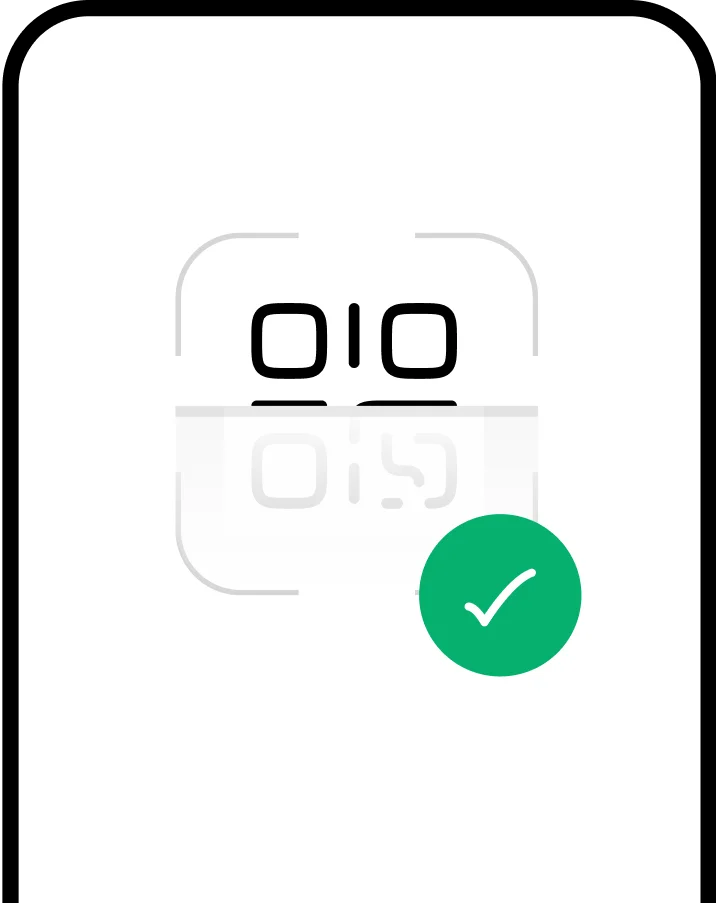

How Do You Set Up an eSIM?


Choose a prepaid data plan for your destination and complete checkout online or in the app.

Your plan installs right away. It activates when you arrive at your destination country.
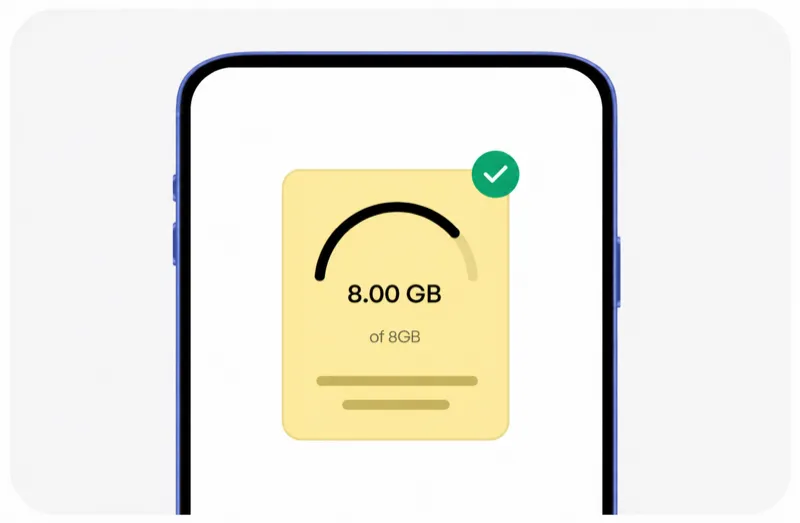
Check your remaining data, top up if needed, and manage all your plans in the HelloRoam app.
Choose a prepaid data plan for your destination and complete checkout online or in the app.
Your plan installs right away. It activates when you arrive at your destination country.
Check your remaining data, top up if needed, and manage all your plans in the HelloRoam app.

Why eSIM Plans Beat Data Roaming: Key Advantages Explained
eSIM Disadvantages to Know Before You Buy
eSIM plans give you local cellular data rates without data roaming charges. You skip the SIM card hunt at the airport, activate on the go, and manage everything from your phone. Here's what you get by switching from a physical SIM card to a prepaid plan from HelloRoam.

No bill shock when you land
Skip the hunt for a local SIM at the airport. An eSIM connects you to local carriers and gives you instant data at local network speeds, with no extra charges from your home carrier.

Multiple profiles on one phone
Your phone can hold multiple eSIM profiles at once. Switch between carriers or numbers without pulling out a tiny card or visiting a store.

Pay for what you need
Heading to Bali for 10 days? Buy a 10-day plan instead of a monthly one. Pay only for what your trip needs.

Frees up device space
No physical SIM slot means phone makers can use that space for a bigger battery or other hardware upgrades.

Cannot be lost or stolen
Lose your bag at Sydney Airport or get pickpocketed in Bangkok? Your eSIM stays inside your phone. Nobody can remove or steal it.

Less plastic waste
One less plastic card in a landfill every trip. Switching to a digital SIM card is a simple step toward greener travel.










Not sure if your device supports eSIM?
Most phones released after 2019 support eSIM, including iPhone XS through iPhone 16, Samsung Galaxy S20 through Galaxy S25, and Google Pixel 3 through Pixel 9. The technology is safe to use and doesn't affect your physical SIM card or phone number. Many phones can store 8 or more profiles at once. Check your device before you book your trip.
Check CompatibilityeSIM vs SIM Card: What Is the Difference?
A SIM card is a small plastic chip that connects your phone to a mobile network. Anyone who's bought a Telstra prepaid at a 7-Eleven or grabbed a SIM from the Optus counter at Sydney Airport knows the drill. An eSIM skips all of that. It's an embedded SIM that does the same job digitally. Physical SIM vs eSIM: both handle calls, texts, and mobile data. The digital version wins on speed, flexibility, and the fact that you can't drop it down the sink. An e SIM is also called a virtual SIM or digital SIM card because the carrier profile lives in software, not on a plastic chip you can misplace.
 Phone numbers
 Network operators
 Removal
 Activation
 Compatibility
 Use abroad
eSIM vs Data Roaming: How Much Can You Save?
Data roaming through Telstra, Optus, or Vodafone AU can cost $15 to $45 AUD per GB overseas. HelloRoam plans come in well under those rates, as of April 2026. An e SIM for international travel costs far less than activating a roaming add-on from your home carrier, whether you're off to Bali, Tokyo, or London.
See our complete eSIM vs roaming cost breakdown with real trip scenarios and savings estimates.

Save up to 84% on
data costs
HelloRoam plans start at A$1.46. No contracts, no hidden fees, and a 180-day money-back guarantee.(Source: HelloRoam pricing analysis, 2026)
Browse PlansCommon eSIM Problems and Fixes
Running into a problem with your eSIM or mobile data? Our 24/7 support team handles these every day, mostly from Aussies setting up at Sydney or Melbourne airports. Here are the quick fixes for the most common issues after scanning the QR code.
QR code won't scan
No data service after activation
eSIM not showing in settings
Cannot remove an old eSIM profile
Two eSIMs causing conflicts
Activation code rejected
“eSIM technology is the biggest shift in mobile connectivity since the smartphone. Travelers no longer need to choose between staying connected and overpaying.”
Popular eSIM Destinations





Frequently Asked eSIM Questions
An eSIM is worth it for most Australian travellers with a phone from 2019 or later. You buy a plan online, scan a QR code, and you're connected before your flight boards. No queuing at a SIM kiosk, no tiny card to lose in your carry-on, and no surprise roaming charges from Telstra or Optus when you land. HelloRoam plans start at A$1.46 and cover 185+ countries including Bali, Japan, and the UK. If your phone supports it, the switch is sorted.
Installing an eSIM takes about 5 minutes from start to finish. After you complete your HelloRoam purchase, open the confirmation email, scan the QR code with your phone camera, and follow the on-screen prompts. The profile downloads over Wi-Fi and installs automatically. You can do this the night before your trip or even at the gate before boarding. The plan won't use any data until it activates at your destination.
eSIM is worth using for overseas travel when your phone supports it. You skip the SIM card hunt at airports like Ngurah Rai in Bali or Narita in Tokyo, and you avoid data roaming charges from your Australian carrier. Buy a plan online, scan a QR code, and your phone connects to local networks when you land. HelloRoam connects to 204+ networks across 185+ countries.
eSIM works on Telstra-compatible, Optus-compatible, and Vodafone AU-compatible phones, as long as the device is unlocked and supports the embedded standard. When you're travelling overseas, HelloRoam connects your phone to local carrier networks in 185+ countries. Your Australian carrier line stays active for calls and texts in dual SIM mode. You don't need to contact Telstra, Optus, or Vodafone AU to use a HelloRoam travel plan.
eSIM works well for gap year travel. You can pre-load plans for multiple countries before you leave Australia and switch between them in settings as you move. HelloRoam covers 185+ countries including popular gap year routes through Southeast Asia, Europe, and the Americas. No contracts, no monthly fees, and no need to hunt for a SIM card every time you cross a border.
eSIM works on cruise ships when your vessel connects to a partner network in port. At sea, most cruises use satellite internet that operates separately from your eSIM. HelloRoam plans activate in the countries where your ship docks. If you're cruising through Asia or the Pacific, you can use your eSIM plan at each port of call without needing to buy a new local SIM card at every stop.
Travelling from Australia to New Zealand with an eSIM is straightforward. Your HelloRoam plan covers New Zealand, so you stay connected to local networks across both islands without swapping a SIM card. The plan activates when you arrive in New Zealand, and your Australian carrier line stays active for calls and texts. Coverage spans both the North Island and South Island on major NZ carrier networks.
eSIM coverage in Southeast Asia is strong in major cities and tourist areas across Indonesia, Thailand, Vietnam, Malaysia, and Singapore. Coverage thins out in remote areas, dense jungle, and islands without cell towers. For popular Aussie travel routes like Bali, Bangkok, and Phuket, HelloRoam connects to established local networks with reliable 4G LTE data. Check the coverage map for your specific destination before you travel.
eSIM costs less than carrier roaming for most Australian travellers. Telstra, Optus, and Vodafone AU roaming add-ons can cost $10 to $30 AUD per day with data caps. HelloRoam prepaid plans start at A$1.46 with fixed data and no daily charge. That saves up to 84% versus carrier roaming rates. No contracts, no auto-renewal, and a 180-day money-back guarantee.
eSIM data plans are data-only and don't replace your Australian mobile number. Your existing number stays on your physical SIM for calls and texts. The HelloRoam travel plan handles mobile data at local rates, which avoids roaming charges from your home carrier. For calls over data, use apps like WhatsApp, FaceTime, or Zoom.
A carrier-locked phone sold by Telstra, Optus, or Vodafone AU cannot use a travel eSIM until it is unlocked. Most Australian carriers unlock phones for free once the device is fully paid off. Contact your carrier, request an unlock, and the restriction is usually lifted within a few business days. Once unlocked, your phone can install a HelloRoam travel eSIM and connect to local networks in 185+ countries. If you bought your phone outright, it is almost certainly already unlocked.
You can buy a HelloRoam eSIM plan for Bali before you leave Australia. Purchase online, scan the QR code to install it on your phone, and the plan activates the moment you land at Ngurah Rai International Airport. No SIM kiosk queue, no waiting at the airport terminal. Most Australians heading to Bali pick a 5-day or 10-day plan to match their stay. You can do the whole setup the night before your Jetstar or Qantas flight departs, 84%, A$1.46.
Telstra's International Day Pass costs $10 to $15 AUD per day with a data cap. Optus and Vodafone AU roaming add-ons work similarly. A HelloRoam prepaid eSIM plan starts at A$1.46 for a fixed data block, with no daily charge and no data cap per day. For a typical 10-day trip to Japan or Bali, that can save up to 84% versus activating an international roaming add-on through your home carrier. No auto-renewal, no contracts.
eSIM coverage in the Australian outback depends on which networks HelloRoam connects to in a given region. Remote areas like the Nullarbor Plain, the Kimberley, and the Stuart Highway corridor have limited or no mobile coverage from any carrier. In towns along popular outback routes like Alice Springs, Broken Hill, and Coober Pedy, coverage is generally available. For very remote off-grid travel, a satellite communicator is a better option than any mobile data plan, eSIM or otherwise.
When your HelloRoam eSIM data plan expires, your phone stops receiving mobile data through that line. You won't be automatically charged or renewed. To keep using data, you can top up with a new plan in the HelloRoam app. If you're mid-trip and run out, buy a new plan over Wi-Fi and it activates immediately. Your physical SIM card and Australian number are unaffected. Planning a longer trip? Pick a plan that covers your full stay to avoid interruptions.
Yes, you can delete a HelloRoam eSIM profile from your phone and reinstall it later, as long as the plan is still within its validity period. Go to Settings, Cellular (iPhone) or Settings, Network (Android), select the HelloRoam line, and choose Remove or Delete. Your original QR code from the confirmation email will reinstall it. Note that some plans can only be scanned once, so keep your email safe. If your QR code has already been used, contact HelloRoam support via WhatsApp for a fresh installation code.
eSIM works at ports of call on cruises departing from Sydney or other Australian ports. Your HelloRoam plan activates in each country where your ship docks, giving you local data speeds while you're ashore. At sea, cruise ships use satellite internet that operates separately from your eSIM and is not covered by a travel data plan. Popular cruise routes from Sydney to the Pacific Islands, New Zealand, and Asia all include countries covered by HelloRoam. Install your plan before you board and activate it automatically each time you arrive in port.
HelloRoam eSIM plans support Personal Hotspot on most compatible phones, which lets you share your travel data with a partner's phone, laptop, or tablet over Wi-Fi. Turn on Personal Hotspot in your phone settings and connect their device. Keep in mind that hotspot sharing doubles or triples your data consumption. If you and a travel partner both need data, each person buying their own plan is usually more economical than tethering from one plan. A larger fixed plan or an unlimited option works best if you plan to share regularly.




Sources
- GSMA eSIM Specification (SGP.22)(Accessed April 2026)
- ITU-T Recommendation E.118 — International Telecommunication Charge Card(Accessed April 2026)
- Apple — About eSIM(Accessed April 2026)