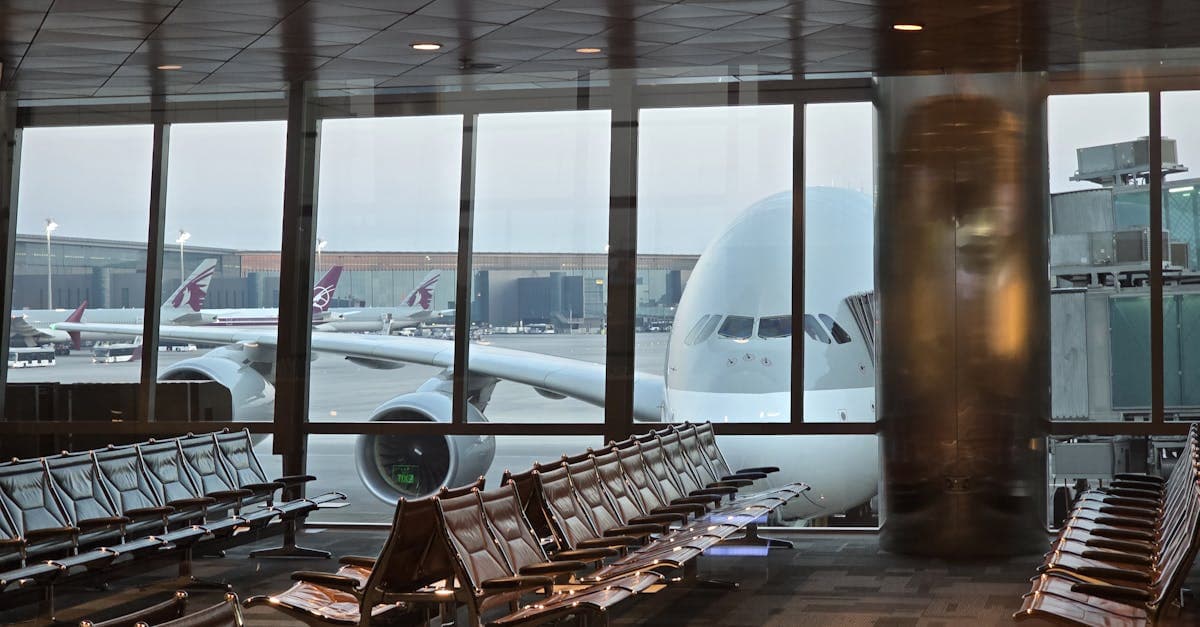


Quick Answer: Portable WiFi Hotspot Options at a Glance
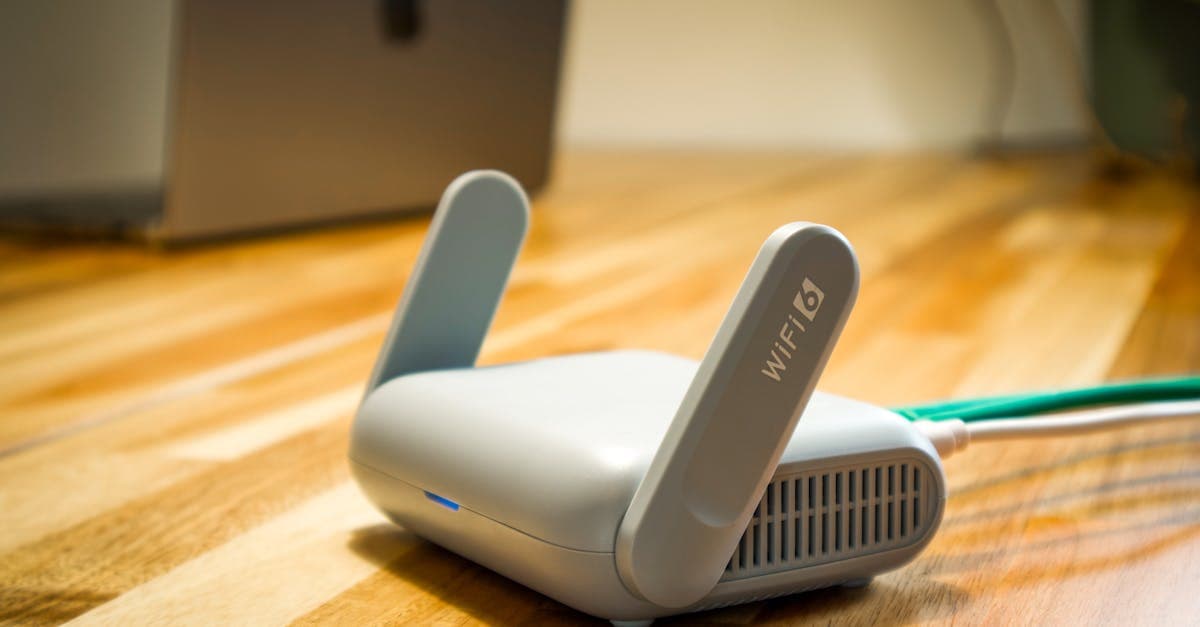
Three options cover portable connectivity for most travelers: phone tethering, a dedicated portable wifi hotspot device, and a travel eSIM.
- Phone tethering: Uses your existing smartphone and costs nothing extra if your plan includes hotspot data, but it shares your phone's modem and drains the battery in a hurry.
- Dedicated hotspot device: A standalone, battery-powered router that keeps multiple devices online simultaneously netgear.com. The clear pick for groups and families.
- Travel eSIM: A digital SIM profile installed directly on a compatible phone, no hardware to carry or return. HelloRoam offers plans starting at ~$2.49, running on T-Mobile and Verizon 5G networks.
Key fact: HelloRoam eSIM plans for the US start at ~$2.49 per day on T-Mobile and Verizon's 5G networks, with no physical device required.
The summary looks tidy. The details behind each option shift the math in ways a table cannot capture.
What Is a Portable WiFi Hotspot?

A portable wifi hotspot is a compact, battery-powered device that creates a personal WiFi network by pulling in a cellular signal and rebroadcasting it locally netgear.com. Most models support multiple devices simultaneously, with the exact count tied to the chipset and thermal limits of the unit.
The hardware inside runs two distinct radios in parallel: a cellular modem (the WAN uplink) that communicates with carrier towers, and a WiFi radio (the local LAN) that your laptop, tablet, and phone connect to. The device bridges these using Network Address Translation (NAT) and Dynamic Host Configuration Protocol (DHCP), the same protocols your home router relies on. Compact design, much bigger job than the shell suggests.
The term "MiFi" gets treated as if it's generic. It isn't. MiFi is a registered trademark of Novatel Wireless, now Inseego, and technically applies only to their product line. The industry adopted the label informally, much the way "Kleenex" became shorthand for every facial tissue on the shelf.
5G coverage on these devices splits into two very different real-world tiers. Sub-6GHz bands (n41, n71, n77) deliver broad, solid coverage across suburban and rural areas. mmWave bands (n257 through n261) reach extreme speeds but fade within roughly 100 meters of a tower, making them relevant only in dense urban cores. As of early 2026, the Netgear Nighthawk M6 Pro is the only consumer hotspot supporting mmWave among devices on the market netgear.com.
Understanding those hardware tiers changes how you shop. The tethering comparison makes that case even more directly.
Phone Tethering vs. a Dedicated Portable WiFi Hotspot
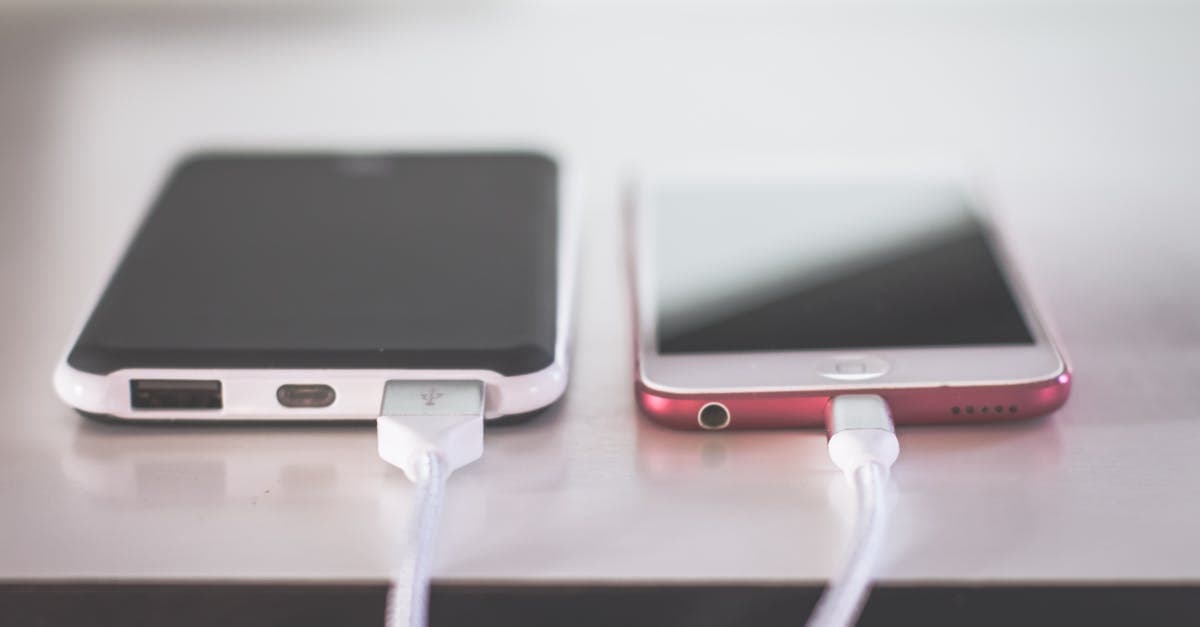
Tethering costs nothing extra if your carrier plan includes hotspot data. That's the full upside.
The downside is thermal physics. Smartphones aren't built for sustained radio operation. After 30 minutes of heavy hotspot use, heat throttling kicks in and cuts throughput by 40 to 60 percent. Performance gets sluggish, the device heats up, and the battery drops fast.
Dedicated hotspot devices are engineered for exactly this load. Their chipsets, antennas, and thermal management handle sustained operation without the speed drop. You can also park the device near a window for stronger cellular reception, keeping your phone in your pocket where it belongs.
Use case decides which option earns a spot in your bag.
When tethering makes sense
Tethering is the right call in four specific situations.
- Short sessions, light tasks: Checking a map, pulling up a boarding pass, sending a quick message. The kind of brisk, light use that wraps up before battery drain or heat becomes a factor.
- Hotspot already bundled: Many unlimited plans from AT&T, T-Mobile, and Verizon include hotspot data by default t-mobile.com. Paying for a dedicated device on top of that is overkill.
- Solo travel, one device: No group to manage, no shared bandwidth to stress over. Tethering handles the load cleanly.
- No room for extra hardware: A dedicated hotspot is another gadget, another charger, and another thing to misplace mid-trip.
For longer work sessions, group travel, or sustained video calls, dedicated hardware pulls ahead on two specific counts.
Signal placement and heat throttling in practice
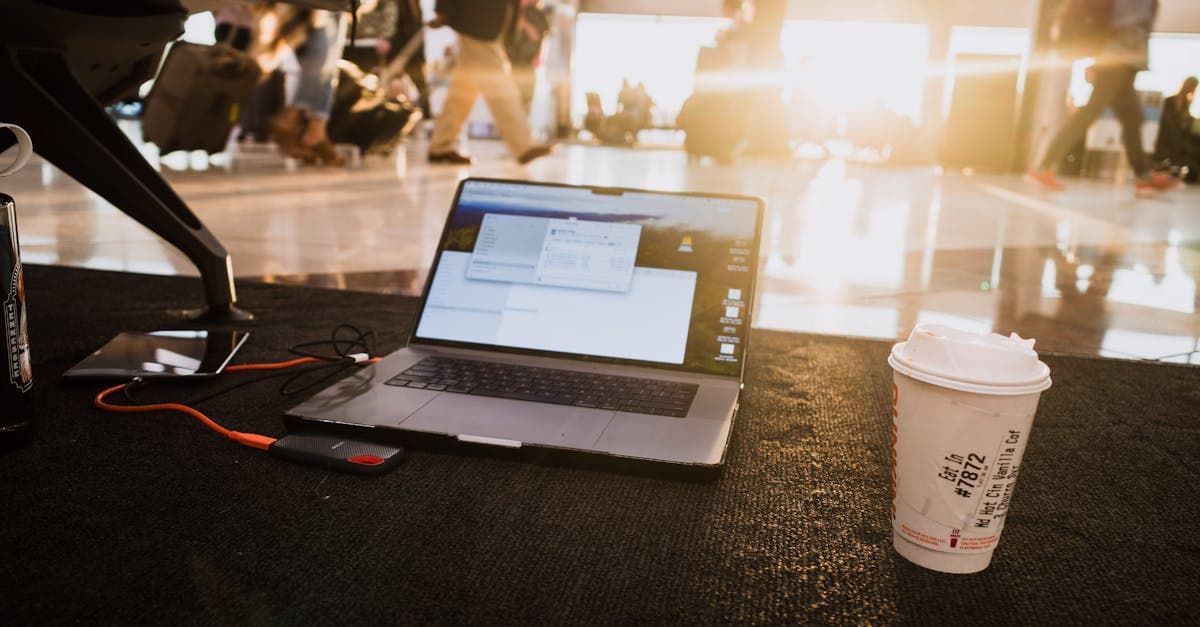
Short international trips favor per-day eSIM pricing over a monthly hardware plan. HelloRoam's Canada eSIM plans, for example, cover Bell, Rogers Wireless, and Freedom Mobile networks with no rental device required and no return deadline.
Key fact: HelloRoam Canada eSIM plans start at ~$5.49 for 1GB over 7 days on 5G networks, with no physical SIM or portable device required.
Browse All eSIM Plans to compare per-day and per-gigabyte options across dozens of destinations before your next departure.
How Much Does a Portable WiFi Hotspot Cost Per Month?

===SECTION 1===
Expect $30 to $80 per month for the data plan alone on a US carrier portable wifi hotspot, covering 10 to 100GB depending on tier verizon.com. The hardware adds a separate upfront cost at the range noted earlier, and international roaming add-ons often double the base monthly bill when you cross a border.
International travel is where the cost structure gets uncomfortable. Carrier roaming add-ons accumulate daily while you're navigating train schedules in a foreign city, maps open, phone battery already half gone. Miss a cutoff and you owe for another full day at the same metered rate.
Airport pocket WiFi rentals sidestep the hardware purchase: roughly $10 to $15 per day, with the device returned at the airport when you're done verizon.com. A two-week rental at that rate runs $140 to $210 in fees, charged whether you max out the data cap or barely use it.
No device purchase. No return counter.
eSIM travel plans price out per day or per gigabyte, with no hardware to buy or ship back. A 15GB US plan for 30 days runs ~$30.99 through HelloRoam on T-Mobile and Verizon networks, a fixed number with no daily roaming add-ons stacked on top.
The two-week comparison rarely favors carrier roaming. Those add-ons charge daily and compound; a prepaid eSIM plan settles upfront with a single known cost. For travelers who cross international borders regularly, hardware-free data is a predictable expense, not a variable line item that shifts every time you change countries.
Are Portable Wi-Fi Hotspots Worth It?

===SECTION 1===
A portable wifi hotspot earns its cost for frequent travelers, remote workers, and groups. For a solo traveler spending two nights somewhere with solid hotel WiFi, it's overkill. The honest answer depends on three variables: trip length, group size, and how remote your destination is.
Picture five people sharing a cabin rental in rural Montana, twenty miles outside cell tower range. One device, one plan, everyone connected. The cost per person drops to a fraction of what each traveler would pay individually through roaming plans. That's where a dedicated hotspot makes obvious financial sense.
Digital nomads land in a different category entirely.
For someone working from Lisbon one month and Medellin the next, always-on connectivity isn't a convenience. It's a work requirement. A dedicated device removes the battery anxiety of tethering through a phone and keeps the connection stable through long video calls and file transfers.
The counter-case is equally clear. Trips under three days in a major city, where hotel WiFi covers the basics, don't justify buying dedicated hardware. Your phone's eSIM handles the occasional navigation gap without the extra carry weight or upfront device cost.
Evaluate against three checkpoints before purchasing: trip duration, how many devices need a connection, and whether your destination has the coverage the device's plan actually supports. Rural gaps catch travelers off guard more than most urban itineraries suggest.
eSIM as a Portable WiFi Alternative for International Travel
===SECTION 1===
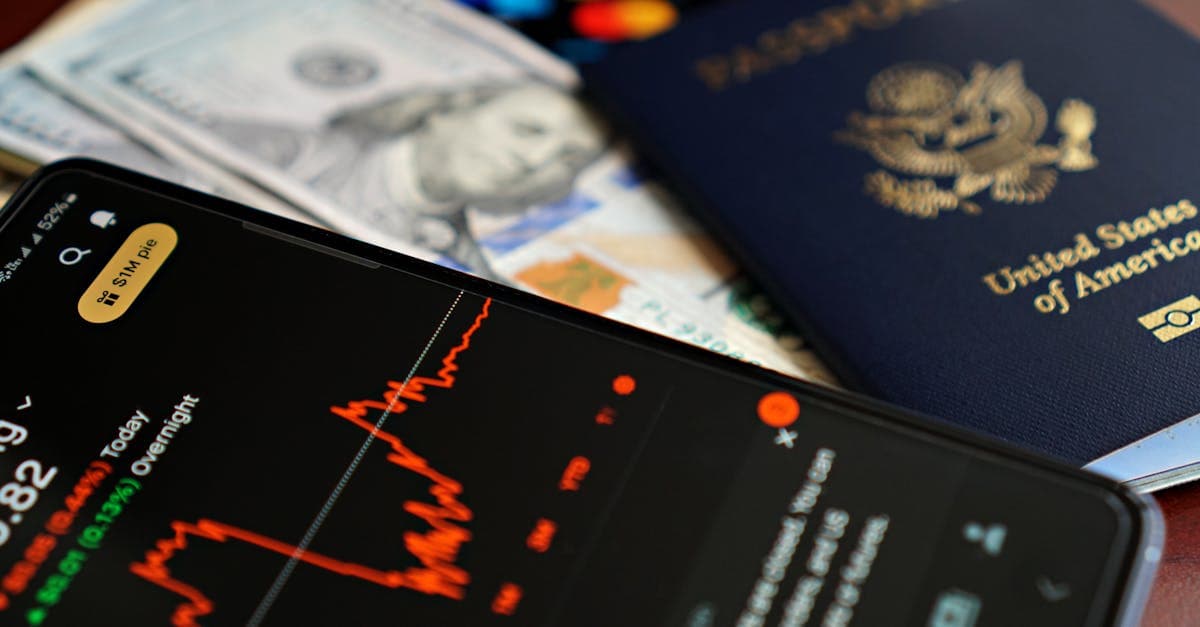
An eSIM converts your existing smartphone into a full-featured hotspot with no extra hardware to pack, charge, or lose in a security bin at JFK. Most travelers shopping for a portable wifi hotspot assume the answer is a physical device. It isn't.
The activation process (covered earlier in this guide) takes a few minutes on any modern iPhone or Android. Once active, the phone shares that cellular connection to your laptop, tablet, or a travel companion's device just like any dedicated hotspot would.
Security is a real differentiator here. Public WiFi at airports, hotels, and cafes typically runs unencrypted, leaving traffic exposed to interception. A cellular connection routes through encrypted protocols by default, which puts distance between your traffic and the shared pipe everyone at the gate is using.
There's an environmental case too. Physical SIM cards are single-use plastic. Rental hotspot devices ship in boxes, use batteries that degrade, and eventually end up in landfills. An eSIM leaves no hardware footprint at all.
Coverage varies by country, so verify your destination's network support before departure. Some remote areas and smaller island nations have patchy eSIM availability regardless of which plan you choose.
For short international trips, a per-day or per-gigabyte eSIM plan sidesteps the monthly cost structure of a dedicated device entirely. The two-week add-on math from the previous section makes this point clearly: daily plans compound fast on a device, while a fixed-data eSIM expires when you land back home.
The hardware-free approach won't suit every traveler. Group trips with five devices running simultaneously still favor a dedicated hotspot. But for solo travelers and couples, the case for carrying a second device gets harder every year.
How Can I Get Portable WiFi Without a Provider?
Truly provider-free, reliable WiFi doesn't exist for most travelers. Every connection traces back to a network operator: the hotel's ISP, the airport's infrastructure contract, or the cellular carrier powering a rental device. The "no-provider" option is mostly a myth.
Three real workarounds reduce your reliance on a paid plan.
Hotel and airport WiFi is free but comes with real friction. Shared bandwidth across hundreds of simultaneous users makes browsing spotty at peak times and turns video calls into buffering contests. Open networks also carry genuine security risks for banking apps, work logins, and anything else worth protecting.
Offline maps and cached content pull more weight than most travelers expect. Download Google Maps for your destination before departure, save boarding passes locally, and cache key documents. A surprising slice of modern travel works fine without a live connection. You still need live data for ride-share apps, real-time navigation updates, and restaurant searches.
Pocket WiFi rental counters at major international airports, including Narita, Heathrow, and Charles de Gaulle, offer portable wifi hotspot devices by the day. Daily rental rates stack up quickly on longer stays, and you're picking up hardware someone else already returned.
Prepaid local SIM cards come closest to self-sufficient. Pay once, own the data, no ongoing account required. The friction is genuine and sometimes clunky: locating a carrier store after arrival, confirming device compatibility, and configuring APN settings manually.
If a dedicated device is still your pick, here is how to choose one.
What Is the Best Portable WiFi Hotspot?

The Netgear Nighthawk M6 is the best overall portable wifi hotspot for US travelers as of 2026. Sub-6GHz 5G across n41, n71, and n77 bands covers the major US carrier frequencies, the TS-9 antenna port opens an upgrade path for rural and RV use, and the hardware is engineered for the sustained multi-device loads that would throttle a phone-based hotspot netgear.com.
For international trips, GlocalMe's dual-mode setup is the brisk pick. Insert a local carrier SIM where speeds and pricing favor it; Cloud SIM covers the rest. That combination sidesteps the airport kiosk queue in most destinations.
Budget buyers can start with a carrier-branded LTE device from AT&T, T-Mobile, or Verizon t-mobile.com. You're carrier-locked to that network's footprint, but plan management stays simple and upfront cost is low.
One product line to avoid entirely: the Verizon Jetpack, discontinued in late 2023. Verizon no longer supports it with active plans and has redirected customers toward 5G Home Internet and phone hotspot features instead. Secondhand listings still circulate on resale platforms.
Dead ends, all of them.
mmWave 5G (n257 through n261 bands) delivers peak speeds in dense US city centers but coverage rarely extends more than a few hundred feet from a specific tower. Sub-6GHz 5G is the practical standard for airports, hotels, and most travel scenarios.
Before buying, match the device's band list to your carrier's documented spectrum. A mismatch means paying for 5G hardware and running on LTE.
Your best option is clearer now than when you started reading.
Reviewed by HelloRoam's editorial team. Last updated: 29 April 2026.
Get Connected Before You Go





Frequently Asked Questions
A portable Wi-Fi hotspot is worth it for frequent travelers, remote workers, and groups sharing a connection across multiple devices. For solo travelers on short city trips with reliable hotel WiFi, dedicated hardware is likely overkill. Evaluate based on trip length, number of devices needing a connection, and whether your destination has the coverage the device plan actually supports.
The best portable WiFi hotspot depends on your use case. Devices supporting sub-6GHz 5G bands offer broad, reliable coverage across suburban and rural areas and suit most travelers. For extreme speeds in dense urban cores, look for a model rated for mmWave 5G bands, though that capability is available on very few consumer devices as of early 2026.
A portable WiFi hotspot data plan costs $30 to $80 per month in the US, covering 10 to 100GB depending on the tier. Hardware adds a separate upfront cost of $50 to $300. International roaming add-ons often double the base monthly bill when you cross a border, making prepaid travel eSIM plans a more predictable alternative.
Truly provider-free reliable WiFi does not exist for most travelers, as every connection traces back to a network operator. Practical workarounds include using hotel or airport WiFi, downloading offline maps and content before departure, renting a pocket WiFi device at major international airports, or purchasing a prepaid local SIM card on arrival.
A portable WiFi hotspot is a compact, battery-powered device that creates a personal WiFi network by pulling in a cellular signal and rebroadcasting it locally. It runs two radios in parallel: a cellular modem for the carrier uplink and a WiFi radio that your devices connect to. Most models support multiple devices simultaneously.
Phone tethering works well for solo travelers on short, light sessions, but smartphones heat-throttle after about 30 minutes of heavy use, cutting throughput by 40 to 60 percent. Dedicated hotspot devices are engineered for sustained operation with better thermal management and antenna placement. Groups, remote workers, and road trippers benefit most from a dedicated device.
Phone tethering makes sense for quick tasks like checking a map or pulling up a boarding pass, when your existing carrier plan already includes hotspot data, or when you are traveling solo with only one device to connect. If your data needs are light and you want to avoid carrying extra hardware, tethering is the practical choice.
A travel eSIM is a digital SIM profile installed directly on a compatible smartphone, eliminating the need for a physical device or rental hardware. Once activated, the phone shares its cellular connection to a laptop or tablet just like a dedicated hotspot. Travel eSIM plans start at $2.49 for 2GB on T-Mobile 5G and cover 190+ destinations worldwide.
Yes. A cellular eSIM connection routes through encrypted protocols by default, while public WiFi at airports, hotels, and cafes typically runs unencrypted, leaving traffic exposed to interception. For banking apps, work logins, and sensitive browsing abroad, a cellular connection provides significantly stronger security than shared public networks.
Airport pocket WiFi rental devices typically cost $10 to $15 per day, returned at the airport on arrival back home. A two-week rental at that rate adds up to $140 to $210 in fees, charged regardless of how much data you actually use. Travel eSIM plans offer a fixed, hardware-free alternative with no return counter required.
Sub-6GHz 5G bands deliver broad, solid coverage across suburban and rural areas and suit most travelers. mmWave 5G bands reach extreme speeds but fade within roughly 100 meters of a tower, making them relevant only in dense urban cores. As of early 2026, mmWave support is available on very few consumer hotspot devices on the market.
Yes, a travel eSIM is well suited for solo travelers and couples needing to connect one or two devices abroad. It requires no extra hardware, no return deadline, and activates in minutes on any compatible iPhone or Android. Travel eSIM plans covering 190+ destinations start at $2.49 for 2GB on T-Mobile 5G with no physical device required.
Dedicated portable WiFi hotspot devices are the strongest option for groups and families, supporting 2 to 32 simultaneous device connections depending on the model. They can be positioned near a window for the strongest cellular signal while everyone uses their own devices. eSIM tethering suits solo travelers and couples better, as it is limited to one phone's connection.
Carrier international roaming add-ons charge daily and can double your base monthly bill while abroad. Miss a billing cutoff and you owe for another full day at the same metered rate. Prepaid travel eSIM plans settle upfront with a single known cost, making them a more predictable expense for travelers crossing international borders regularly.
Yes. A travel eSIM activated on a compatible smartphone can share its cellular connection via the phone's built-in hotspot feature, allowing laptops, tablets, and other devices to connect. This works the same way as tethering from a physical SIM, with no additional hardware required. For groups with many devices, a dedicated hotspot device remains more efficient.
Sources
- What is Portable WiFi? The 3 Best Ways to Get Internet on the Go — netgear.com
- Buy Portable WiFi Hotspots, IoT & Connected Devices — t-mobile.com
- Portable Wifi Hotspot For Travel | Verizon Business — verizon.com